109
●
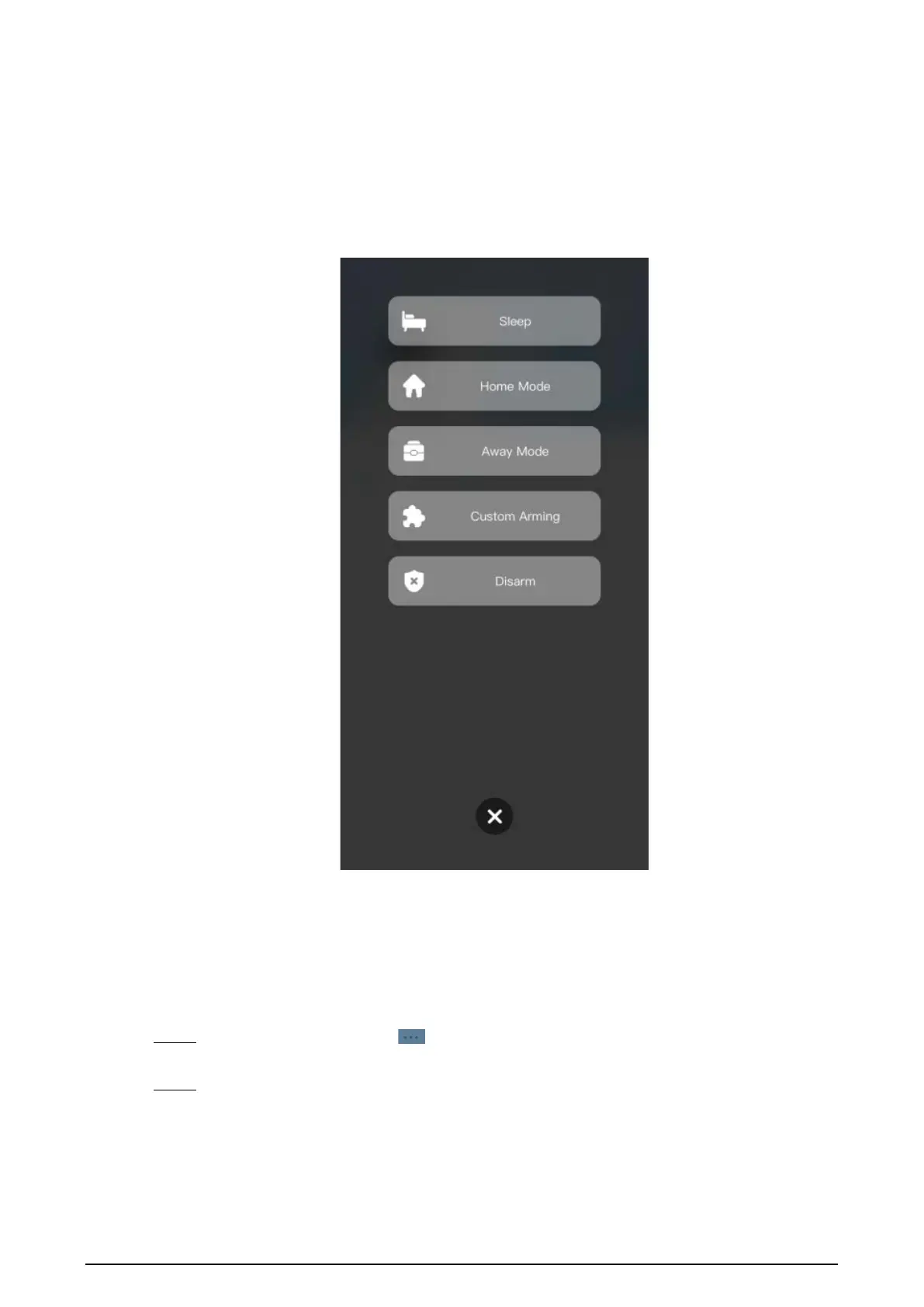
Sleep
: An alarming mode that allows you to arm the system in the sleep time.
●
Home Mode
: An arming mode that allows you to arm the system when inside the area
of the alarm system.
●
Always Mode
: Arm the system when you leave the area of the alarm system.
●
Custom Arming
: Arm the system based on your customized needs.
●
Disarm
: Turn the security system off. The opposite of arming.
Figure 5-8 Arm and disarm mode
5.5 DMSS Calling VTH
Make sure that the VTH and VTO are properly connected.
Procedure
Step 1 On the
Home
screen, tap , select the VTH you have just added, and then tap
Device
Details
to go to the function screen.
Step 2 Tap
Call Video Intercom
to call the VTH you added to the DMSS.


 To Next Page
 Loading...