77
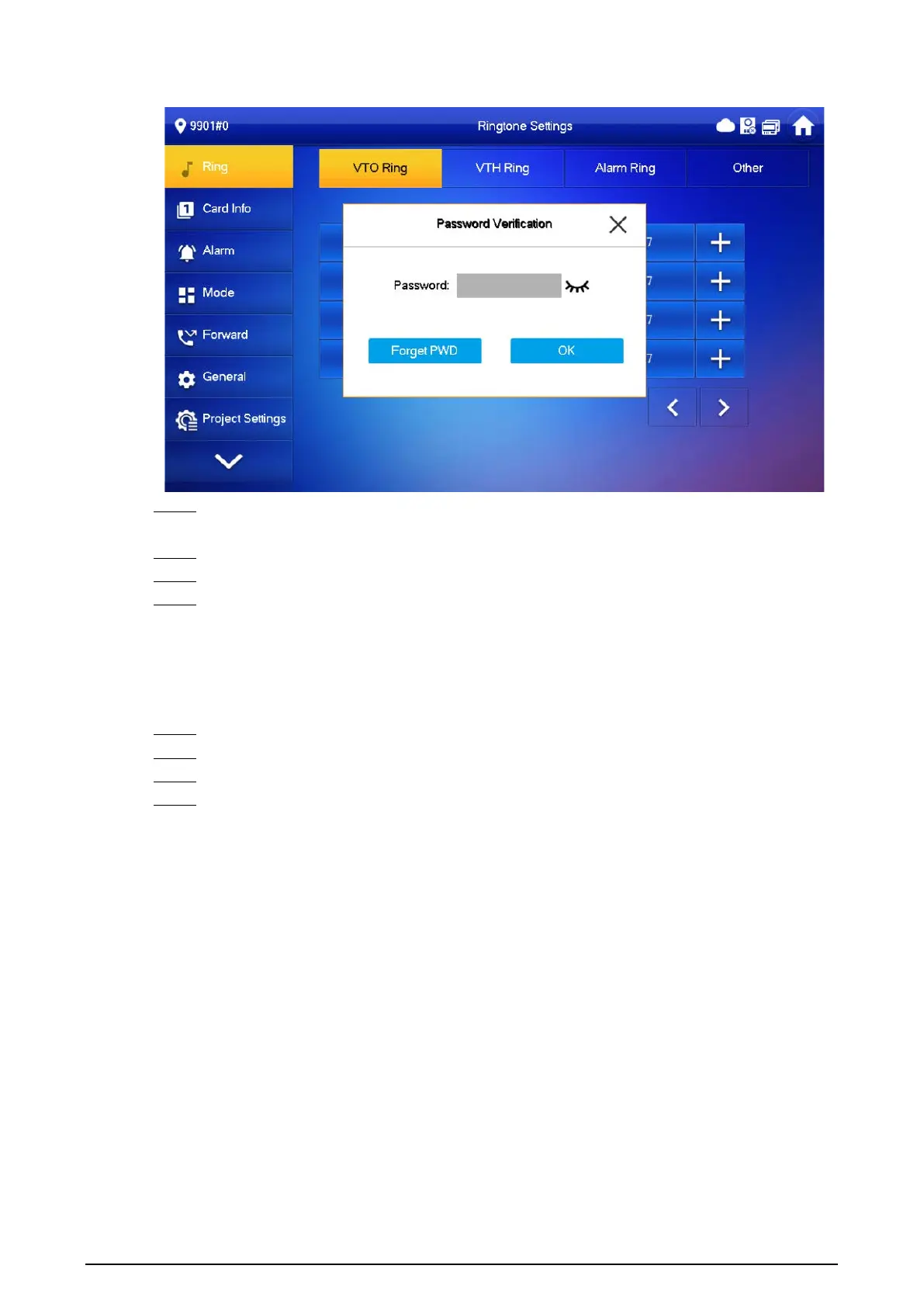
Figure 3-51 Password
Step 3 Scan the QR code with any code-scanning APP, bind your email box, send it by email to the
specified email addressed on the screen to obtain a security code.
Step 4 Tap
Next
.
Step 5 Enter the password and confirm it, and then enter the obtained security code.
Step 6 Tap
OK
to complete resetting the password.
3.7.2 Network Settings
Procedure
Step 1 On the main screen, select
Setting
>
Project Setting
.
Step 2 Enter the password and tap
OK
.
Step 3 Tap
Network
>
LAN
.
Step 4 Enter the information, and then tap
OK
; or turn on
DHCP
to obtain the information
automatically.


 To Next Page
 Loading...