78
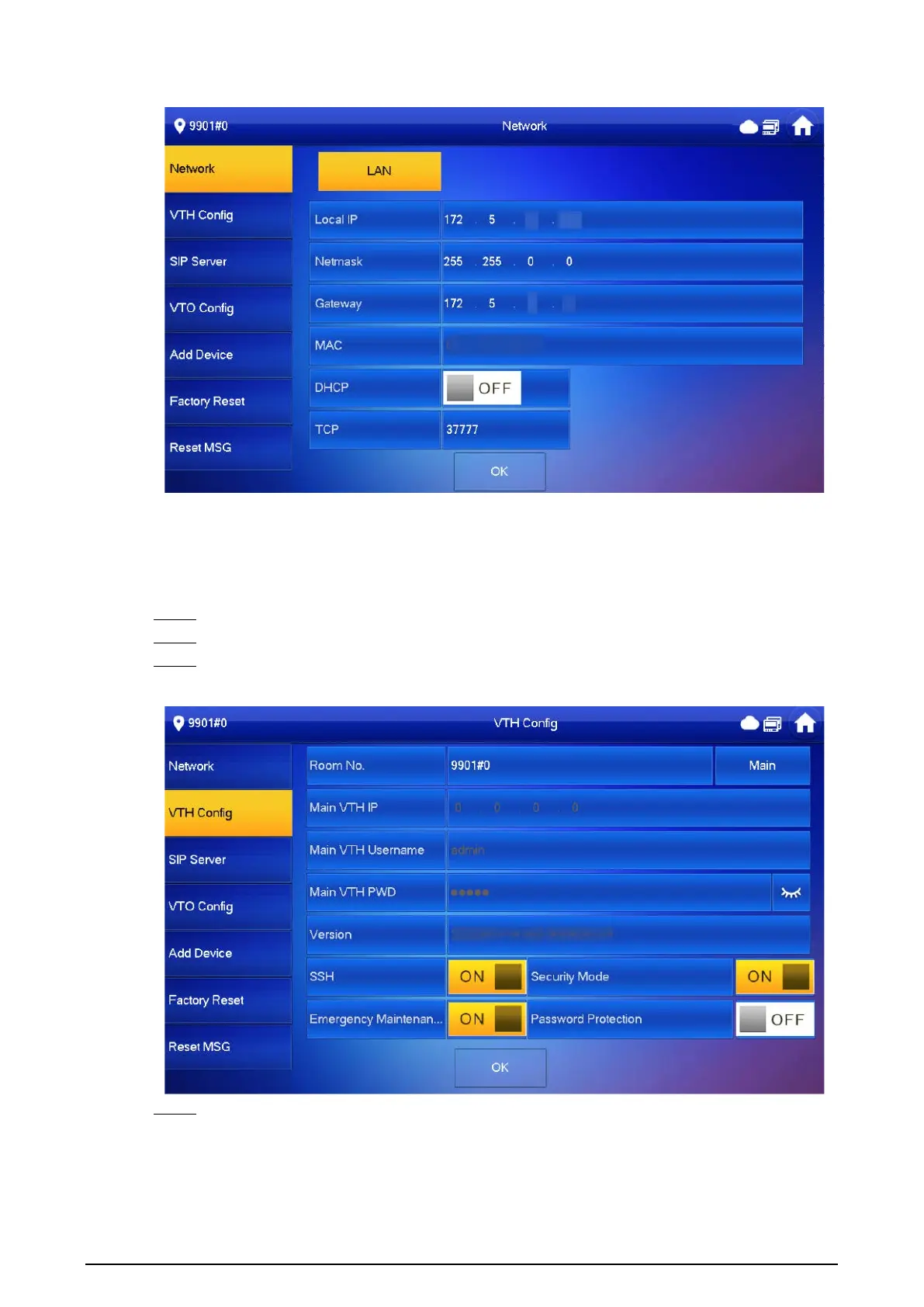
Figure 3-52 Configuring LAN
3.7.3 Configuring VTH
Procedure
Step 1 On the main screen, select
Setting
>
Project Setting
.
Step 2 Enter password and tap
OK
.
Step 3 Tap
VTH Config
.
Figure 3-53 VTH configuration
Step 4 Configure VTH information.
●
As a main VTH. Enter the room number (such as 9901 or 101#0) and other information,
and then tap
OK
.


 To Next Page
 Loading...