21
Parameter Description
IP Address IP address of VTO.
Username
Web interface login username and password of this VTO.
Password
Step 5 Click
OK
.
Step 6 Repeat Step3- Step5 to add other VTOs.
2.2.6 Adding VTH
Background Information
●
Add VTHs only when the current VTO works as the SIP server.
●
Add both main and extension VTHs.
Procedure
Step 1 Select
Household Setting
>
Room No. Management
.
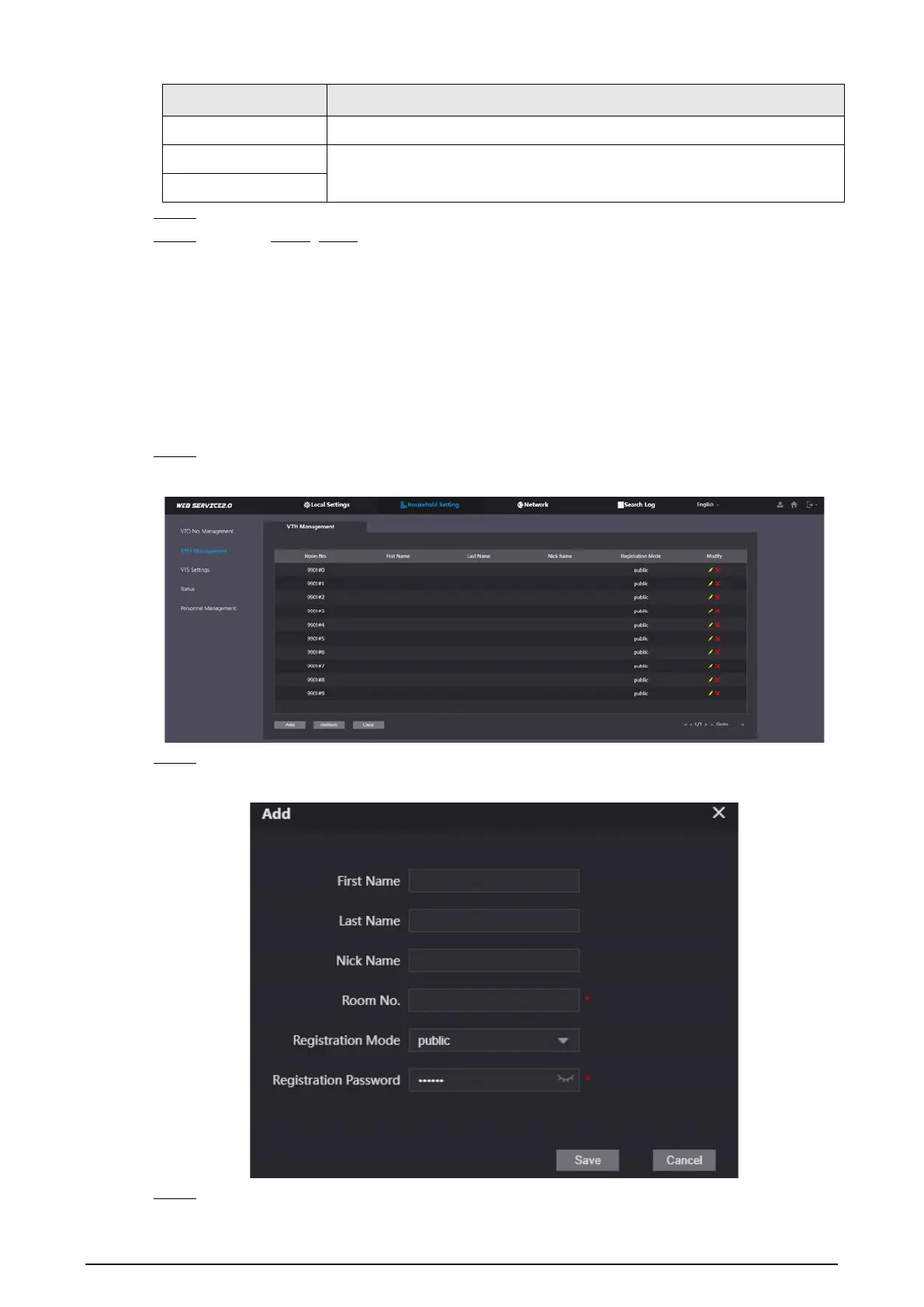
Figure 2-10 Room number management
Step 2 Click
Add
.
Figure 2-11 Add a VTH
Step 3 Configure the parameters.


 To Next Page
 Loading...