63
●
The
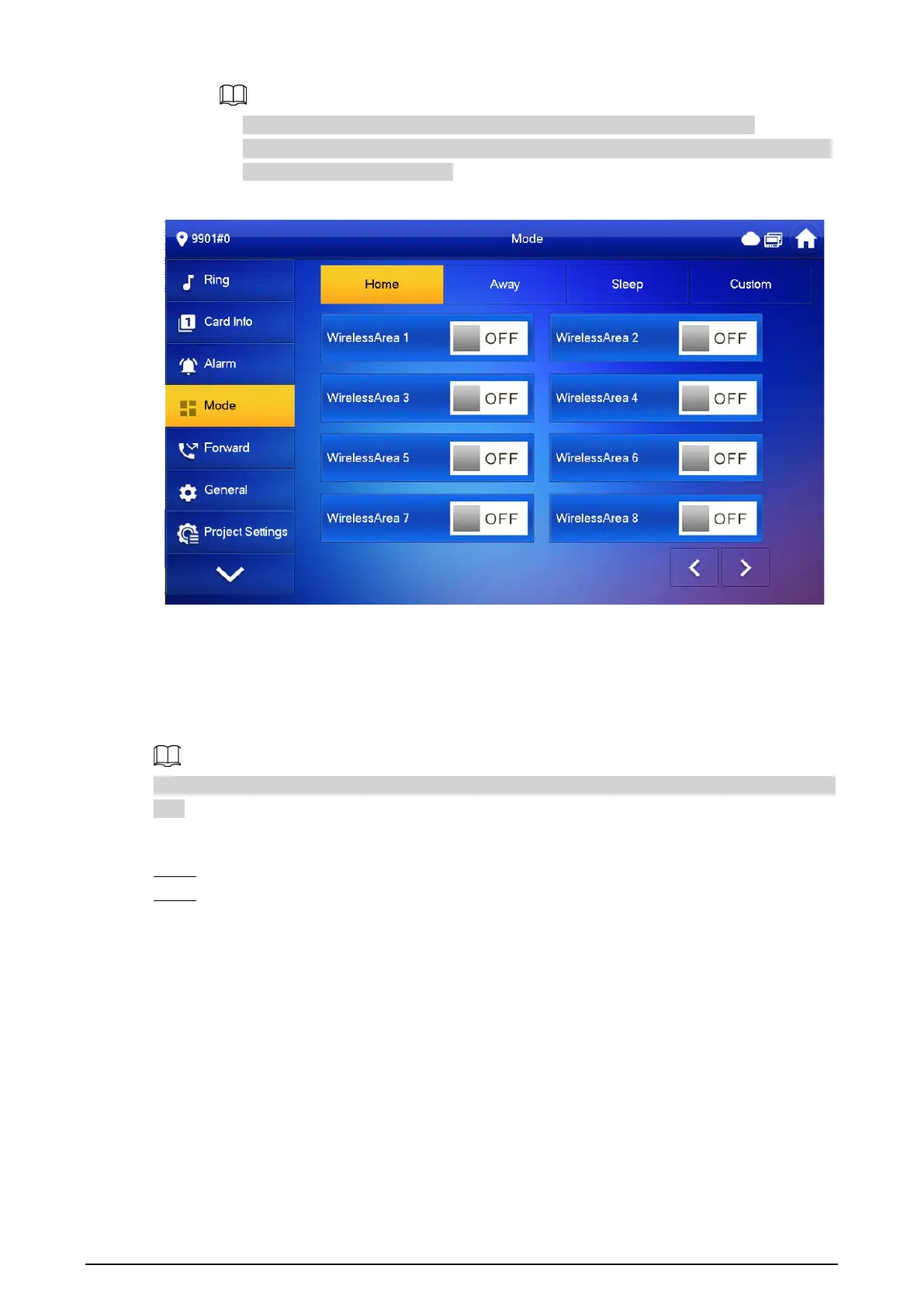
WirelessArea
is only available for devices supporting Wi-Fi connection.
●
Multiple areas can be added into one arm mode simultaneously, whereas one area can
be added into different modes.
Figure 3-33 Mode setting-WirelessArea
3.6.5 Forward Setting
Background Information
Forward incoming calls.
Parameters at this interface are set on main VTH only, and extension VTH synchronizes with the main
VTH.
Procedure
Step 1 Tap
Setting
.
Step 2 Select
Forward
.


 To Next Page
 Loading...