114
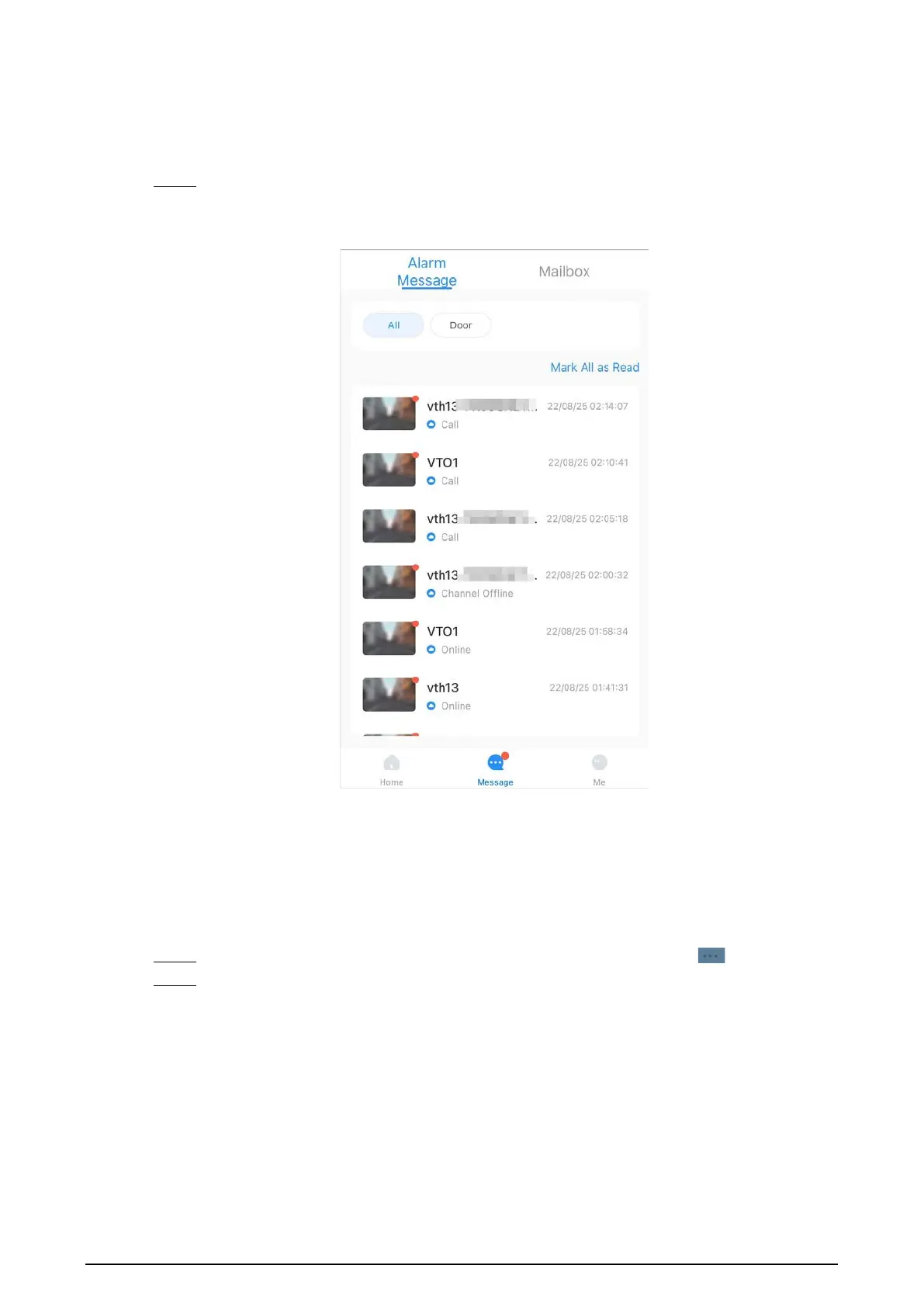
5.9 Viewing Alarm Information
Procedure
Step 1 On the
Message
screen, tap
Alarm Message
to view the alarm recorded reported from the
VTOs and VTHs.
Figure 5-14 Viewing alarm records
5.10 Device Sharing
Once one user has added the VTH, the user can share the binding relationship with other users.
Procedure
Step 1 On the
Home
screen, select the VTH you have just added, and tap the .
Step 2 Select
Device Sharing
.



 To Next Page
 Loading...