112
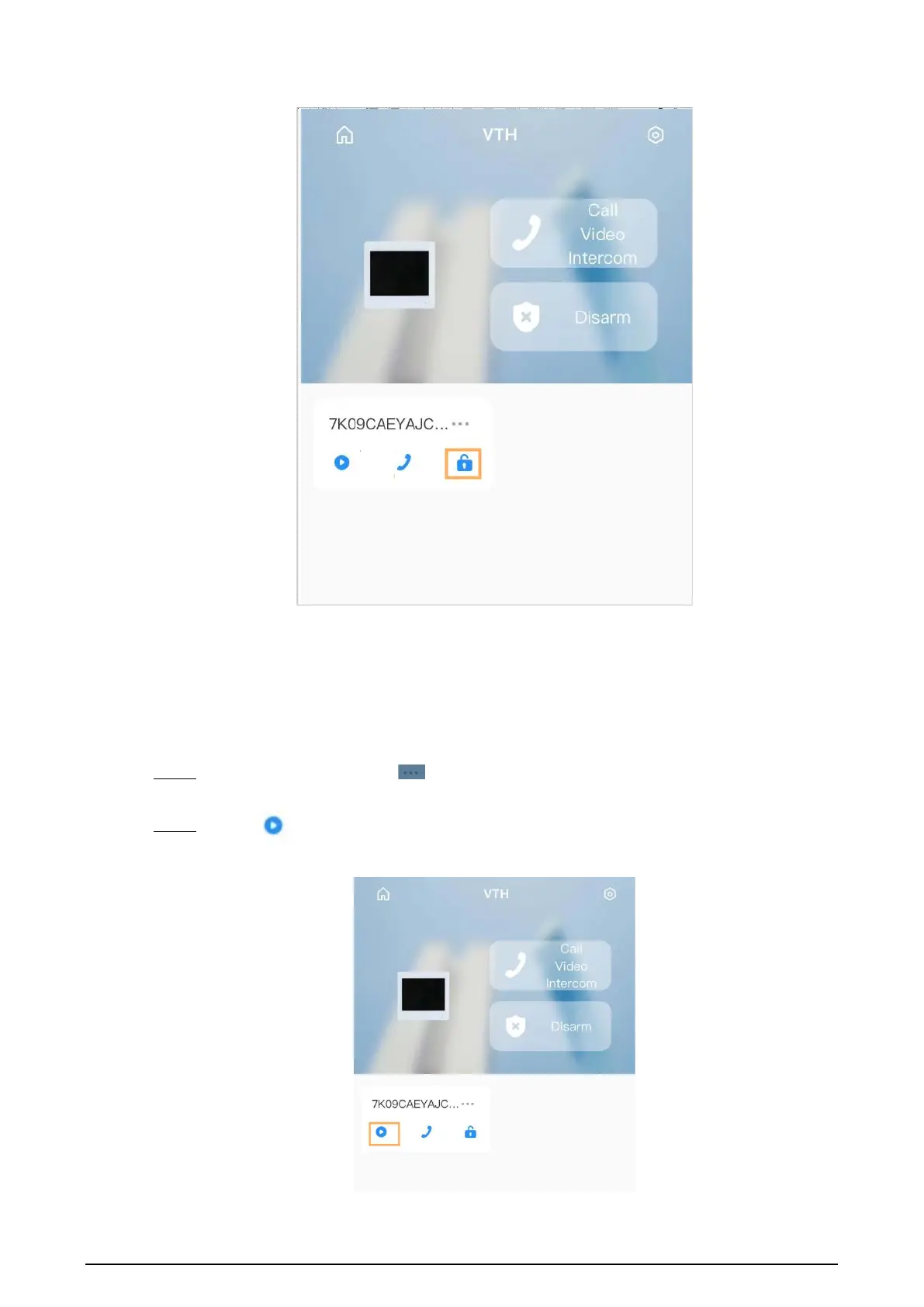
Figure 5-11 Unlocking door
5.8 DMSS Monitoring VTO
Make sure that the VTH and VTO are properly connected.
Procedure
Step 1 On the
Home
screen, tap , select the VTH you have just added, and then tap
Device
Details
to go to the function screen.
Step 2 Tap to view the monitoring video of the VTO.
Figure 5-12 View monitoring video


 To Next Page
 Loading...