116
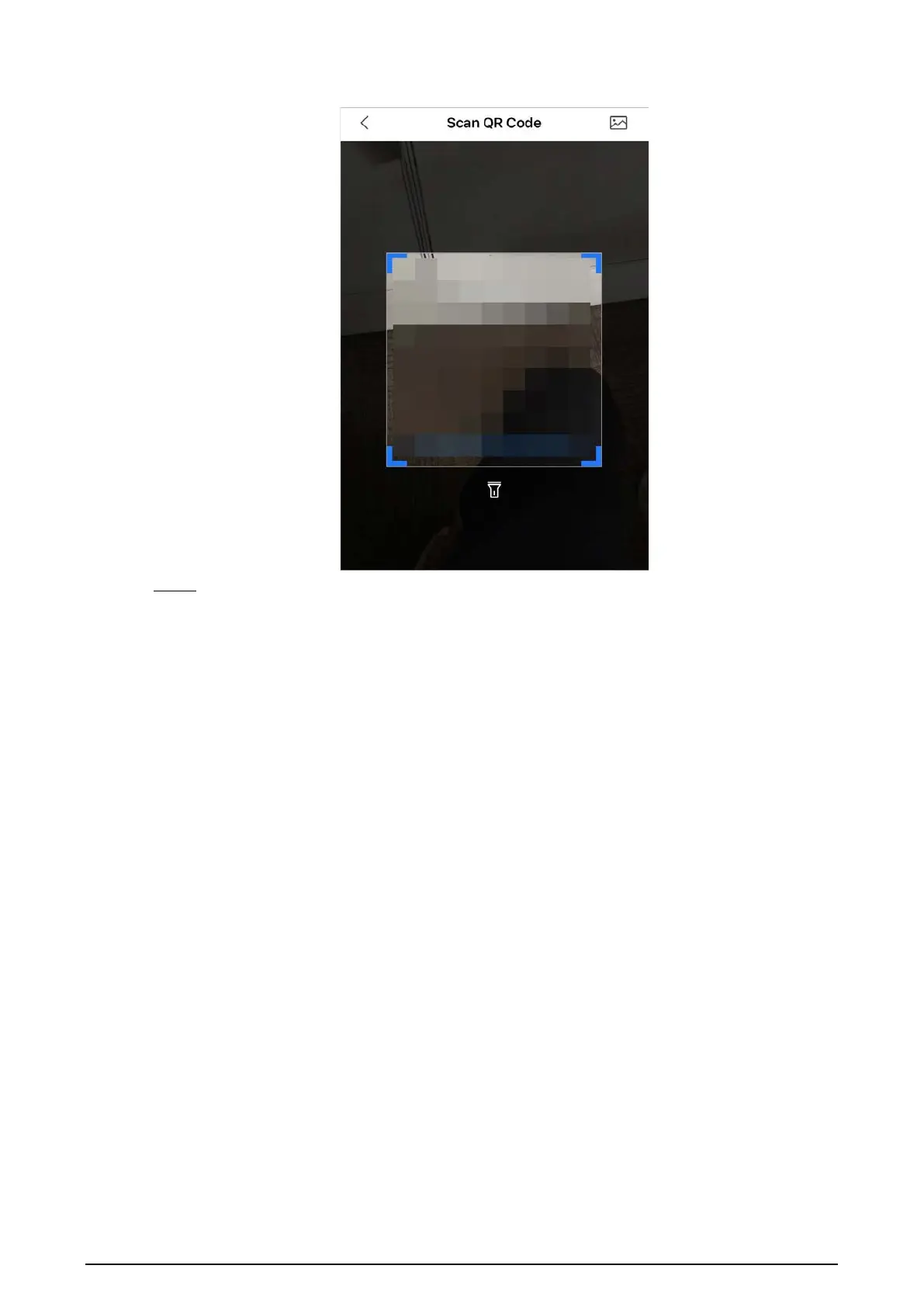
Figure 5-17 Scan QR code of the user you want to share
Step 4 After scanning the QR code, the user that receives the sharing has to refresh the
Home
screen to update the sharing information.
Related Operations
To Obtain the QR Code of the User that Receives the Sharing
1. Log in to the DMSS account of the user that to receive the sharing.
2. Tap
Me
, and tap the QR code icon at the top of the screen.


 To Next Page
 Loading...