44
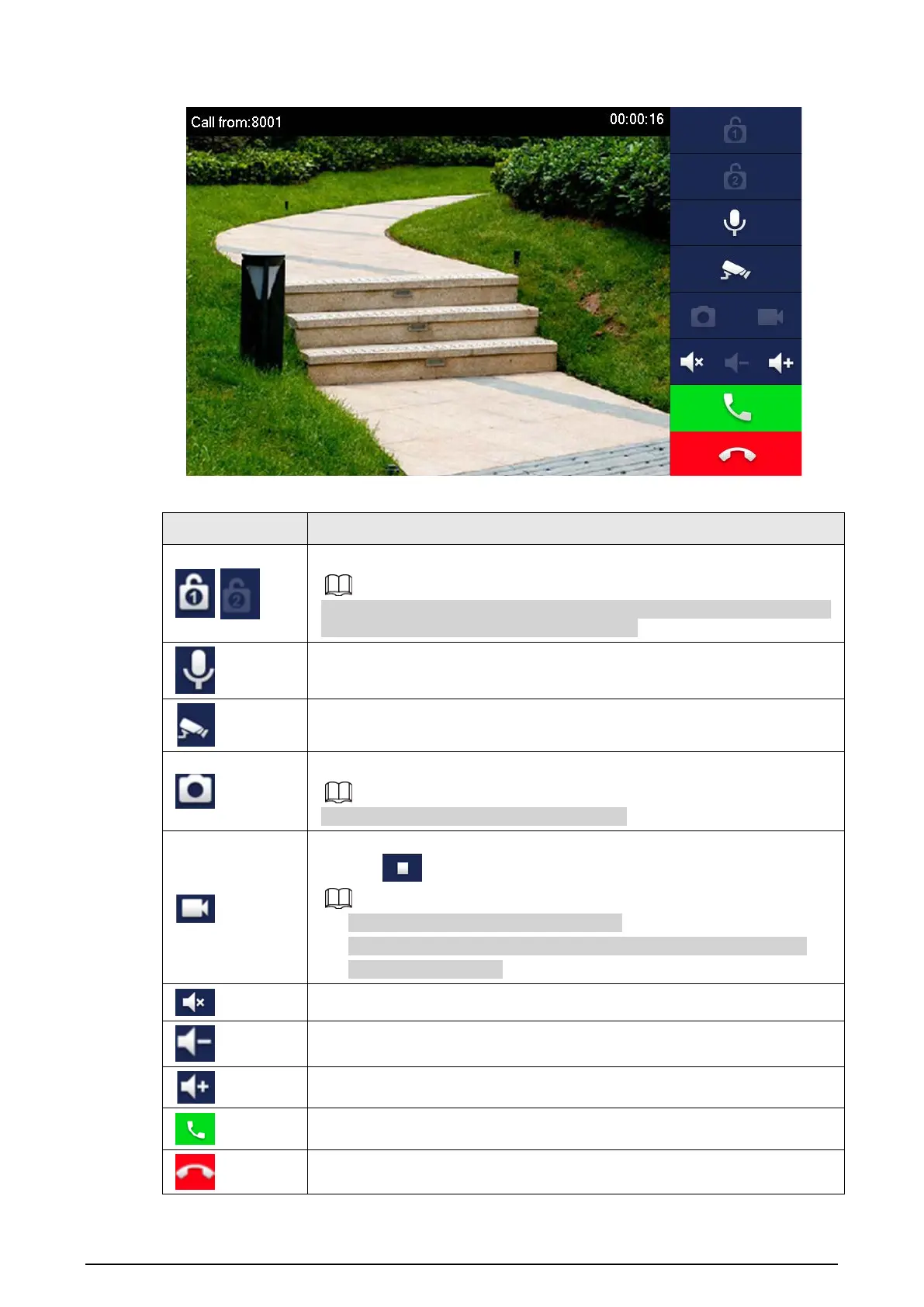
Figure 3-11 Call from VTO
Table 3-3 Call screen description
Key Description
/
Remotely unlock the door where the VTO is installed.
The system provides 2-channel unlock. If the icon is gray, it means that the
unlock function of this channel is not available.
Tap to talk to the VTO.
Select an IPC in
Favorite
to monitor.
Take snapshot.
This key will be gray if SD card is not inserted.
Take recording. Complete recording when the call is completed or by
tapping .
●
This key is gray if SD card is not installed.
●
Videos are stored in SD card of this VTH. If SD card is full, the earlier
videos will be covered.
Mute.
Reduce volume.
Increase volume.
Answer calls.
Hang up.


 To Next Page
 Loading...