49
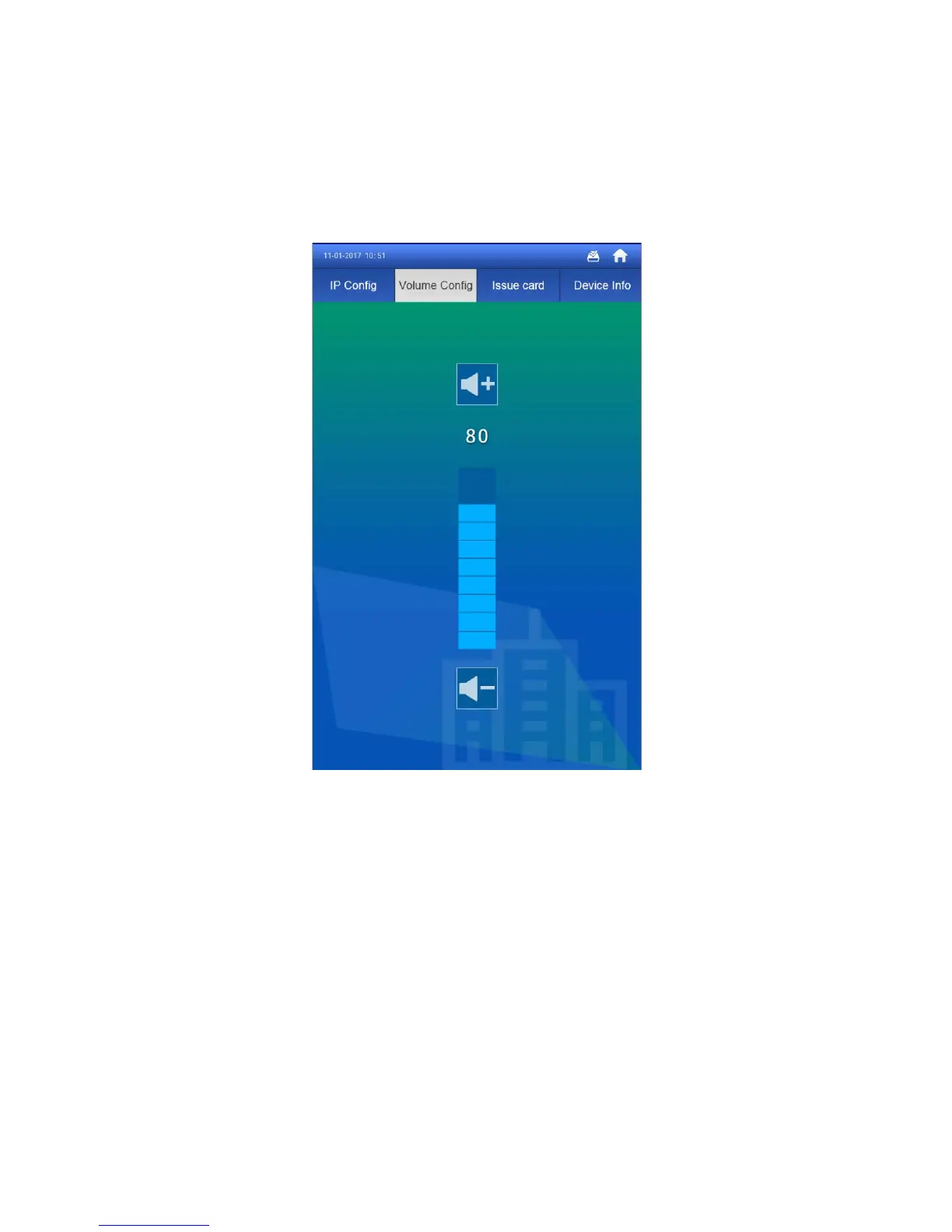
6.1.2 Volume Config
In Project Setting>Volume Config interface, you can control volume of entire VTH, incluing
touch screen tone, VTH ring, alarm tone and etc. There are recommended values, see
Figure 6-2.
Figure 6-2
6.1.3 Issue Card
Step 1. Select Project Setting>Issue Card, see Figure 6-3.



 To Next Page
 Loading...