82
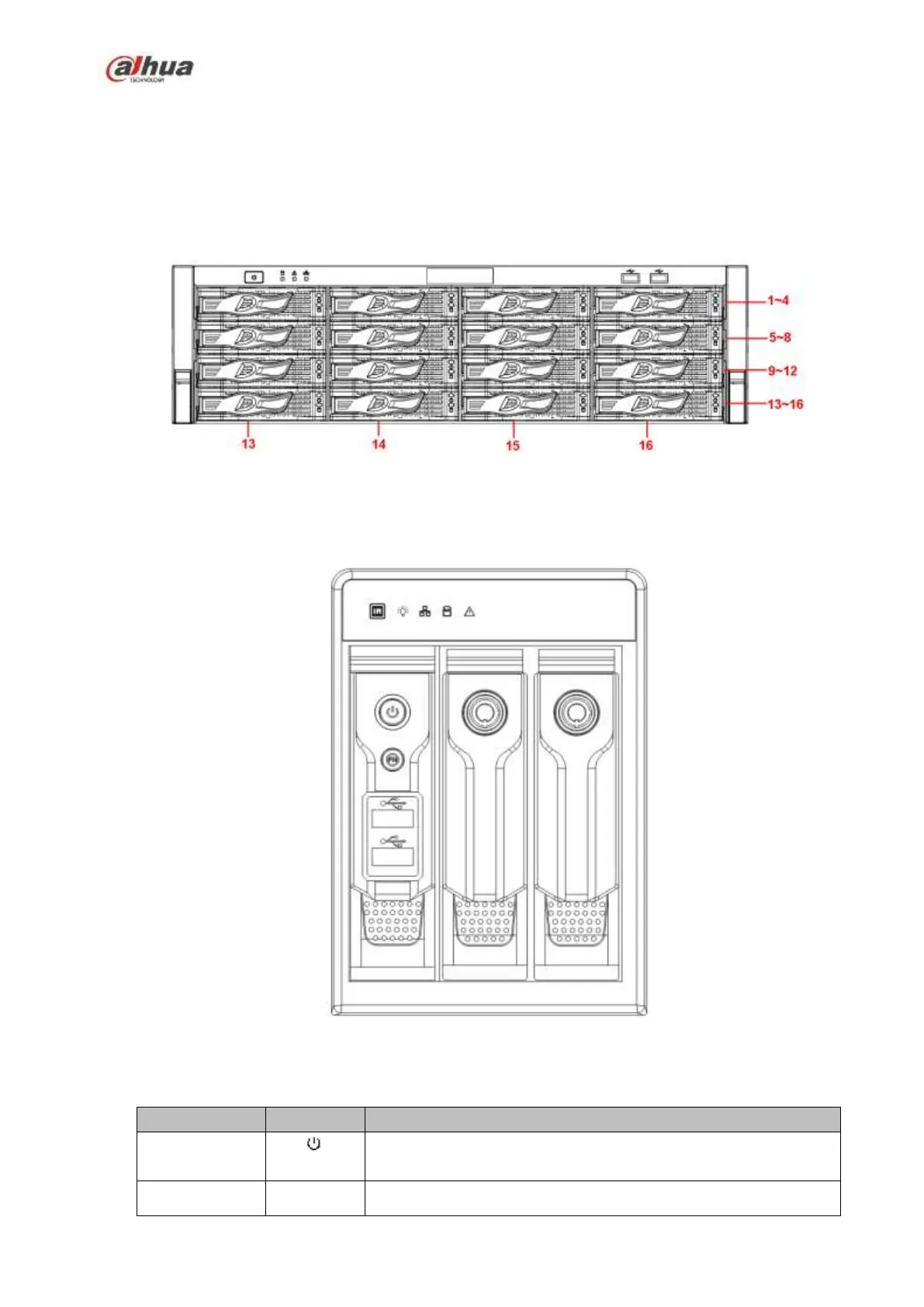
After you remove the front panel, you can see there are 16 HDDs. From the left to the right and from the
top to the bottom, it ranges from 1~4, 5~8, 6~12, 13~16. See Figure 2-15.
You can see there are two indicator light s on the HDD bracket.
The power indicator light is at the top. The light is yellow after you connected the device to the power.
The read-write indicator light is at the bottom. The blue light flashes when system is reading or
writing the data.
Figure 2-15
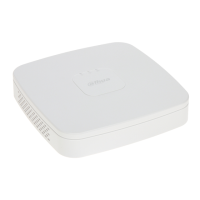
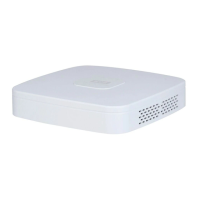
2.1.13 NVR42V-8P Series
The front panel is shown as below. See Figure 2-16
Figure 2-16
Please refer to the following sheet for front panel button information.
Power button, press this button for three seconds to boot up or
shut down NVR.
One-window monitor mode, click this button to display


 To Next Page
 Loading...