3-12
4.
MODE OPERATION
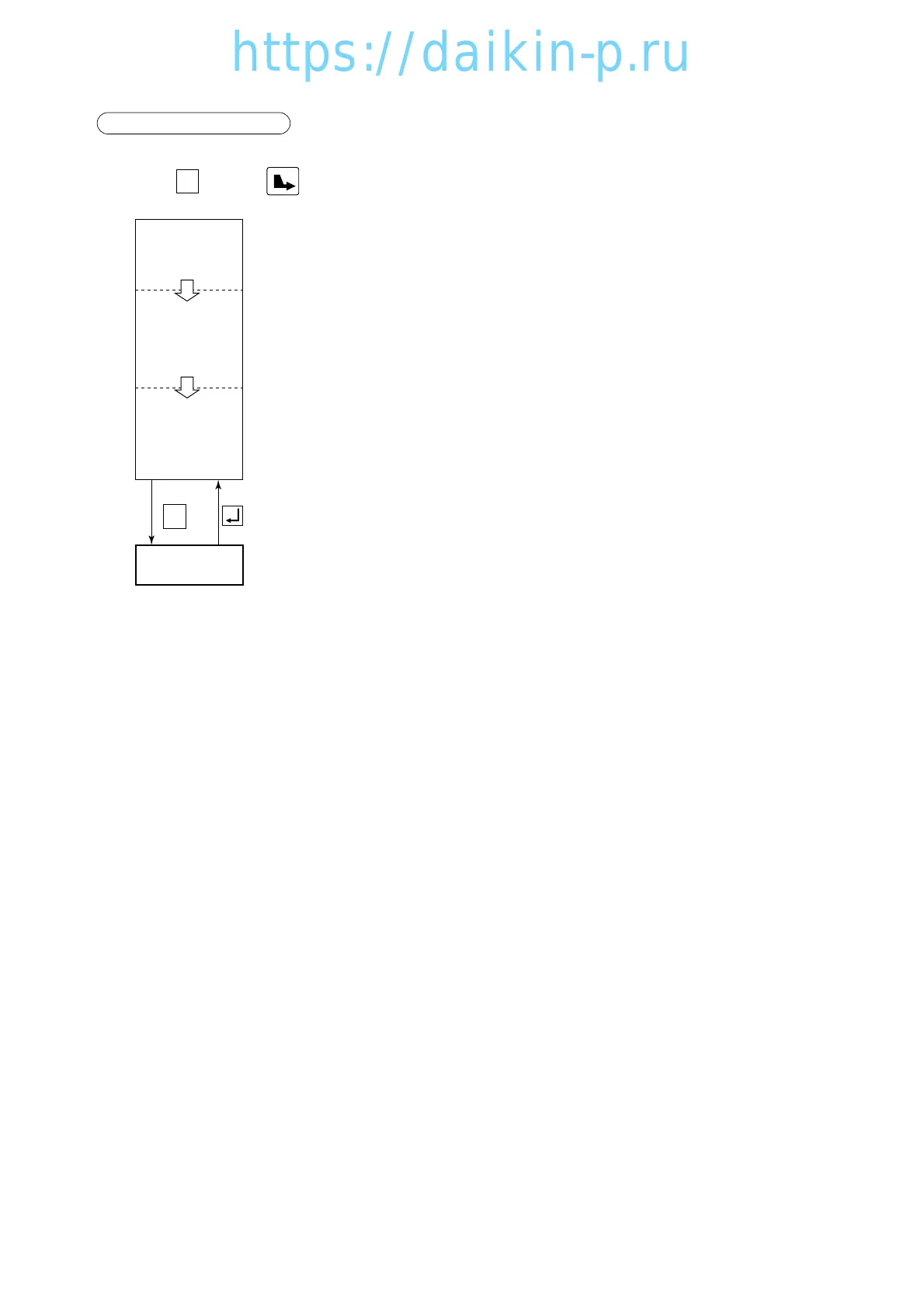
Press the key (or key) in current indication mode to go to MODE operation.
In mode operation, the following settings/operations are available.
1. Generator setting
Total power consumption can be reduced to desired Max setting for the specific generators set or
power facilities.
The selections are "off (No limit)", "15" "14" "13" "12" "11" KVA.
2. Automatic pump down
Pump down can be executed automatically.
(Refer to "Automatic pump down" in clause 4.1.3)
3. Dehumidification mode setting
Dehumidification mode can be executed in this mode (Refer to Dehumidification mode control in
clause 2.5.4).
When "Dehumidification" is set to "on", it is possible to change the following set from default.
qInside humidity : 95% (Default) ~60% RH
MODE
OPERATION
All indication
Lights on
(for 3 sec.)
Starting
Preparation
(for 18 sec.)
Current
indication
(Operation state)
※
1
M
MODE
03LXE10E-A(1-14)07.2.194:53PMページ3-12




 To Next Page