If dust sensor sensitivity is not how you want it, change the setting.
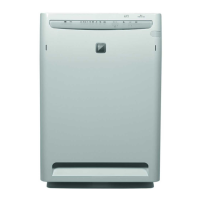
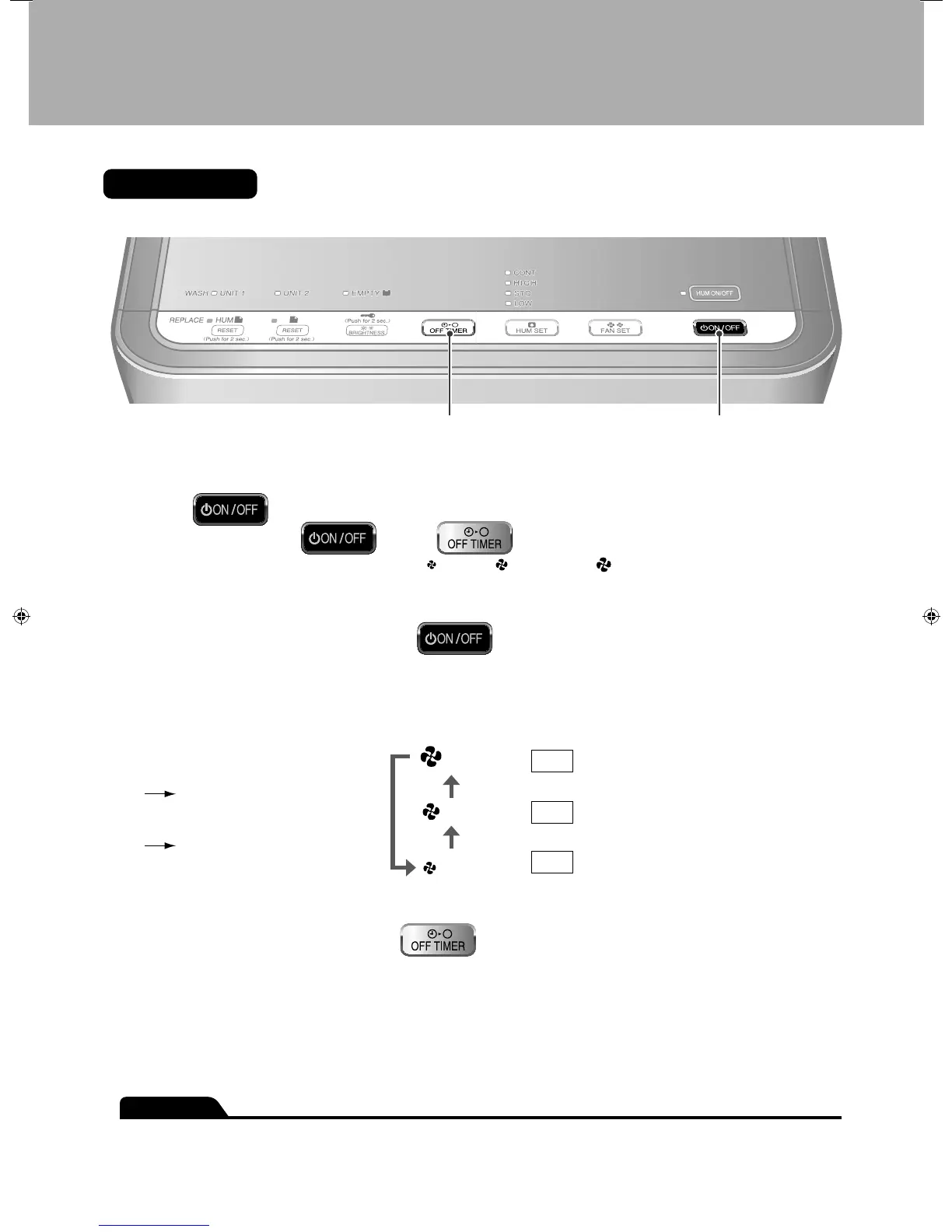
Operating panel
1,21,3
1
Press for 10 seconds.
While holding down
, press .
After a short beep sound is emitted and the airfl ow (“• ” L (Low), “ ” M (Standard), “ ” H (High)) lamps fl ash for about 5 seconds,
the lamp corresponding to the current sensitivity setting lights.
2
Change the sensitivity setting from .
Each time the button is pressed, the airfl ow lamps and the sensitivity change as below. •
The sensitivity setting is indicated by the airfl ow lamps. •
If the airfl ow lamps do not change, unplug the power supply cord, wait at least 3 seconds, plug the power supply cord back in and try
the operation again from the beginning.
To raise the sensitivity
Select the “HIGH” airfl ow lamp.
To
lower the sensitivity
Select the “LOW” airfl ow lamp.
Sensitivity
High
H (High)
M (Standard)
L (Low)
Normal
Low
The sensor more readily
reacts to dust.
Default setting
The sensor reacts less to dust.
3
After changing the setting, press .
A short beep sound is emitted and the lamp of the set sensitivity fl ashes. •
4
Unplug the power supply cord, wait at least 3 seconds and plug the power supply cord back in.
This completes the setting.
ATTENTION
Dust sensor sensitivity can be set while the unit is running or stopped. ●
If step ●
4
is not performed, the unit does not go back to the normal operating mode.
Sensitivity Settings of the Dust Sensor
01_EN_3P234570-1.indd 1301_EN_3P234570-1.indd 13 10/28/2008 12:02:39 PM10/28/2008 12:02:39 PM



 To Next Page
 Loading...