NOTE: WhiletheunitisrunningunderEnergy-saving
mode,itwouldbecancelledifanyotherbuttons
are pressed.
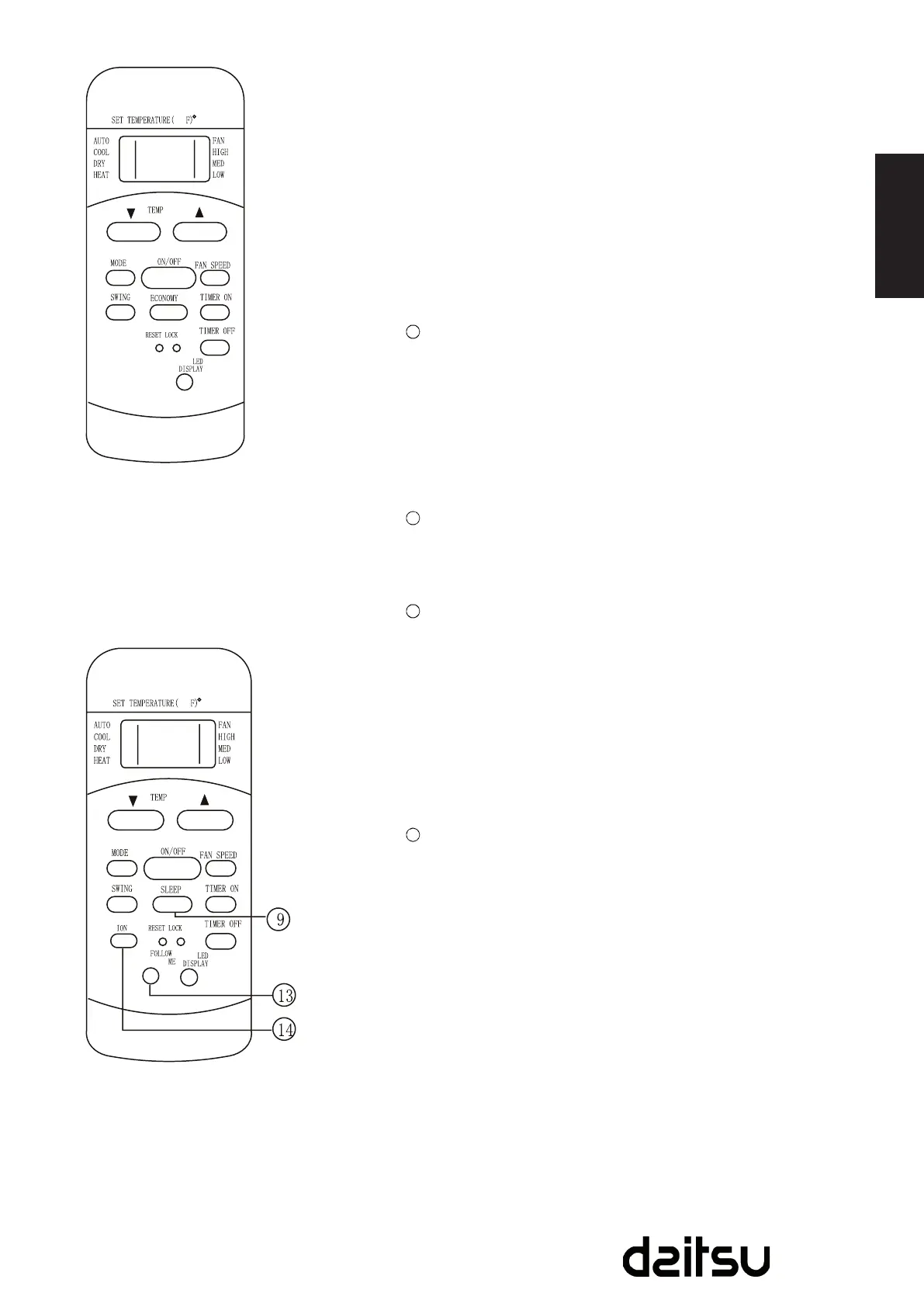
TIMER OFF Button:
PressthisbuttontoactivatetheAuto-offtimesetting.
Eachpresswillincreasethetimesettingin30minutes
increments,upto10hours,thenat1hourincrementsupto
24hours.TocanceltheAuto-offtimesetting,justpressthe
buttonuntilthetimesettingis0.0.
LOCK Button:
Pressthisrecessedbuttontolockallcurrentsettings,and
theremotecontrollerwillnotacceptanyoperationexcept
thatoftheLOCK.UsetheLOCKmodewhenyouwantto
prevent settings from being changed accidentally. Press
theLOCKbuttonagaintocanceltheLOCKfunction.Alock
symbolwillappearontheremotecontrollerdisplaywhen
thelockfunctionisactivated.
LED Display Button:
Pressthisbuttontoclearthedisplayontheindoorunit,
press it again to light the display.
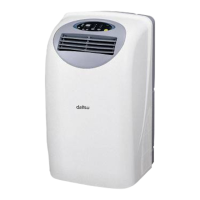
FOLLOW ME Button:
PressthisbuttontoinitiateFOLLOWMEfunction.•
WhentheFollowMefunctionisactivated,theremote•
display is actual temperature at its location. The remote
controlwillsendthissignaltotheairconditionerevery3
minutesintervaluntilpresstheFollowMebuttonagain.
TheFollowMefunctionisnotavailableunderDRYand•
FANmode.
Switchtheoperationmodeorturnofftheunitwillcancel•
thefollowmefunctionautomatically.
ION Button:
Whenpushthisbutton,theiongeneratorisenergizedand
willhelptoremovepollenandimpuritiesfromtheair.
Model:R51I13/BG(C)E,
R51I15/BG(C)E
NOTE:
R51I15/BG(C)Emodelshave•
noSWINGfeature.
Model:R51I17/BG(C)E



 To Next Page