OPERATING INSTRUCTIONS
Error codes:
E1- Room temperature sensor error - Unplug the
unit and plug it back in. If error repeats, call for
service.
E2- Evaporator temperature sensor error - Unplug
the unit and plug it back in. If error repeats, call
for service.
E4- Display panel communication error - Unplug
the unit and plug it back in. If error repeats, call
for service.
E0- Unit malfunction-- Unplug the unit and plug it
back in. If error repeats, call for service.
Protection code:
P1- Bottom tray is full - Connect the drain hose and
drain the collected water away. If error repeats,
call for service.
COOL operation
- Press the MODE button until the COOL indicator
light comes on.
- Press the ADJUST buttons ““ or ““to select
your desired room temperature. The temperature
can be set within a range of 17ºC-30ºC/62ºF-
88ºF.
- PresstheFANSPEEDbuttontochoosethefan
speed.
HEAT operation (cooling only models without)
- Press the MODE button until the “HEAT”
indicator light comes on.
- Press the ADJUST buttons ““ or ““ to select
your desired room temperature. The temperature
can be set within a range of 17ºC-30ºC/62ºF-
88ºF.
- PresstheFANSPEEDbuttontochoosethefan
speed. For some models, the fan speed can not
be adjusted under HEAT mode.
DRY operation
- Press the MODE button until the DRY indicator
light comes on.
- Under this mode, you cannot select a fan speed
or adjust the temperature.
- Keep windows and doors closed for the best
dehumidifying effect.
- Do not put the duct to window.
AUTO operation
- When you set the air conditioner in AUTO mode,
it will automatically select cooling, heating
(cooling only models without), or fan only
operation depending on what temperature you
have selected and the room temperature.
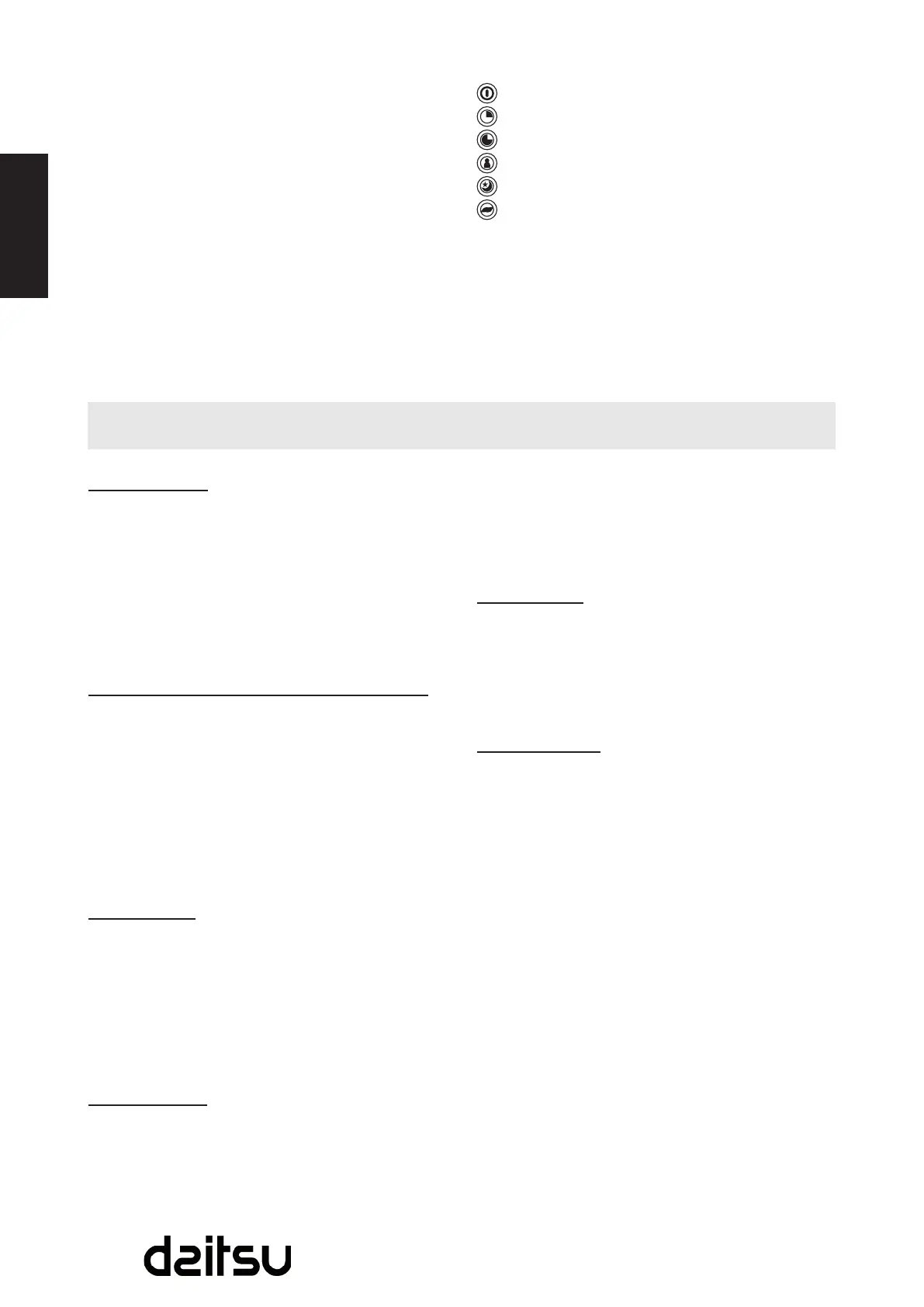
INDICATOR Lights Display
- lights up when the POWER is on.
-lightsupwhenTIMERONfunctionisset.
- lights up when TIMER OFF function is set.
- lights up when FOLLOW ME function is set.
- lights up when SLEEP function is set.
-lightsupwhenIONfunctionisset.
ION button (optional)
PresstheIONbutton,theiongeneratoris
energized and will help to remove pollen and
impuritiesfromtheair,andtraptheminthelter.
Press it again to stop the function.
- The air conditioner will control room temperature
automatically round the temperature point set by
you.
- Under AUTO mode, you can not select the fan
speed.
FAN operation
- PresstheMODEbuttonuntiltheFANindicator
light comes on.
- PresstheFANSPEEDbuttontochoosethefan
speed. The temperature cannot be adjusted.
- Do not put the duct to window.
TIMER operation
- Whentheunitison,rstpresstheTimerbutton,
the TIMER OFF indicator light illuminates. It
indicates the Auto Stop program is initiated.
Pressthebuttonagain,theTIMERONindicator
light illuminates. It indicates the Auto Start
program is initiated.
- Whentheunitisoff,rstpresstheTimerbutton,
theTIMERONindicatorlightilluminates.It
indicates the Auto Start program is initiated.
Press the button again, the TIMER OFF indicator
light illuminates. It indicates the Auto Stop
program is initiated.
- PressorholdtheUPorDOWNbuttontochange
the Auto time by 0.5 hour increments, up to 10
hours, then at 1 hour increments up to 24 hours.
The control will count down the time remaining
until start.
- The selected time will register in 5 seconds
and the system will automatically revert back to
display the previous temperature setting.
- TurningtheunitONorOFFatanytimeor
adjusting the timer setting to 0.0 will cancel the
Auto Start/Stop timed program.



 To Next Page