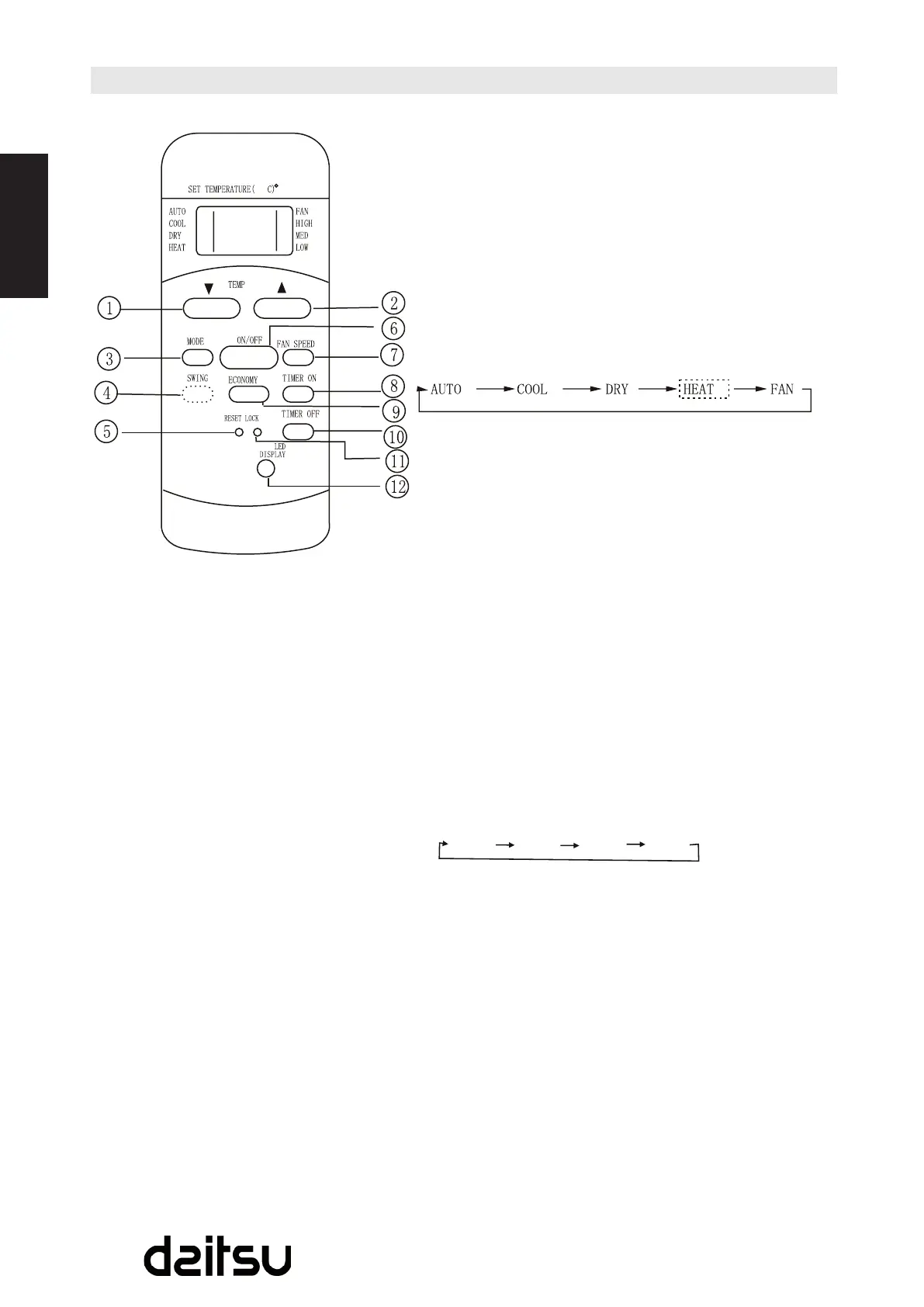
Function buttons
TEMP UP button
Push this button to increase the indoor temperature
settingin1°C(2ºF)incrementsto3ºC(88ºF).
TEMP BOTTOM Button:
Push this button to decrease the indoor temperature
settingin1°C(2ºF)incrementsto17ºC(62ºF).
MODE Button:
Eachtimethebuttonispressed,theoperationmodeis
selectedinthesequenceofthefollowing:
NOTE:HeatmodeisforCooling&Heatingmodelsonly.
SWING Button:(onsomemodels)
Usedtostoporstartlouvermovementandsetthedesired
up/downairowdirection.
RESET Button:
OncetherecessedRESETbuttonispressed,allofthe
currentsettingswillbecancelledandthecontrollerwill
return to the initial setting.
ON / OFF Button:
Operationstartswhenthisbuttonispressedandstops
whenthebuttonispressedagain.
FAN SPEED Button:
Usedtoselectthefanspeedinfoursteps:
TIME ON Button:
PressthisbuttontoactivatetheAuto-ontimesetting.
Eachpresswillincreasethetimesettingin30minutes
increments,upto10hours,thenat1hourincrementsup
to24hours.TocanceltheAuto-ontimesetting,justpress
thebuttonuntilthetimesettingis0.0.
ECONOMY (SLEEP) Button:
Selectthisfunctionduringthesleepingtime.Itcan
maintain the most comfortable temperature and save
energy.ThisfunctionisavailableonCOOL,HEATor
AUTOmodeonly.
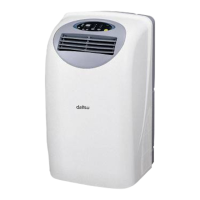
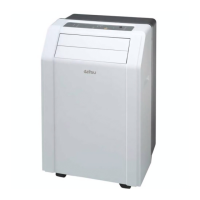
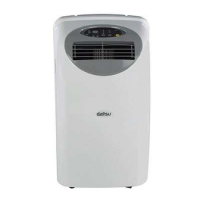
Model: R51I14/BG(C)E,
R51I16/BG(C)E.
NOTE:
R51I16/BG(C)Emodelshave•
noSWINGfeature.



 To Next Page