IV. Instructions before Use
40 Dakewe (Shenzhen) Medical Equipment Co., Ltd.
www.dakewemedical.com
entered name is existed, a prompt "Object name already exists." will appear.
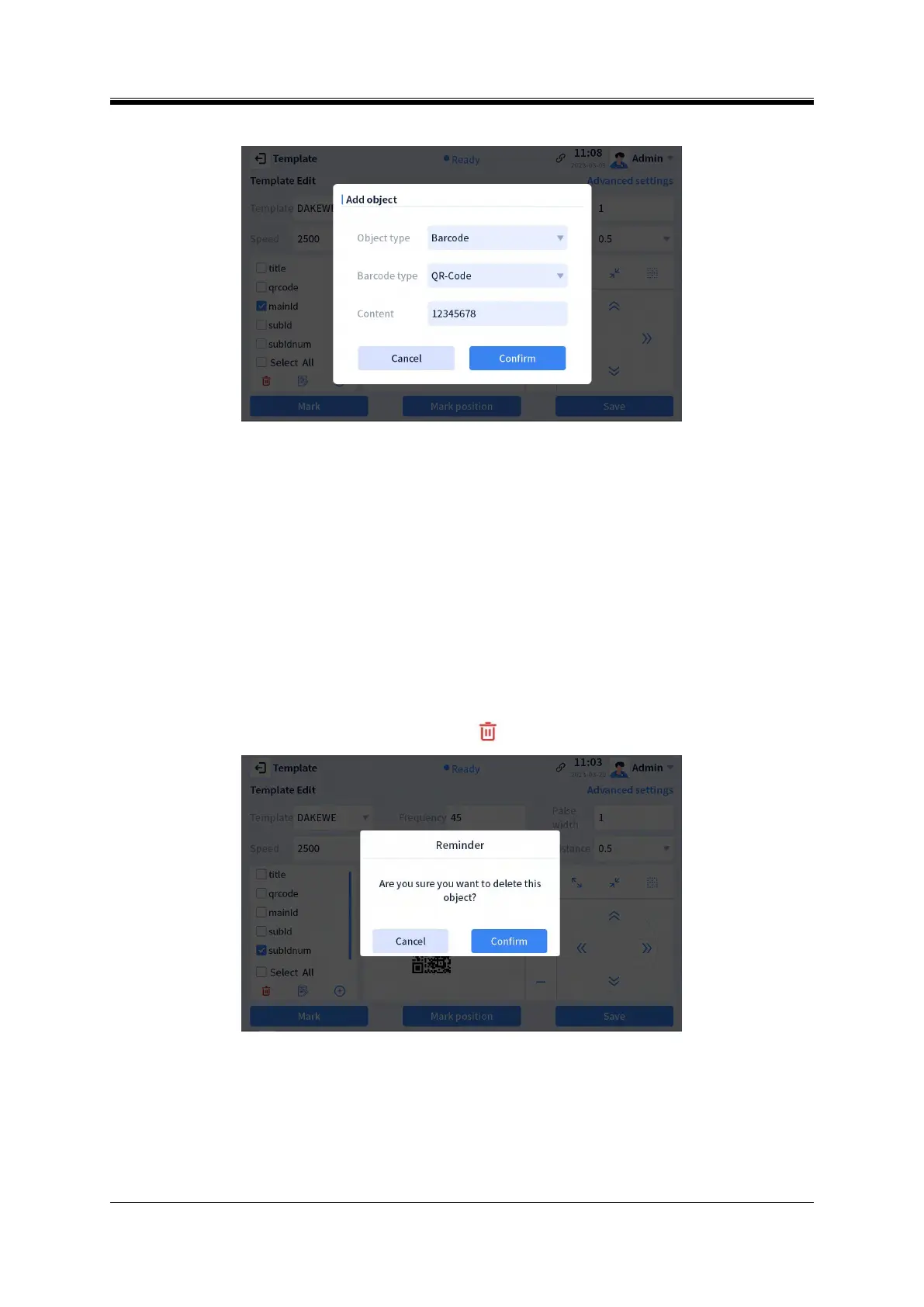
Figure 4- 47 Add an object - barcodes
Common object names of “text” type: number、mainId、subId、prefix、suffix、date、subIdnum、
section、custom1、custom2、custom3、custom4、custom5;Common barcode type: QR Code, Data Matrix,
Code 128A.
Preview content: Texts entered in this box will be displayed in preview Default preview text is
"12345678".
Modify the object name
Double-click the object name in the list to modify the object name.
Delete the object
Check the objects to be deleted in the list and click the " " button to delete them (Figure 4-48).
Figure 4- 48 Delete the object



 To Next Page