V. Computer Software
62 Dakewe (Shenzhen) Medical Equipment Co., Ltd.
www.dakewemedical.com
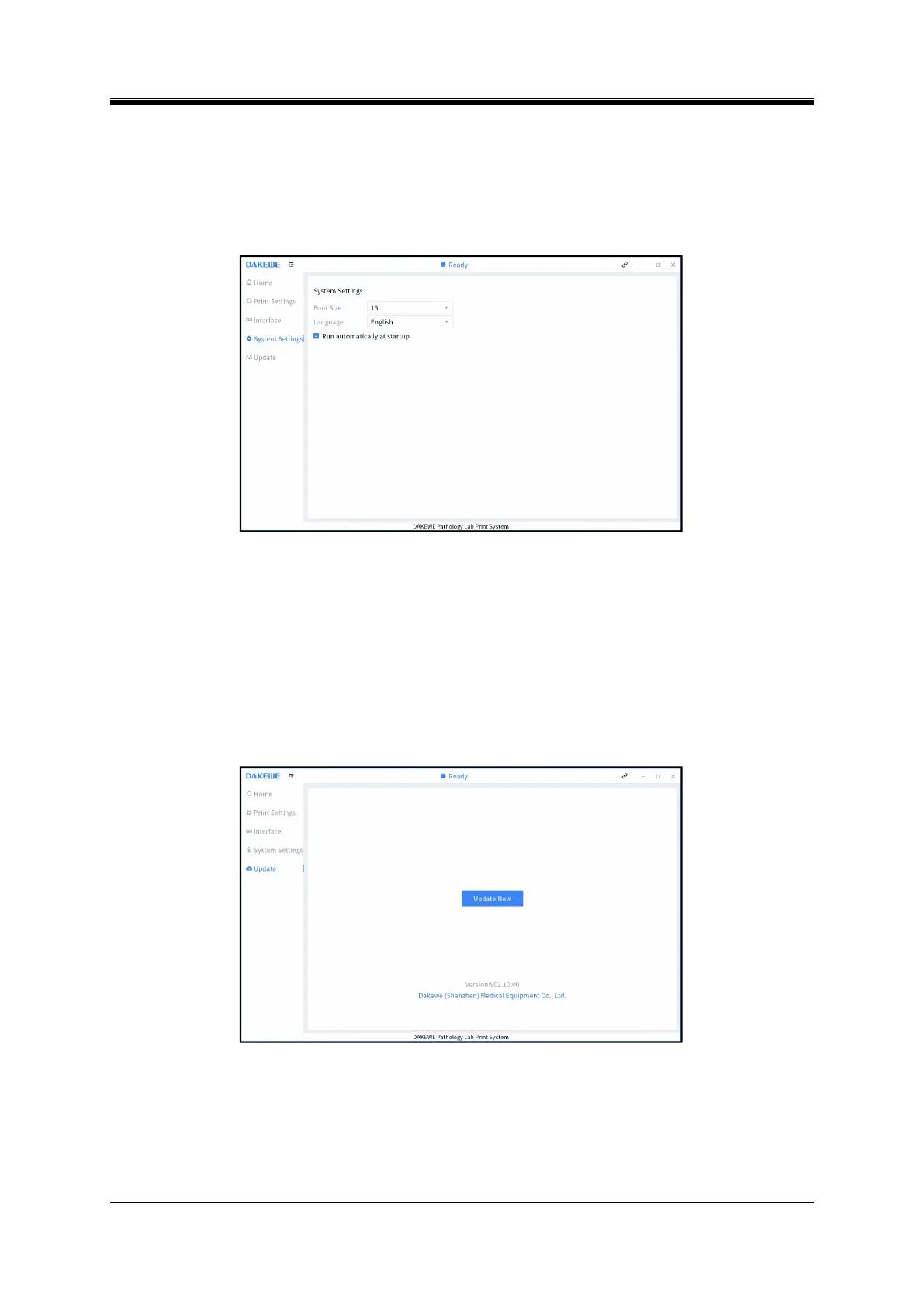
(8) System Settings
On this interface, the user can set the font size, languages, and run automatically at startup (Figure
5-24).
Figure 5- 24 PC software - System settings
(9) Update
On this interface, the user can update the software and view the current version information (Figure
5-25).
Note: During online update, the user needs to update the PC software first and then the instrument
software.
Figure 5- 25 PC software - Update



 To Next Page