Appendix 2: Common Buttons
82 Dakewe (Shenzhen) Medical Equipment Co., Ltd.
www.dakewemedical.com
Appendix 2: Common Buttons
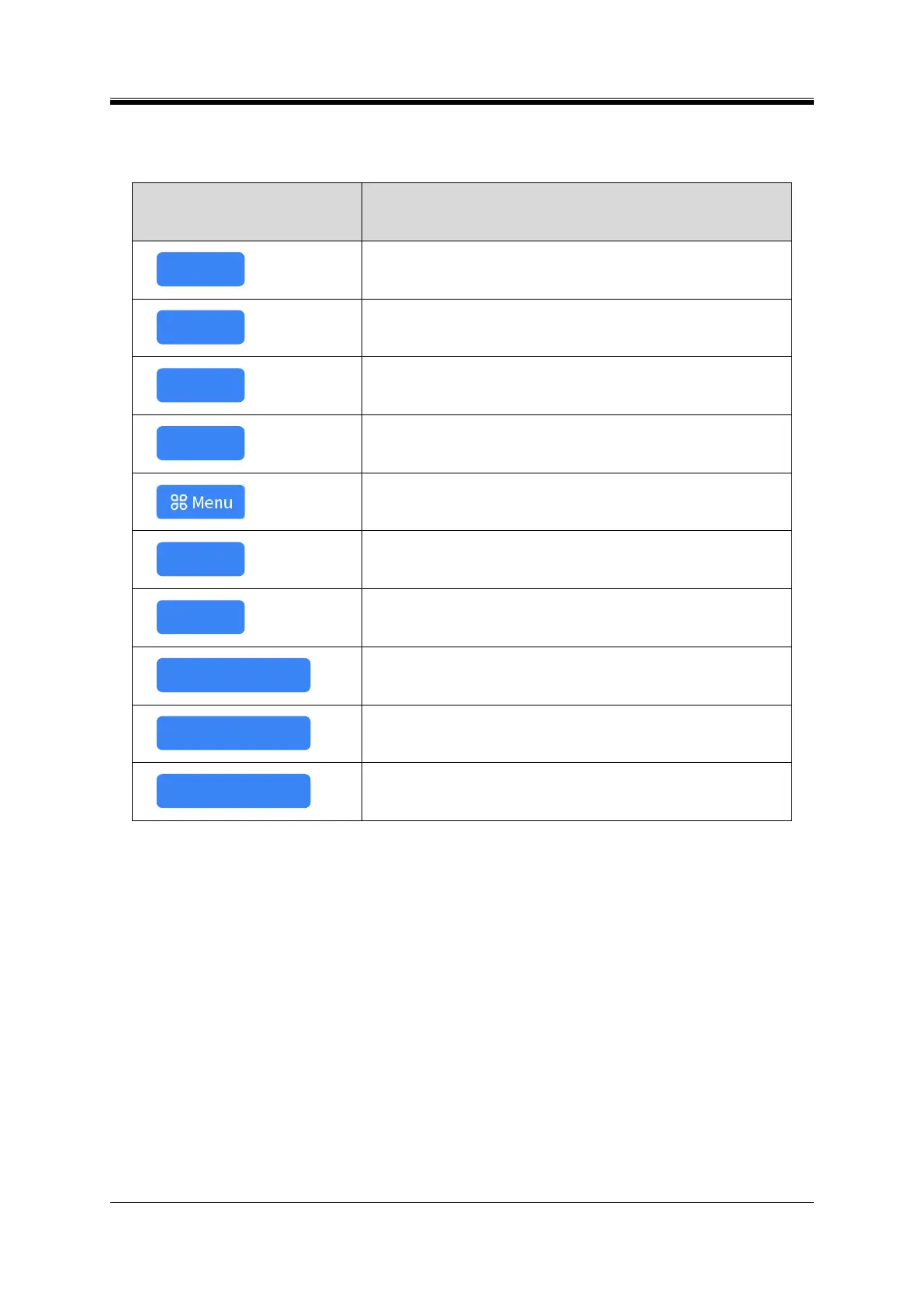
Stop printing after finishing the print job that is currently printed.
Print the chosen print jobs first.
Delete the currently selected print jobs.
Enter the menu interface.
Exit from the current interface and open the previous menu
All hopper are unlocked, and slides can be added and taken out.
The instrument prints according to the print jobs list.
Add print jobs according to the set printing.



 To Next Page