IV. Instructions before Use
44 Dakewe (Shenzhen) Medical Equipment Co., Ltd.
www.dakewemedical.com
account);
Intermediate permission: it is not compulsory to log in to the account after the instrument is turned
on to use the instrument. Visitors can perform the functions of operators;
Basic permission: it is compulsory to log in to an account after the instrument is turned on to use
the instrument, otherwise no operation can be performed.
The description of permissions classified by both permission accounts and permission levels is shown
in the table below:
Permission levels/
accounts
2. Account Log in/out
Account login
If the user enables the permission system and selects “Basic Permission”, the “Switch User” dialog
box will automatically pop up after the instrument is started; otherwise, the user can choose whether to log
in to the account as required. The login method is as follows:
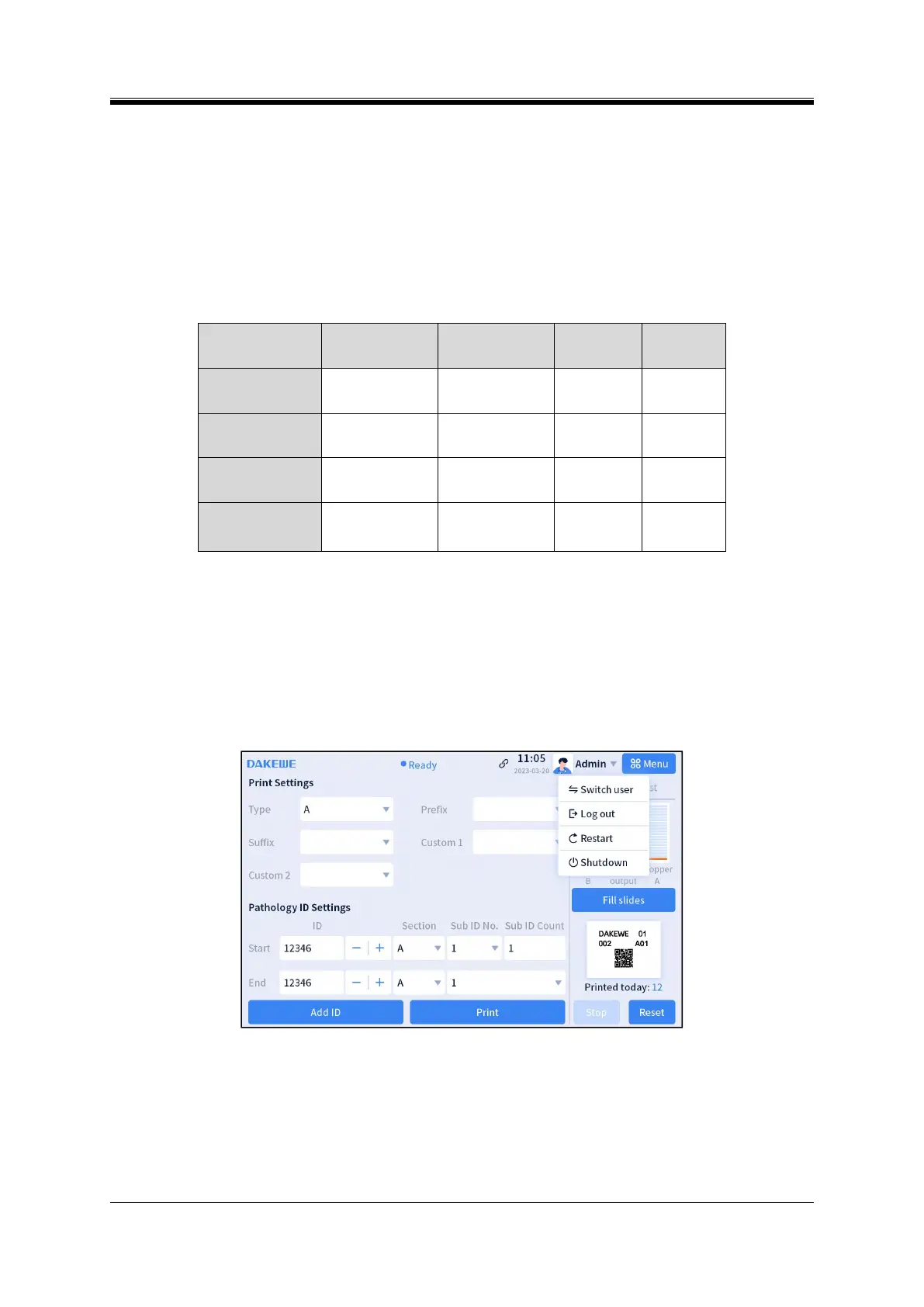
Figure 4- 53 Switch User
Step 1: Click the inverted triangle icon in the status bar and select “Switch User” from the drop-down
list to pop up the dialog box of “Switch User” (Figure 4-53);
Step 2: Select the corresponding user name and enter the password, and click “Confirm” to log in
(Figure 4-54);



 To Next Page