VII. Abnormalities and Troubleshooting
66 Dakewe (Shenzhen) Medical Equipment Co., Ltd.
www.dakewemedical.com
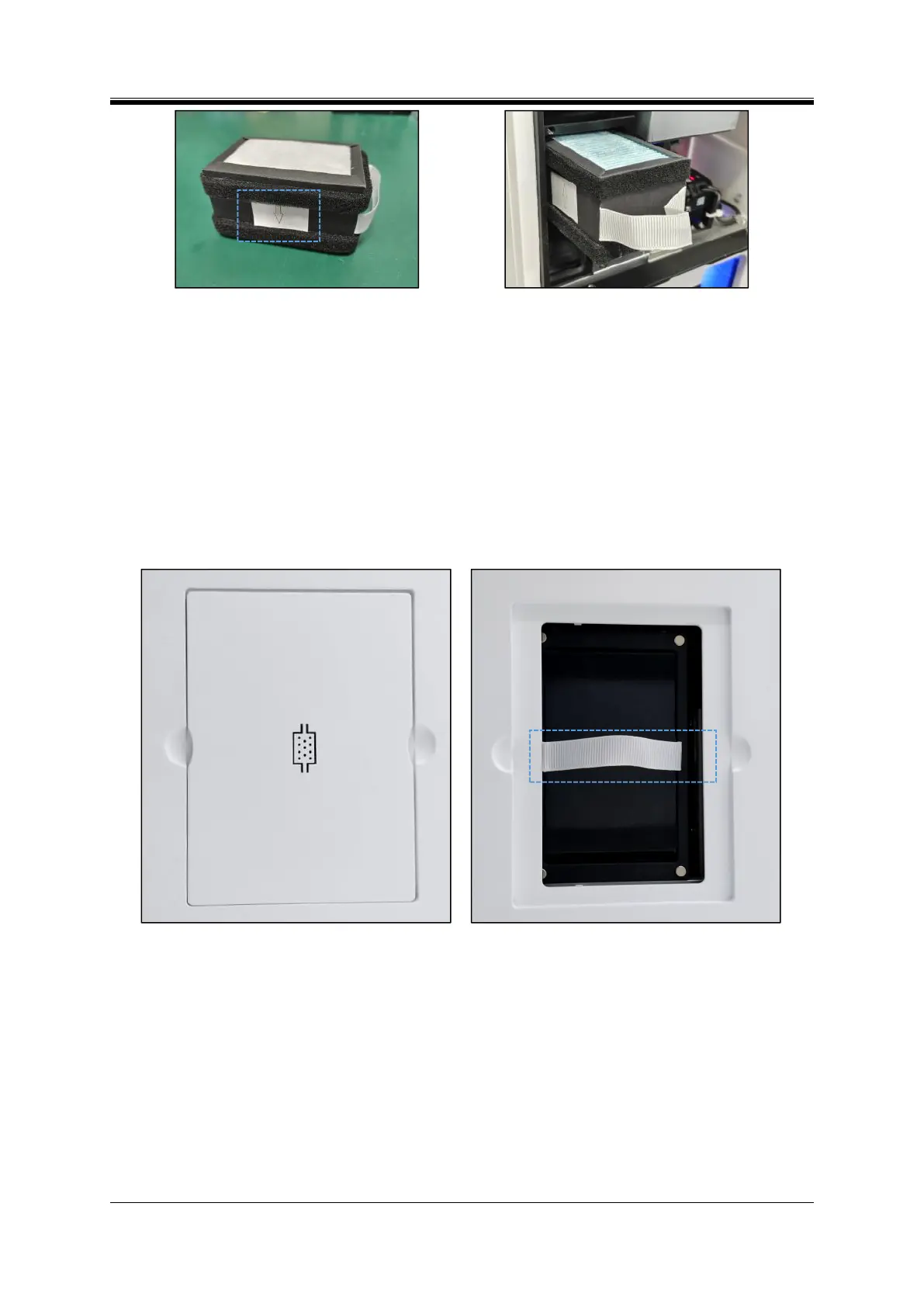
Figure 6- 13 Front filter for new structure
Figure 6- 14 Front filter direction -new structure
3.Replace the Back Filter
The back filter element is located at the top of the instrument and it can be replaced as follows (Figure
6-15):
Step 1: Take out the used filter by removing the top cover by hand;
Step 2: Clean the dust inside and near the chamber with a brush;
Step 3: Then replace with a new filter (with the ribbon facing upwards, and the filter placed as close to
the front as possible), and install the top cover back (hide the ribbon properly).
Figure 6- 16 Filter - back



 To Next Page