Dascom DC-8600 User Guide V1.0
45
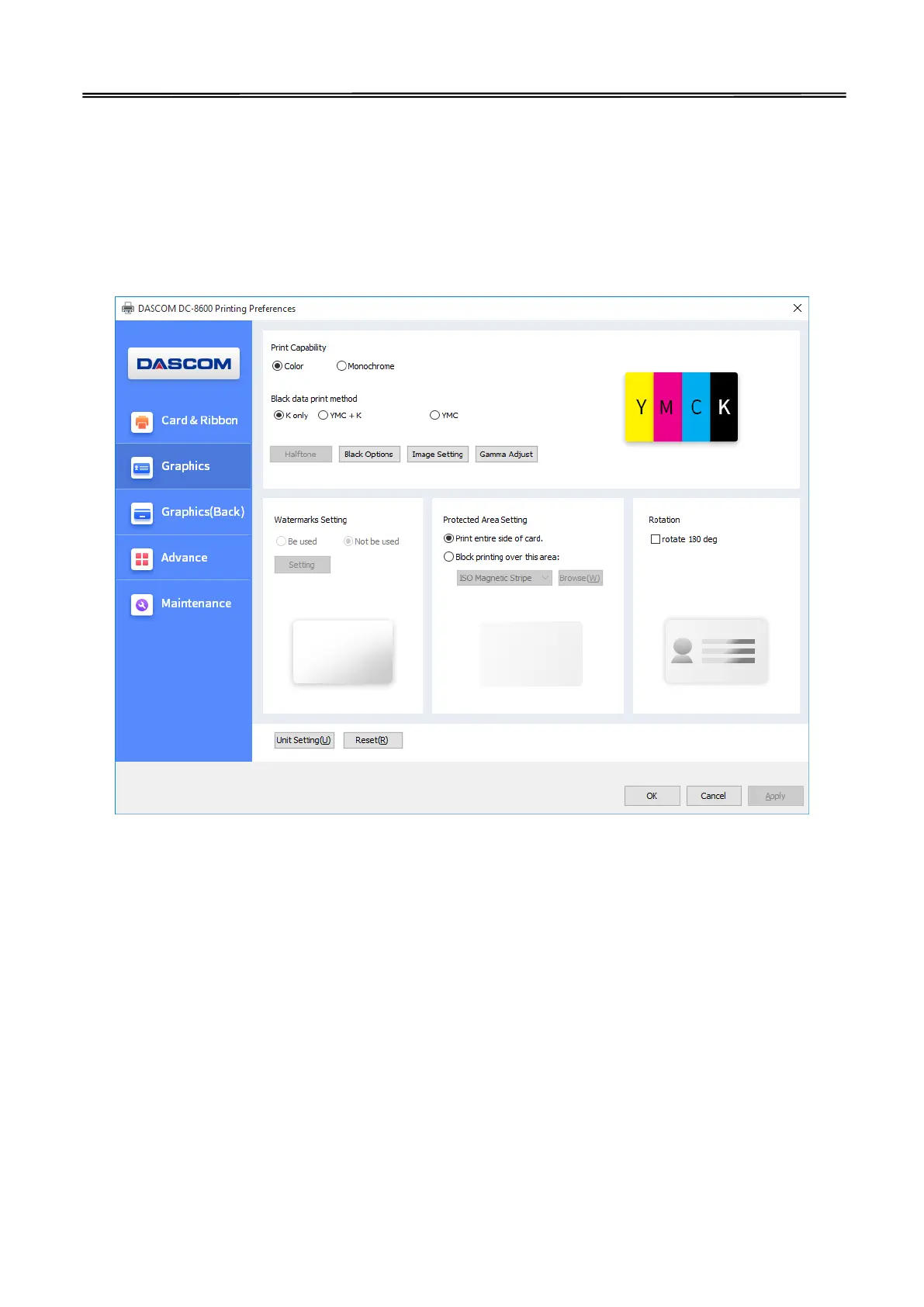
2) “Graphics” Tab
Print Capability
Choose the card which is monochrome printing or color printing.
Black data print method
User can print black via print K color or YMC secondary colors and K color. As well as, user can choose
monochrome printing, color printing, set the black valid area and the black invalid area.
“Detailed setting of BLACK”
Black level
Set up the limits on RGB value defined as Black.
The valid area of black printing
Set up the valid area of K color printing, the area is from the top left corner (0Pixel,0Pixel)to the lower right
corner(2112Pixel,1324Pixel) on the card. Use width and height to set the length and width of the valid
printing area.
The applicable object in valid area of black printing
Set up the applicable object in valid area of black printing, includes black text data, black figure data, black
data in monochrome image and black data in color image.
The invalid area of black printing



 To Next Page