Dascom DC-8600 User Guide V1.0
49
“Printer setting”
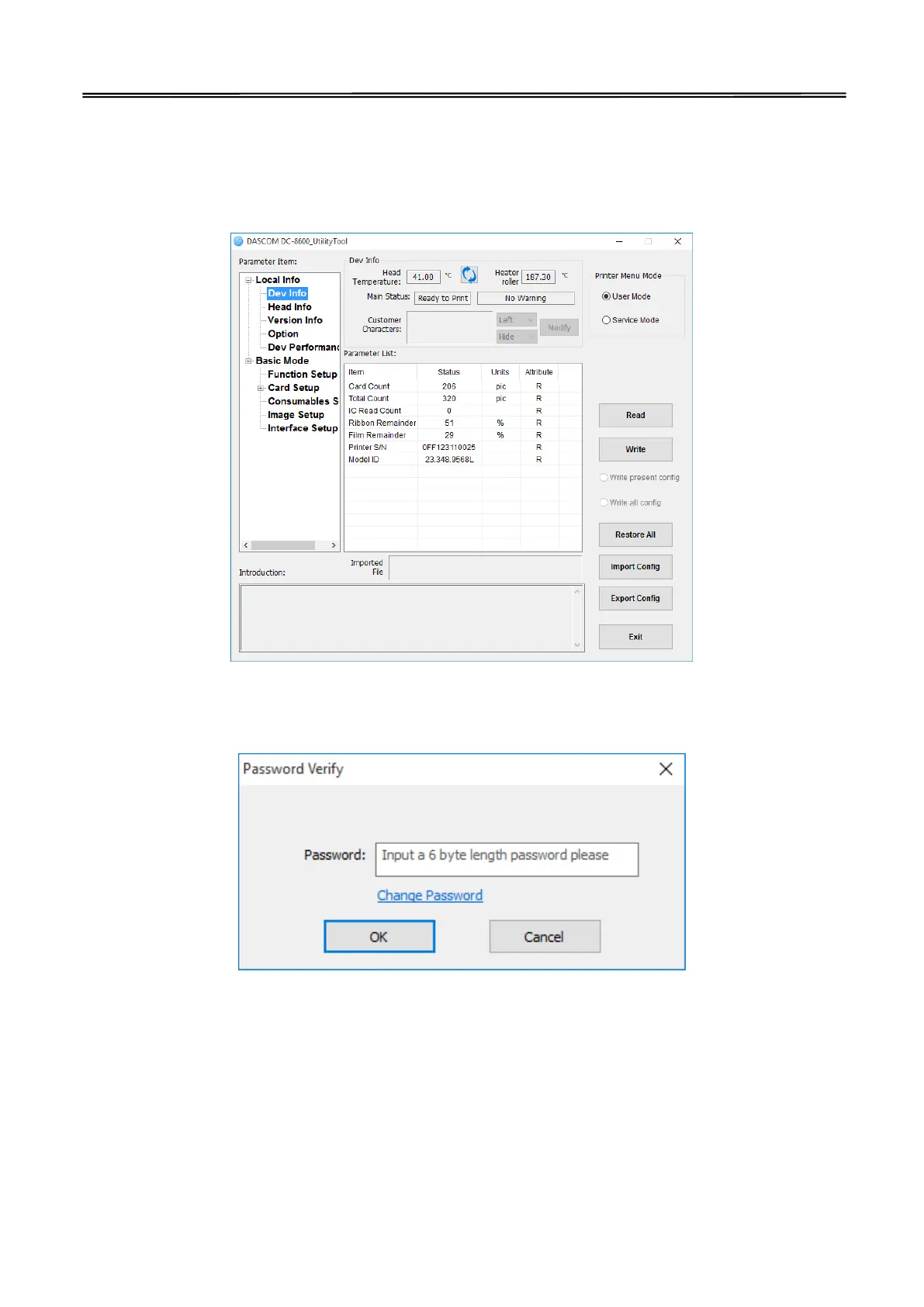
User mode
User can read the printer information, options state and various of configuration information. The
printer information parameters and options state parameters only support readable. Configuration
information support can read and write (reference 3.2 user mode)
Service mode
The password is “123456”.If you want to modify it, you can follow the below steps:



 To Next Page