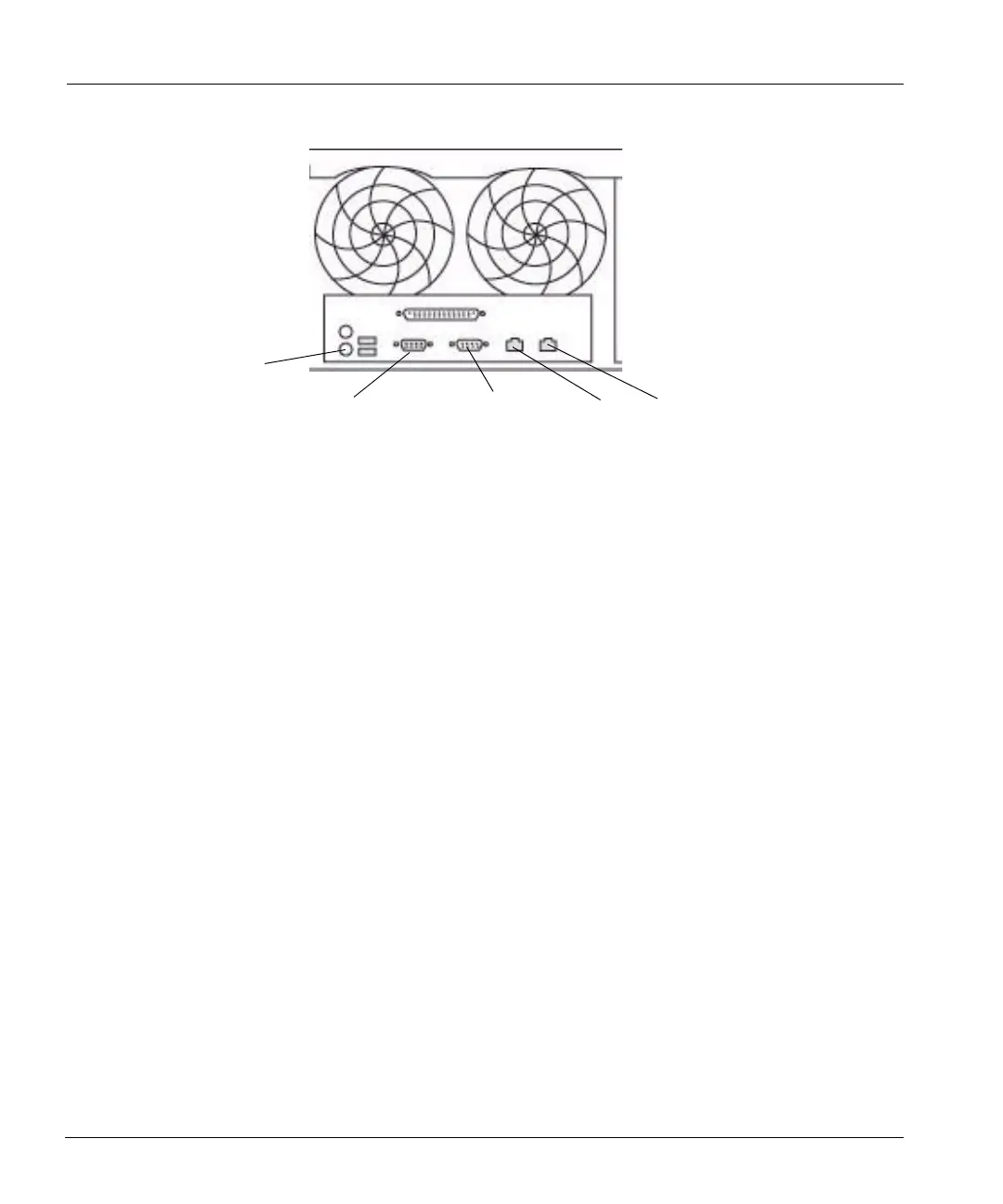
Hardware System-Level Interfaces
14 DD400 Series Restorer User Guide
System Card Interface
The system card interface area has the NVRAM card LEDs and gives access to an optional
Ethernet card with ports eth2 and eth3. The Ethernet ports are either 1000 Base-T copper or Gigabit
fiber depending on the option chosen.
Figure 8 on page 15 shows copper ports. Fiber ports are
installed in the same vertical slot, but are somewhat higher in the slot than the copper ports shown.
The fiber Ethernet ports each have an LED that glows steadily when the connection is live. The
copper Ethernet ports each have an upper LED that flashes green when the connection is active and
a lower LED that glows green when the connection is 10/100 Base-T or amber when the connection
is Gigabit.
The NVRAM interfaces from the bottom to the top are:
• A Test LED switch that lights the three NVRAM LEDs to test their functionality.
• A power on/off indicator that glows green when powered on.
• A fault indicator for the two batteries on the NVRAM card. If either battery is below
specifications or not working, the indicator glows amber.
• The LED labeled Remove is not used at this time.
Keyboard
Console port
Monitor
port
(VGA) port
eth0
eth1
Figure 7: Hardware interface panel



 To Next Page