DKG-109 User Manual V-27 (23.08.2013)
- 8 -
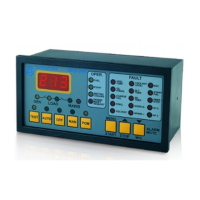
The unit has a graphical 128x64 pixel LCD display. It shows:
-Measured parameters,
-The company logo,
-The alarm list
-Software version,
-Statistical counters,
-Event records,
-Program parameters.
Navigation between different screens is made with the ◄MENU and MENU► buttons. Each
depression of the MENU► button switches the display to the next screen. Each depression of the
◄MENU button switches the display to the previous screen.
During operation, the unit will switch automatically between different screens, displaying
always the most important parameters for the current operating status.
If an alarm, loaddump or warning occurs during operation, in other then programming mode,
the display will automatically switch to ALARM LIST position.
If there is more than one alarm, the next alarm is displayed by pressing the ◄MENU or
MENU► buttons. Thus all existing alarms can be scanned. ‘END OF ALARM LIST’ will be displayed
when there is no more alarm to display.
As long as alarms are not muted, only the ALARM LIST is displayed. In order to mute alarms
and enable display navigation, long-press ◄MENU(ALARM MUTE) button first.


 To Next Page
 Loading...