DataLocker DL3 User Guide
3.
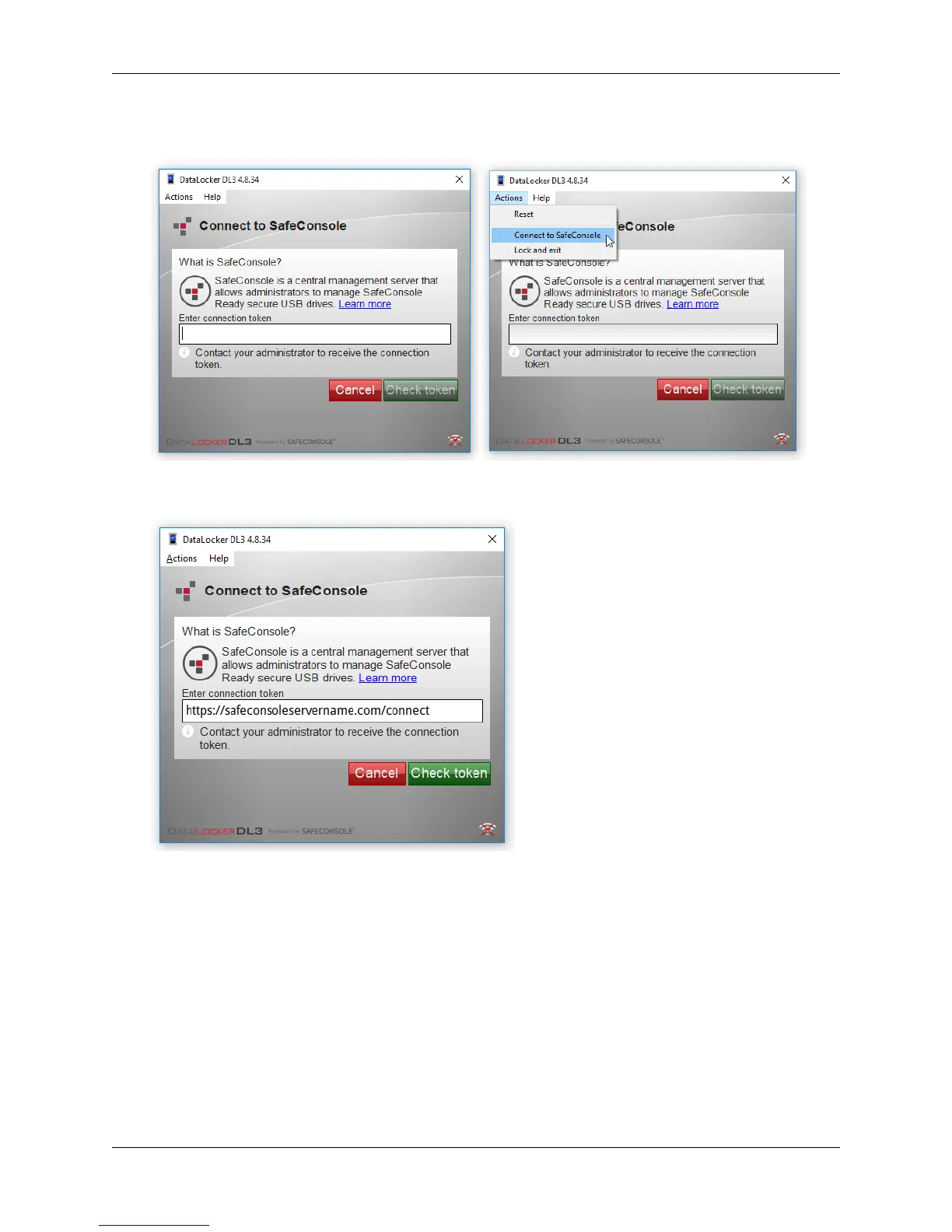
Upon launch, the SafeConsole Connection page should appear. If it doesn’t, click on
Actions
,
then Connect to SafeConsole.
4.
Enter the
SafeConsole Connection Token
provided by your SafeConsole Administrator and
click Check Token.
© 2018 DataLocker Inc. All rights reserved. 18



 To Next Page