DataLocker DL3 User Guide
5.
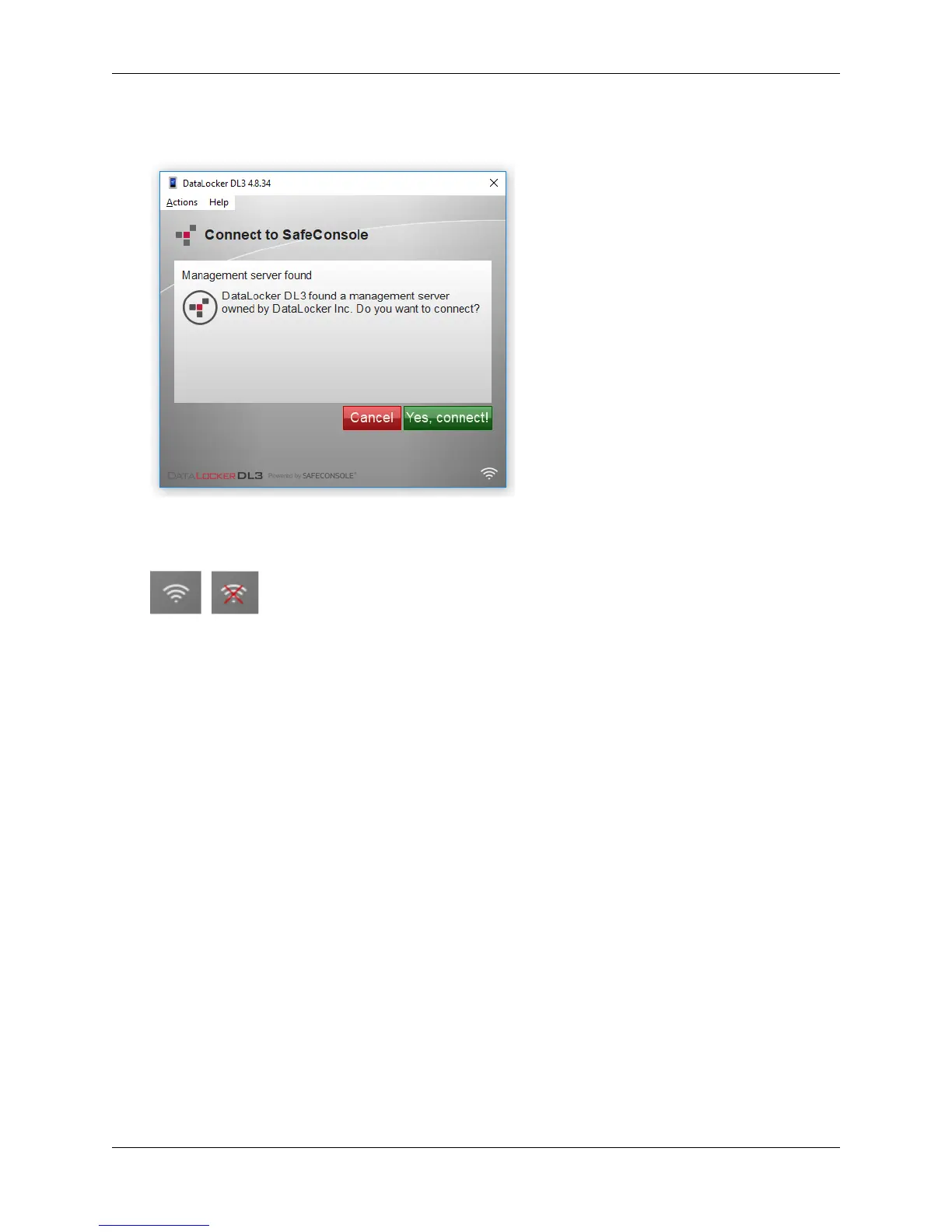
The client will search for the correct SafeConsole server and will ask you to confirm the
connection when it finds one. Click Yes, Connect.
6.
Your device will connect to the server. You can determine if your device is reaching the server
by the connection symbol in the bottom right corner.
Optionally Enabled Policies
- These policies may or may not be enabled by your System
Administrator. They will appear during device registration if they have been enabled.
•
Confirm Ownership of the device: Enter the Windows username and password that is
associated with the login credentials of the computer the device is plugged into.
•
Custom Device Information: Required information about you or your device. The required
fields will vary.
•
Unique User Token: This token is directly associated with the end user’s account and will
be provided by the System Administrator.
•
Administrator Registration Approval: The System Administrator may require their approval
to proceed with device registration.
© 2018 DataLocker Inc. All rights reserved. 19



 To Next Page