DL4 FE Encrypted External Hard Drive - v1.49/6.5.0 - User Guide
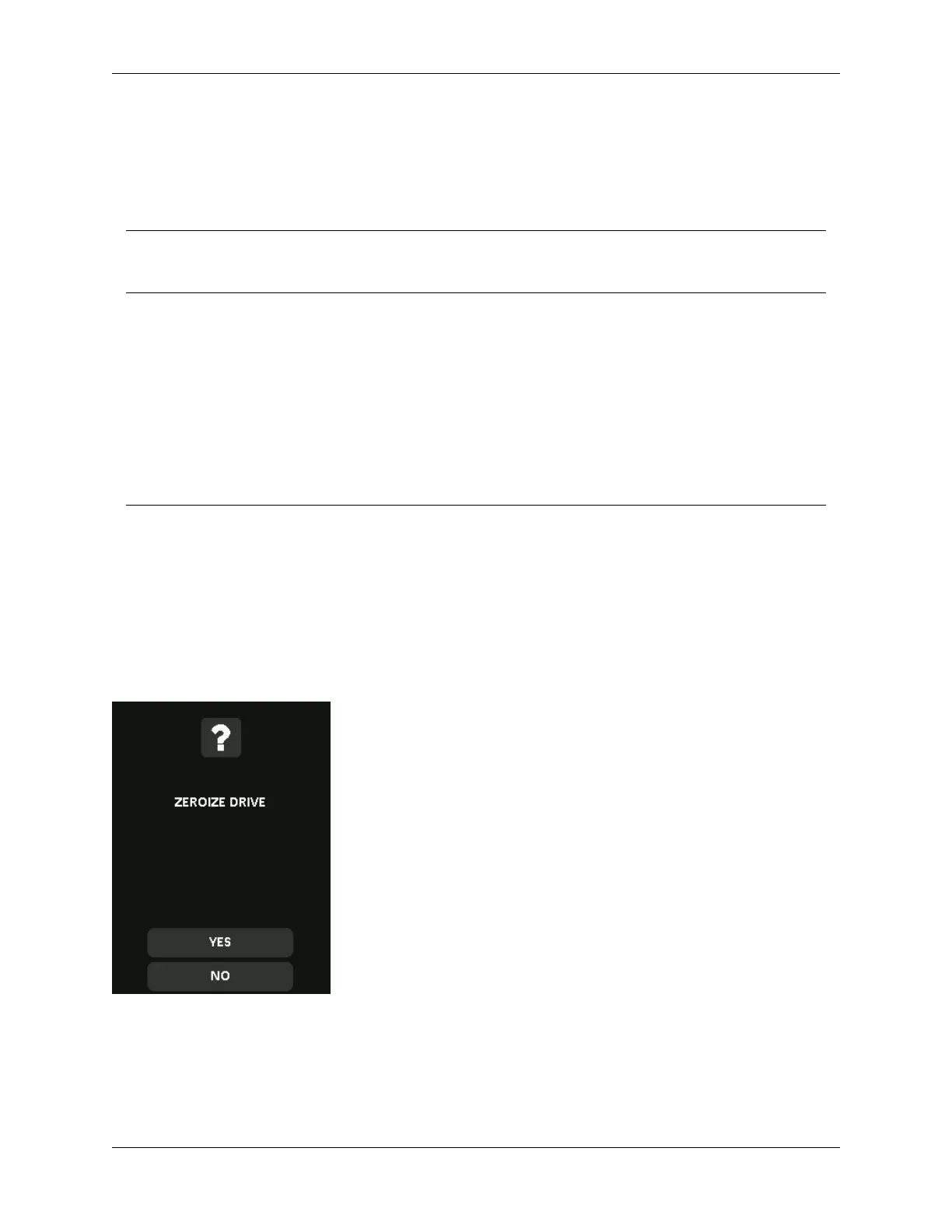
A. Zeroize - Tap Zeroize Drive from the administrator menu and follow the on screen steps.
B. Factory Initialize - Tap & hold Zeroize Drive in the administrator menu for 5 seconds. Your device
will show a “Factory Initialize” prompt.
Although both of the Zeroize processes reset the DL4 there’s a slight difference. See the chart
below for the difference:
Feature
A.Zeroize
Tap & release
Zeroize
B.Factory Intialize
Tap & hold Zeroize for five seconds
Administrator Password Deleted Deleted
User Password Deleted and
Disabled
Deleted and Disabled
SilentKill Code Deleted Deleted
Configuration by
administrator (menus)
Kept Reset
Drive Data Deleted Deleted
For assistance with either process, please see the steps outlined below:
How to Zeroize your DL4
1. Use the table above to assist with the decision if you want to A.Zeroize or B.Factory Intialize,
2. When your device asks for “Zeroize Drive” (A) or “Factory Intialize” (B), tap Yes. Selecting No
will cancel the Zeroize process.
3. When your device asks for “Delete ALL drive data?”, tap Yes. Selecting No will cancel the
Zeroize process.
© 2021 DataLocker Inc. All rights reserved. 22



 To Next Page