DL4 FE Encrypted External Hard Drive - v1.49/6.5.0 - User Guide
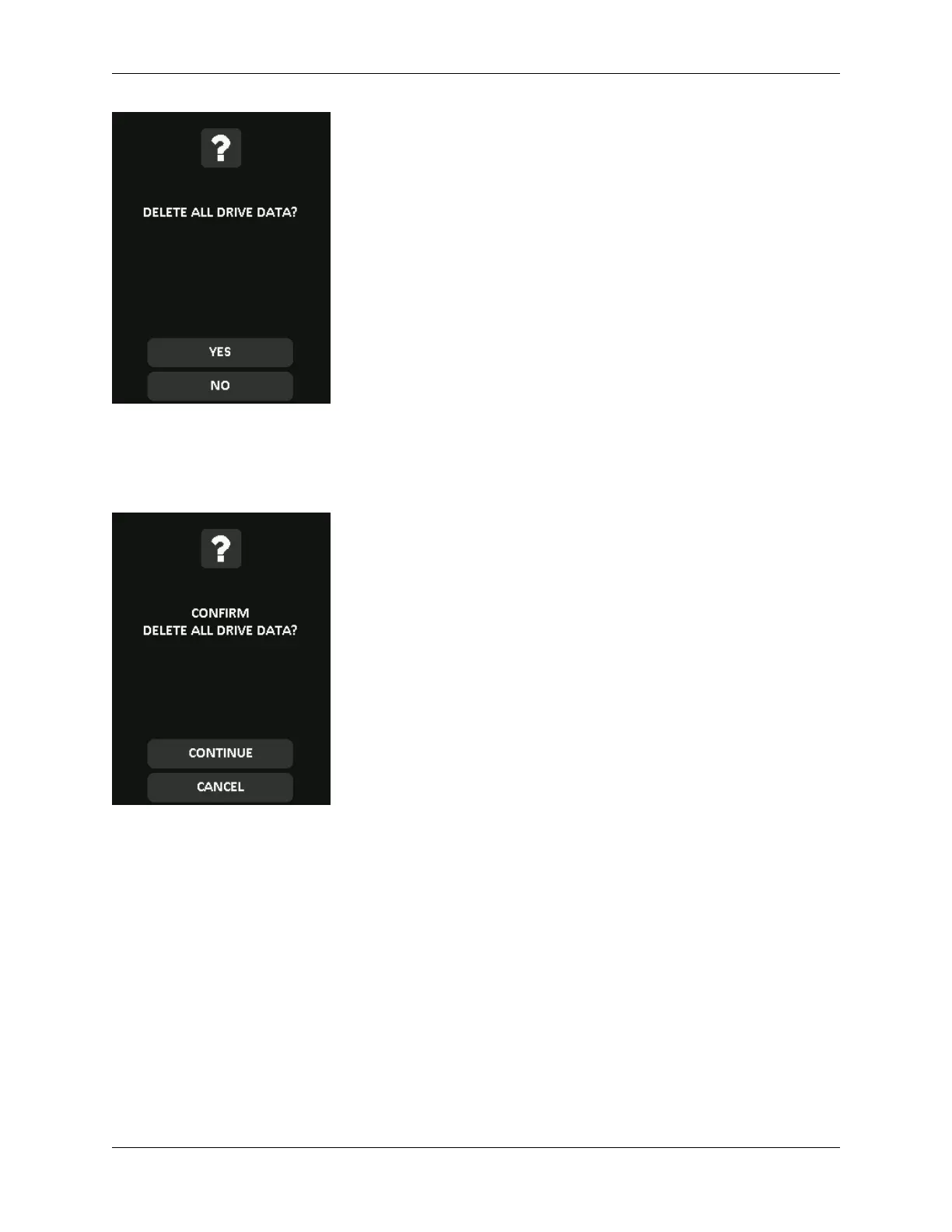
4. When your DL4 shows the “Confirm Delete all drive data?” prompt, tap Continue. Selecting
Cancel will cancel the Zeroize process.
5. Upon successfully completing the Zeroize process, you will see “Please initialize and reformat
the drive”. Tap OK to continue.
© 2021 DataLocker Inc. All rights reserved. 23



 To Next Page