EasyManua.ls Logo

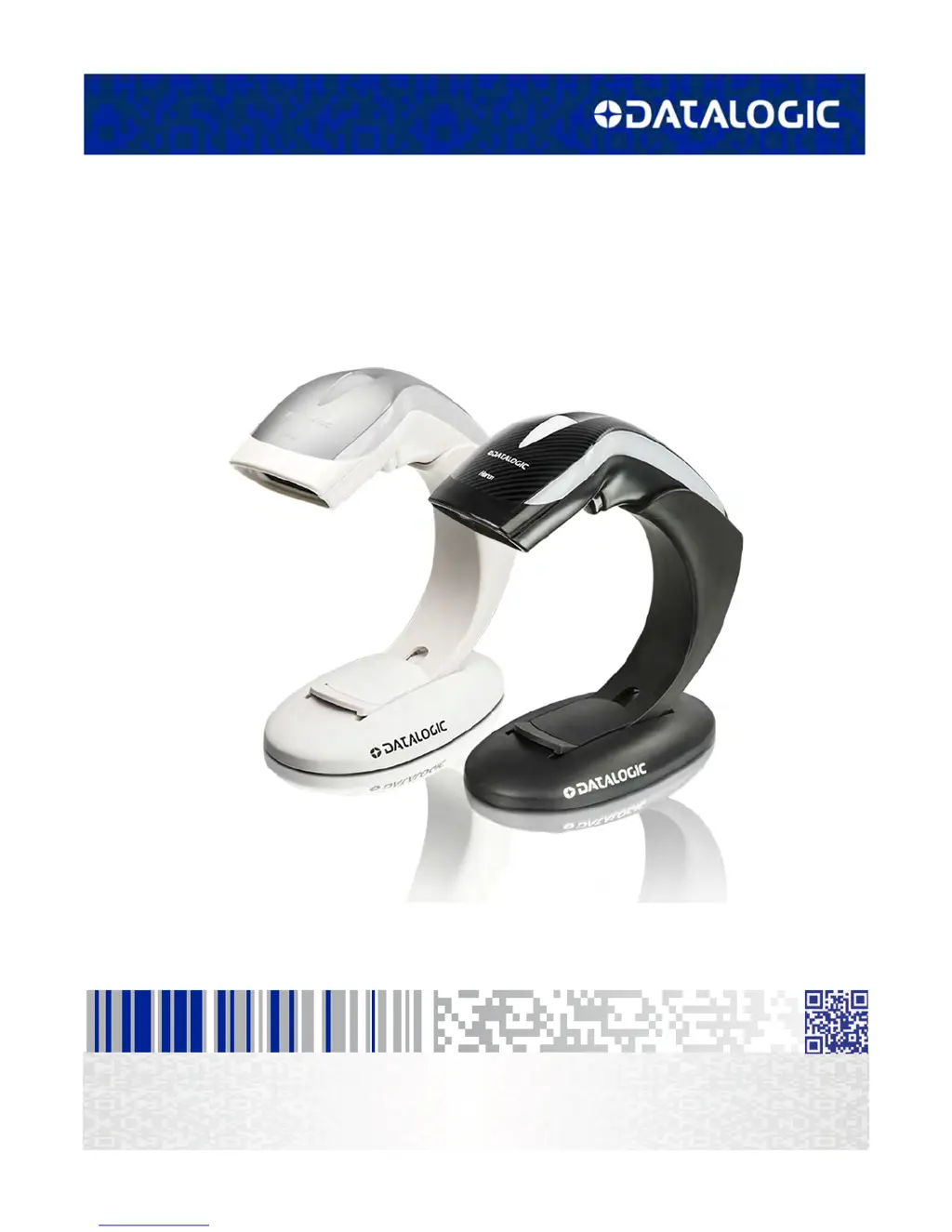
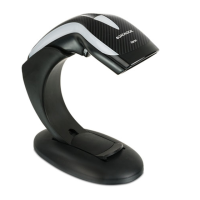
Datalogic Heron HD3130 - User Manual

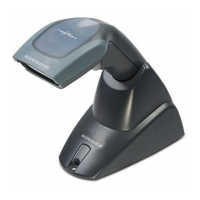
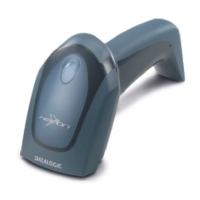
Datalogic Heron HD3130
298 pages
Print Icon
To Next Page IconTo Next Page
Loading...
Heron™ HD3130
Linear Imager
Product Reference Guide

Table of Contents

Other manuals for Datalogic Heron HD3130

Questions and Answers

  • D
    dsilvaAug 17, 2025
    How to troubleshoot a Datalogic Scanner that does nothing when the scan button is pressed?
    • L
      Linda GrayAug 17, 2025
      If nothing happens when you press the scan button on your Datalogic Scanner, check the following: * Ensure the scanner is receiving power. Check the system power and make sure the power supply is properly connected. * Verify that all cable connections, including interface and power cables, are securely plugged in.
  • L
    Lauren HallAug 19, 2025
    What to do if my Datalogic Scanner LED is on, but the bar code does not decode?
    • J
      James BrownAug 20, 2025
      If the LED on your Datalogic Scanner lights up but the bar code isn't decoding, here's what you can check: * Make sure the scanner is set up to read the specific type of bar code you're scanning. * Examine the bar code label to be sure it's clear and not damaged. You can try scanning a different bar code to see if that works. * Adjust the distance between the scanner and the bar code. Try moving the scanner closer or farther away from the bar code.
  • Z
    Zachary HowardAug 22, 2025
    What to do if Datalogic Heron HD3130 Barcode Reader LED is on but barcode does not decode?
    • S
      Sherry CruzAug 22, 2025
      If the Datalogic Barcode Reader's LED is on, but it doesn't decode the barcode, there might be a few reasons. First, the imager might not be programmed for the correct barcode type, so ensure it is properly programmed. Second, the barcode label might be unreadable; check if it's defaced and try scanning another barcode. Finally, the distance between the imager and the barcode could be incorrect; try moving the imager closer to or further from the barcode.
  • M
    Monica VegaAug 25, 2025
    How to troubleshoot Datalogic Heron HD3130 when nothing happens when the scan button is pulled?
    • J
      Jack BonillaAug 26, 2025
      If nothing happens when you pull the scan button on your Datalogic Barcode Reader, it could be due to a couple of reasons. First, check the system power and ensure the power supply is connected. Second, make sure all cable connections are secure, as loose interface or power cables could be the cause.
  • P
    Pamela RamirezAug 27, 2025
    What to do if my Datalogic Heron HD3130 LED is on but not decoding?
    • K
      kyle61Aug 27, 2025
      If the LED is illuminated, but the bar code isn't decoding, there could be several reasons: * The barcode reader may not be programmed to read that specific type of barcode. * The barcode label might be damaged or unreadable. Try scanning a different barcode to see if that works. * The distance between the barcode reader and the barcode itself may be incorrect. Try moving the reader closer to or further away from the barcode.
  • M
    Mr. Christopher JonesAug 30, 2025
    Why is my Datalogic Heron HD3130 not working when I pull the scan button?
    • P
      peggy25Aug 30, 2025
      If nothing happens when you pull the scan button on your Datalogic Barcode Reader, it could be due to the following reasons: * The imager may not be getting power. Check the system power and ensure the power supply is properly connected. * The interface or power cables might be loose. Ensure all cable connections are secure.
  • E
    Eric PatelSep 2, 2025
    Why is my Datalogic Scanner decoding but not transmitting to the host?
    • N
      nicolewhiteheadSep 2, 2025
      If your Datalogic Scanner decodes the bar code but doesn't transmit the data to the host, the scanner may not be programmed for the correct host type. Scan the appropriate host type barcode to resolve this.
  • D
    David BatesSep 5, 2025
    Why is the barcode decoded but not transmitted to the host by Datalogic Heron HD3130 Barcode Reader?
    • J
      johnsonkatherineSep 5, 2025
      If your Datalogic Barcode Reader decodes the barcode but doesn't transmit it to the host, the imager might not be programmed for the correct host type. Scan the appropriate host type barcode to resolve this.
  • L
    Lori MartinSep 8, 2025
    What to do if the LED is on but the Datalogic Laboratory Equipment barcode does not decode?
    • A
      apowellSep 8, 2025
      If the LED is on but your Datalogic Laboratory Equipment isn't decoding the barcode, there could be a few reasons: * The imager might not be programmed for the correct barcode type. Make sure it's set to read the specific type of barcode you're scanning. * The barcode label might be damaged or unreadable. Inspect the label for any defects. You could also try scanning a different barcode. * The distance between the imager and the barcode could be off. Try moving the imager closer to or further away from the barcode to see if that helps.
  • R
    Ray McgeeSep 10, 2025
    Why nothing happens when I pull the scan button on my Datalogic Laboratory Equipment?
    • J
      Joseph AndersonSep 12, 2025
      If nothing happens when you pull the scan button on your Datalogic Laboratory Equipment, it could be due to: * **Power Issues:** Check that the system has power and ensure the power supply is properly connected. * **Loose Cables:** Make sure all cable connections are securely attached.

Summary

Scanner Setup and Installation

Unpacking the Scanner

Instructions for checking the scanner and accessories upon arrival.

Setting Up the Scanner

Step-by-step guide for connecting and preparing the scanner.

Interface Selection

Procedure for selecting and configuring the scanner's host interface.

Customizing Configuration Settings

Using Programming Bar Codes

Instructions for customizing scanner settings using programming bar codes.

Configuring Other Features

Adjusting non-interface-specific settings like reading parameters.

Configuration Using Bar Codes

Configuration Parameters Overview

Explains how to set parameters for interfaces, data, and symbologies.

Interface Configuration Options

Details for RS-232, Keyboard, and USB-OEM interface settings.

Common Parameters and Symbologies

Covers global, data format, reading parameters, and symbology options.

Chapter 4: References

RS-232 Parameters

Details for RS-232 specific parameters like baud rate and parity.

Keyboard Interface Settings

Covers wedge quiet interval, intercharacter delay, and intercode delay.

Data Format Options

Explains data editing, prefix/suffix, AIM ID, and character conversion.

Datalogic Heron HD3130 Specifications

General IconGeneral
TypeHandheld bar code reader
Sensor typeCCD
Scanner type1D
Read rate (max)270 reads/s
Optical sensor resolution2500 pixels
Linear (1D) barcodes supportedGS1-128 (UCC/EAN-128)
2D (matrix & stacked) barcodes supported-
Standard interfacesRS-232, USB, Keyboard wedge
Connectivity technologyWired
Product colorWhite
LED indicatorsYes
International Protection (IP) codeIP40
Sustainability certificatesRoHS
Power consumption300 mA
Storage temperature (T-T)-20 - 70 °C
Operating temperature (T-T)0 - 50 °C
Operating relative humidity (H-H)5 - 90 %
Cables includedUSB
Harmonized System (HS) code84716070
Weight and Dimensions IconWeight and Dimensions
Depth153 mm
Width152 mm
Height68 mm
Weight150 g

Related product manuals