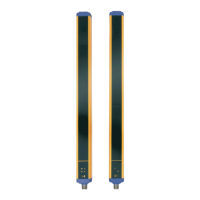
SG4 BASE
43/73
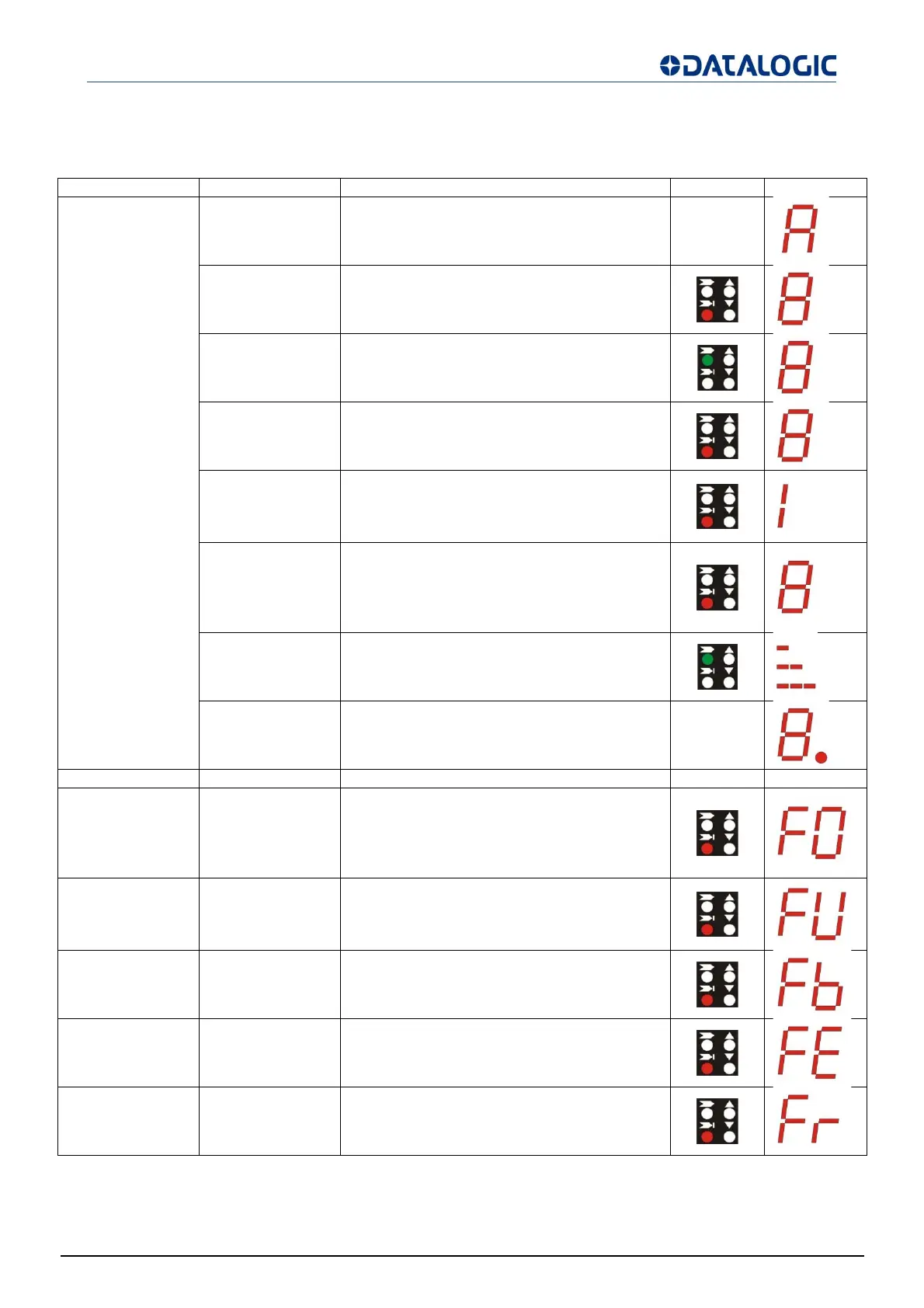
Diagnostic messages SG4-xx-xxx-OO-E models
For Receiver:
Function State Meanin
LED DIGIT
Normal operation
Alignment See ALIGNMENT PROCEDURE page 32
TEST
(red ON)
Light curtain being tested. OSSD status shall
be OFF
Emission
(OSSD ON)
(green ON)
Light curtain working in normal operating
conditions
Interruption
(OSSD OFF)
(red ON)
Light curtain working in safety block
conditions.
Interlock
Beams free
(red ON
ellow ON
Light curtain in interlock, waiting for restart.
OSSD status must be OFF
Interlock
Beams
interrupted
(red ON
ellow ON
Light curtain in interlock. OSSD status must
be OFF
Signal level
Minimum (1 bar)
Medium (2 bar)
Maximum (3 bar)
EDM enabled EDM function is selected -
Function T
pe Check and repai
LED DIGIT
Error status
OSSD error
(red ON)
Check OSSD connections. Make sure that
they are not in contact with one another or
with the supply cables, then Reset.
If the failure continues contact
DATASENSING.
Internal error
(red ON)
Switch OFF and switch ON the power supply
circuit.
If the failure continues contact
DATASENSING.
Optical error
(red ON)
Reset. If the failure continues contact
DATASENSING.
EDM error
(red ON)
Check EDM connections and lines.
If the failure continues contact
DATASENSING.
Restart selection
error
(red ON)
Check the man/auto restart connection.
If the failure continues contact
DATASENSING.


 To Next Page