17
SettingUp
Con necting
Hopefullyyouhavereadtheinstallationchapter,andyou’vestudiedthediagramsonpages12–14.With
yourchosensourceandasuitablemonitorconnectedyourreadytogo.
ConnectthepowercordtotheMP6000MDACInputSocket,andconnecttheotherendtoasuitable
socket.
Poweri ngUp
WithyoursourceandmonitorconnectedyoucannowpoweruptheMP6000MD.
LifttheprotectivecoverfromthePowerOnbutton,pressthebuttonandclosetheprotectivecover.
ThePowerOnbuttonshouldnowbeilluminated.
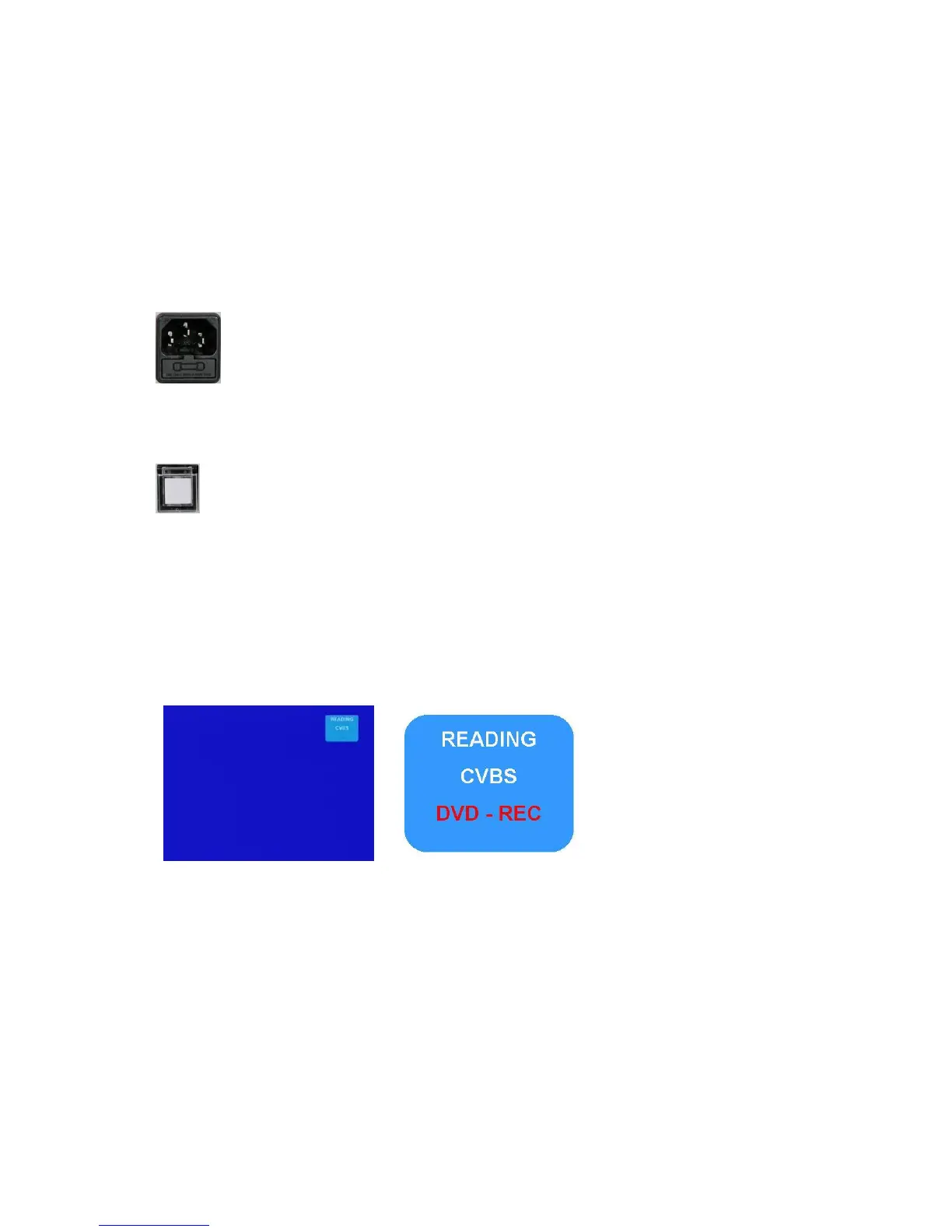
OnScreenDispla y
TheMP6000MDdisplaysconfigurationinformationintwoareas: AnonscreendisplayontheTVmonitor
andalsoontheLCDdisplay.
TheinformationontheTVmonitorwillmostoftenappearinthetoprighthandcornerofthescreen.Itis
superimposedoverthevideoimage–itdoesnotappearontherecording.
Line1indicatesdiscstatus.
(Reading,NoDisc,DVD+Retc)
Line2indicatesVideoInput..
(CVBS,SVIDEO,YUV,DV)
Line3indicatesRecordstatus
(DVDREC…etc)



 To Next Page