26
Recordingfroman AnalogueSource
Ifyouarerecordingfromatapestartthetapeplaying,thevideoimageshouldappearontheTVmonitor
connectedtotheMP6000MDoutput.Ifyouarerecordingaliveimagefromacamerayoushouldbeable
toseetheimagefromthecameraontheTVmonitorconnectedtotheMP6000MDoutput.
IfnecessaryyoucanadjusttheBrightness,Contrast,ColorandTint(TintisNTSConly)ofthevideoimage,
thisiscoveredinthechapter“ColorCorrection”.Wewillfirstlookatrecordingfromananaloguevideo
input(CompositeVideo,SVideo,YUV);recordingfromDVisalittledifferent,sowewilllookatthat,in
moredetailinanotherchapter.
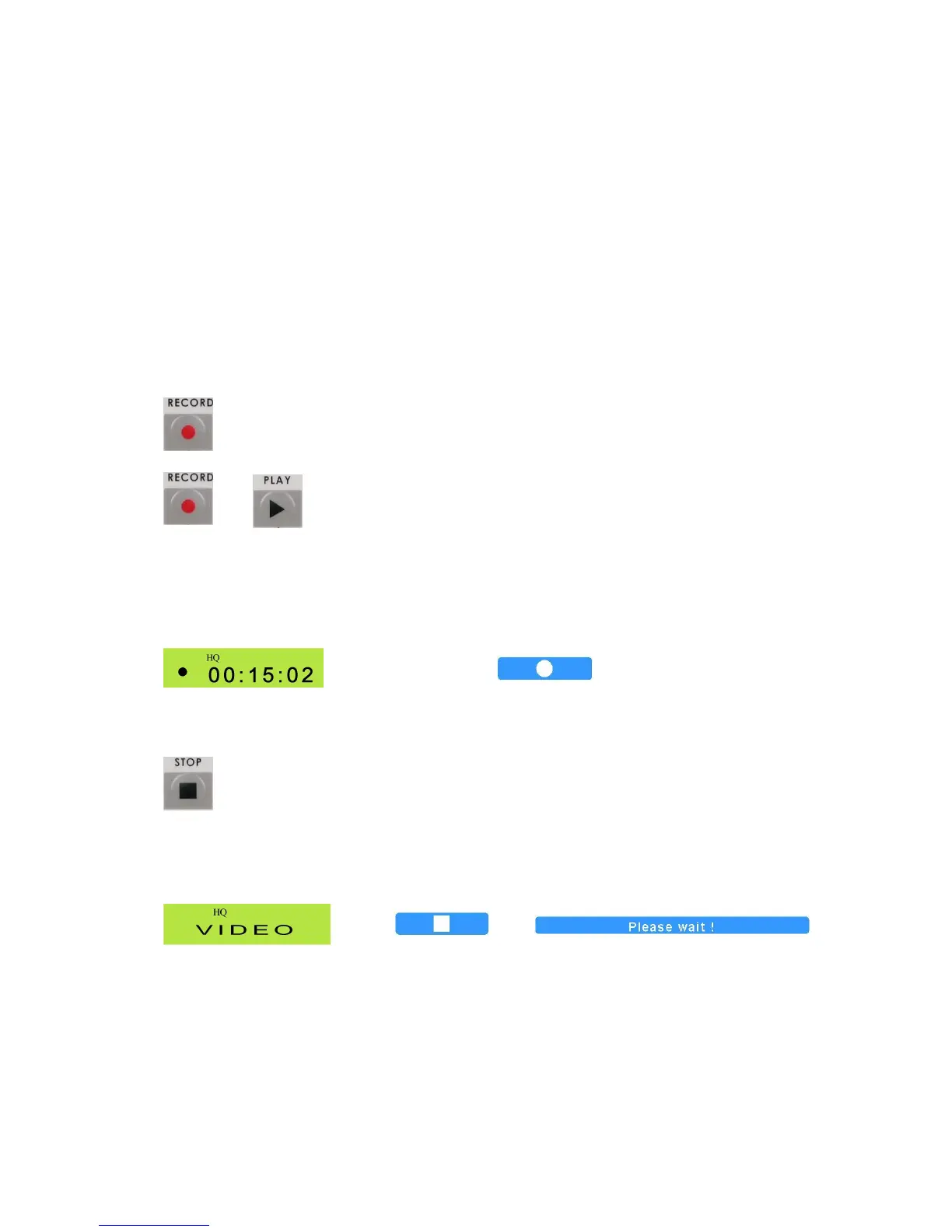
TostartrecordingpressandholdtheRecbutton,thenwhilestillholdingitdownpressthePlaybutton
+
TheLCDshouldgototheRecordDisplayandOnScreenthereshouldbeaRecindicator,suchasthis:
LCDDisplay OnScreenIndicator–Inupperleftcornerofscreen
Tostoprecordingpress,theStopbutton.
TheLCDwillreturntogeneraldisplayandtheOnScreendisplaywillshowtheStopMessage.
LCDDisplay OnScreenDisplay
+
Thefirsttrackofthediscisnowcompleted.Youcanrecordmoretracksbyfollowingthesameroutine;up
to99trackscanberecordedonadisc.



 To Next Page