22
Settingthe VideoIn put
TheMP6000MDhasfourVideoInputoptions;CompositeVideo,SVideo,ComponentVideo(YUV)and
DV(DIGITAL)(IEEE1394).
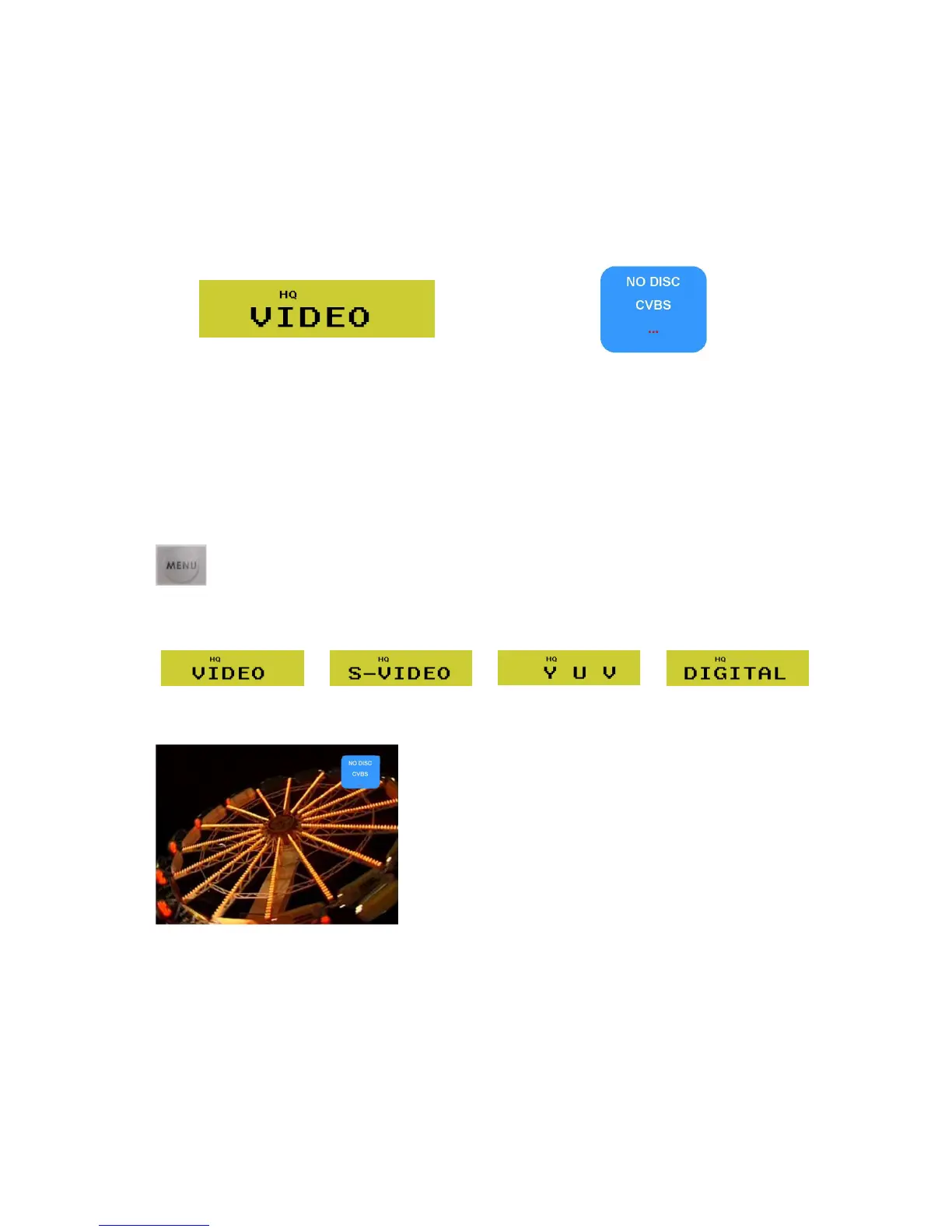
Theselectedoptionisdisplayedinthreeways
LCDDisplay OnScreenDisplay
VIDEO=CompositeVideo
SVIDEO=SVIDEO(Y/C)
YUV=COMPONENT
DIGITAL=DV25(IEEE1394)
CVBS=CompositeVideo
SVIDEO=SVideo
YUV=ComponentVideo
DIGITAL=DV25(IEEE1394)
WewillconcentrateontheLCDdisplay
PresstheMENUbutton,andthengototheVideoInputOptions
RepeatedpressesoftheDownArrowbuttonwillswitchfromCompositeVideo,toSVideo,toYUV
(ComponentVideo)andfinallytoDIGITAL(DV25).
Onceyouhaveselectedthecorrectinput,thevideosignalfromyoursourceshouldappearontheTV
monitor.



 To Next Page