37
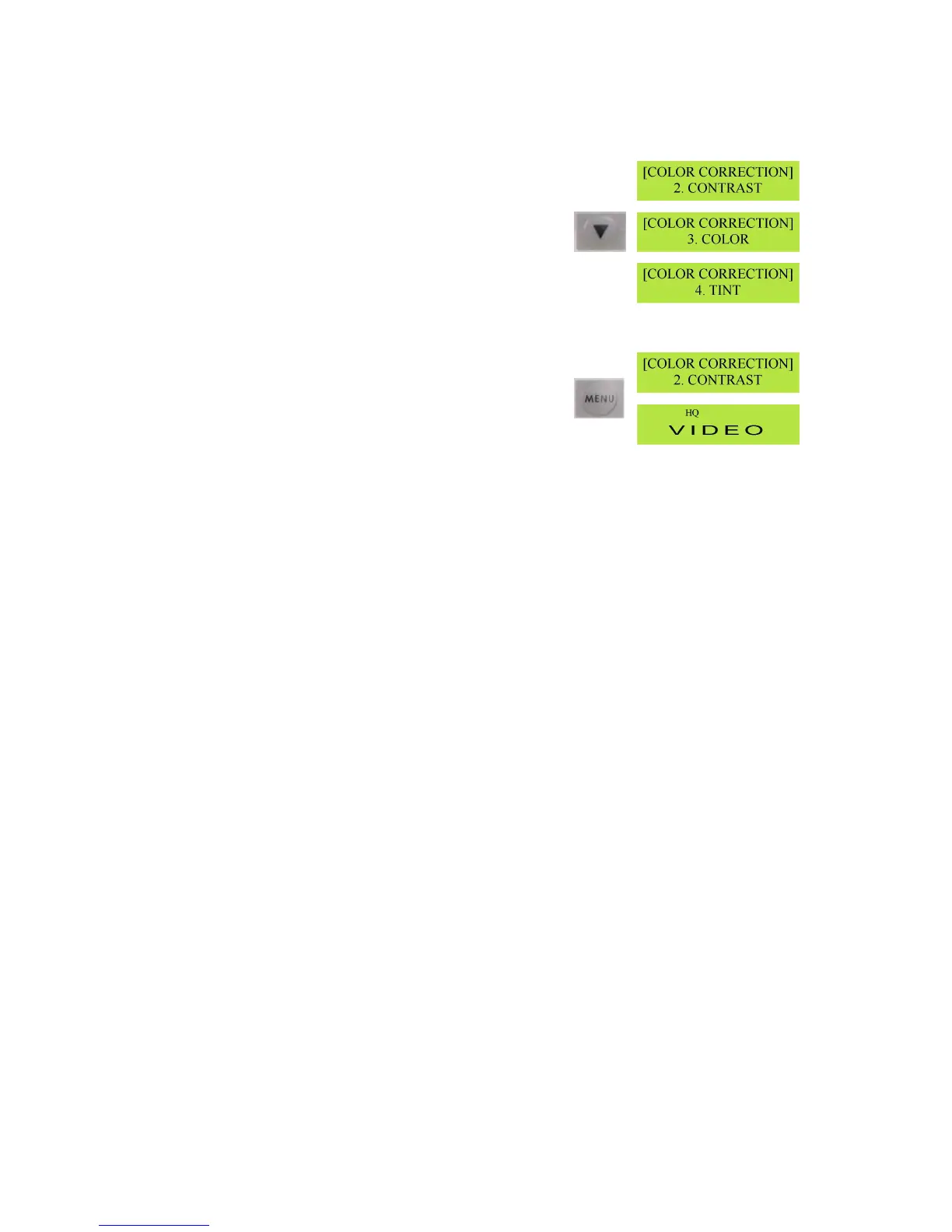
ToaccessotheroptionspresstheDownArrowbuttontoselect
Contrast,ColorandTint(TintisNTSConly)
TheprocedureforsettingContrast,ColorandTint(NTSConly)isthesameasforBrightness.
Oncealltheadjustmentsarecorrect,presstheMenubuttonto
exittheColorCorrectionmenuandreturntotheGeneral
Display
Thesecolorcorrectionsettingswillbestoredasyourdefaultsettingsfortheunit.
Ifyouwishtoreturntothefactorydefaultatanypoint,followtheaboveprocedurebuthighlightDEFAULT
andpresstheEnterbutton,thenhighlightSAVEandpresstheEnterbuttonagain.



 To Next Page