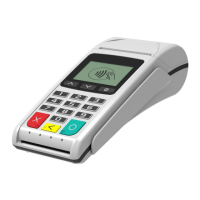
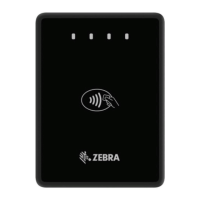
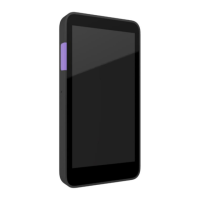
BLUEPAD-50 PLUS MSR USER GUIDE
UM 07.01.36/v1.3.0 1 DATECS Page 17 of 25
*Default settings
OPERATING MODE
To start Operating mode on the BluePad-50 Plus, quick press the power button. A characteristic sound
is played and on the display appears the clock and battery status. For entering in “SYSTEM MODE”,
need to be pressed button .
The following keyboard buttons can be used in System mode:
: move through the list one position upwards
: move through the list one position downwards
: selection of the active option
: return to previous level or exit the service mode
Display
The device is equipped with 2” inch color display.
Display Indications



 To Next Page