BLUEPAD-50 PLUS MSR USER GUIDE
UM 07.01.36/v1.3.0 1 DATECS Page 20 of 25
Magnetic Card Reader Use
The magnetic card transaction procedure can vary depending on the application loaded on the
BluePad-50 Plus. Verify the proper procedure with your application provider before performing a
magnetic card transaction.
To Conduct a Magnetic Credit/Debit Card Transaction
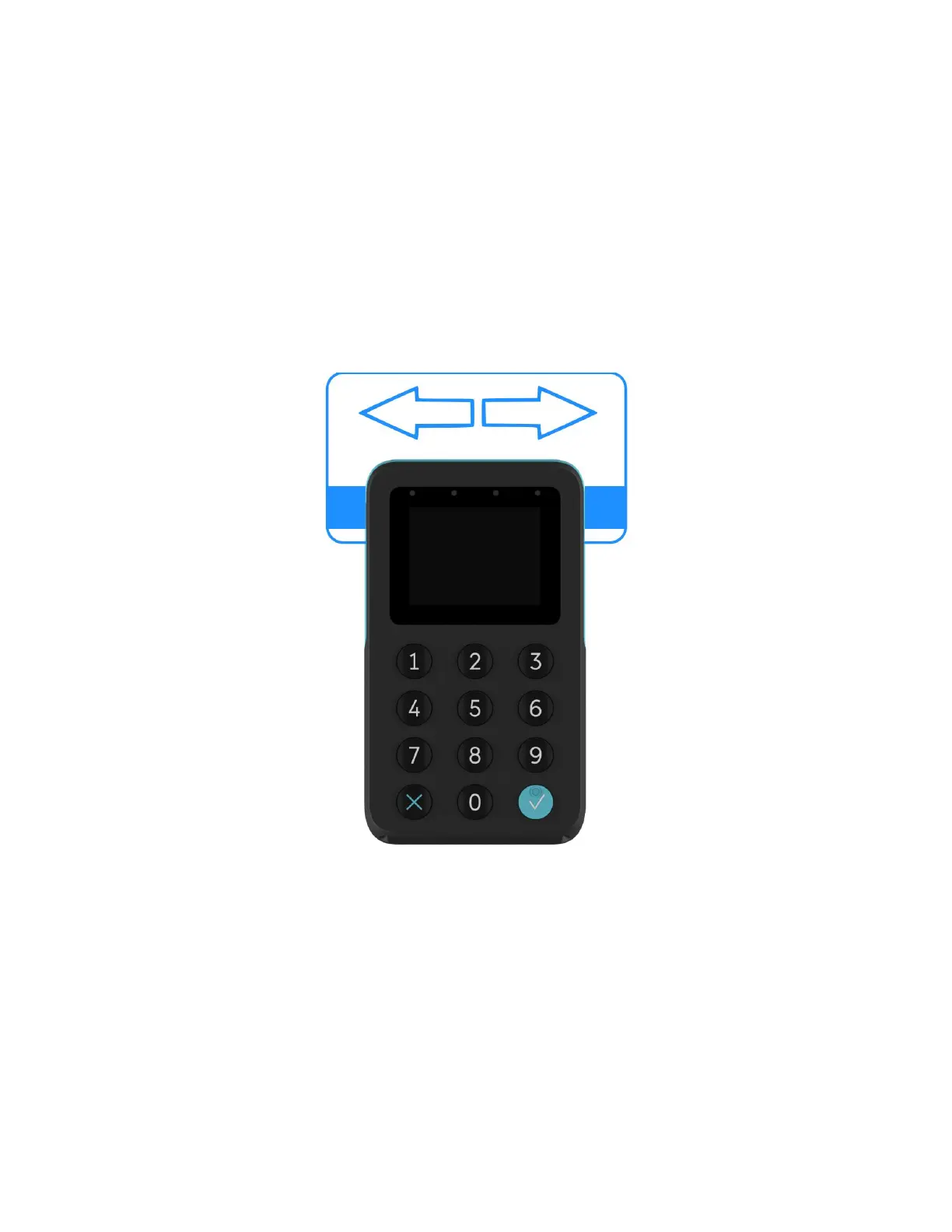
1 Position a magnetic card as shown in Figure 6.
2 Insert it into the MS card reader slot and then quickly swipe it.
3 Hand BluePad-50 Plus to the customer for signature or PIN entry
Figure 6



 To Next Page