BLUEPAD-50 PLUS MSR USER GUIDE
UM 07.01.36/v1.3.0 1 DATECS Page 22 of 25
Contactless Card Reading
The contactless card transaction procedure can vary depending on the application loaded on the
BluePad-50 Plus. Verify the proper procedure with your application provider before performing a
contactless card transaction.
In order to use the Contactless card reading function, special software must be used. Please contact
your distributor in order to get the latest demo application and SDK.
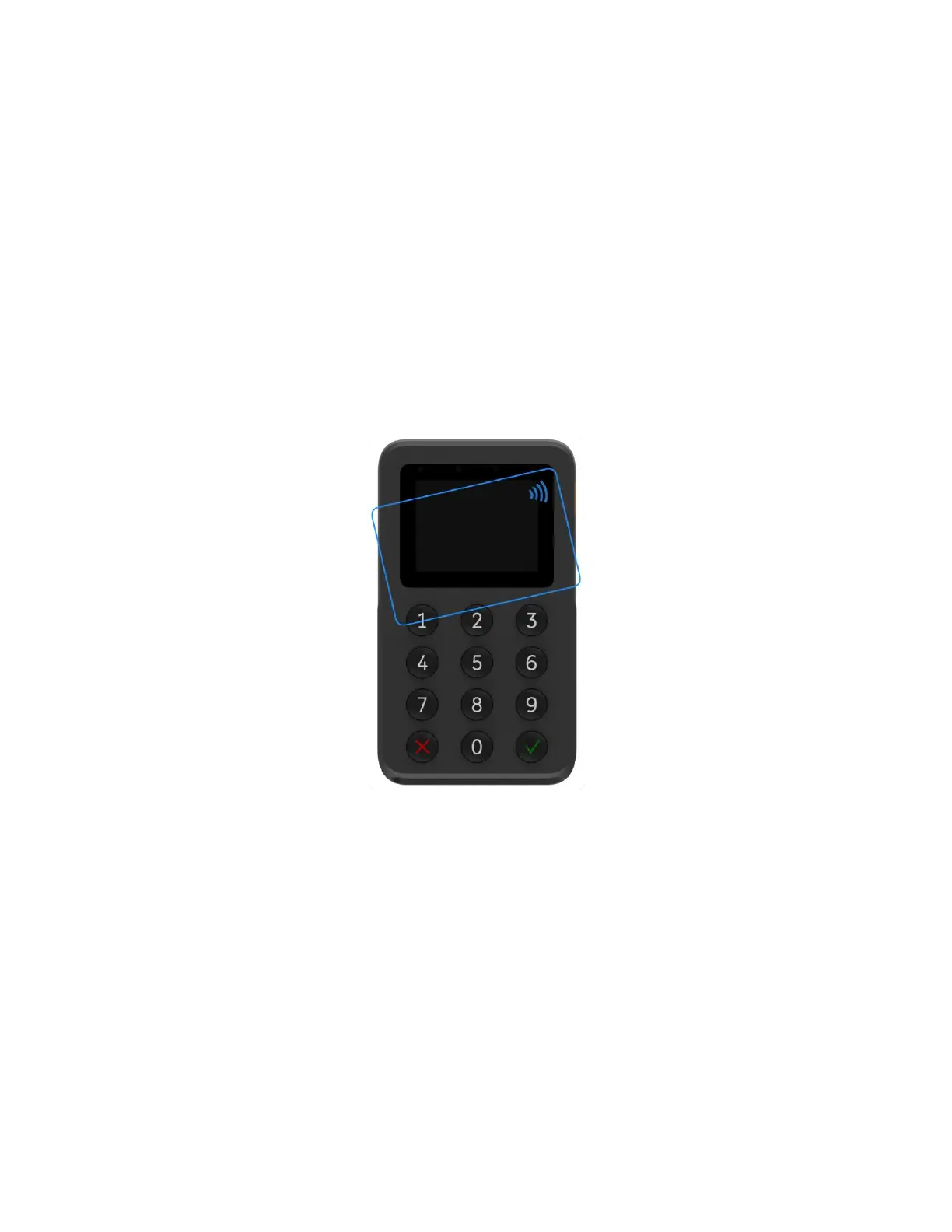
To Conduct a Contactless Credit/Debit Card Transaction
1. Place a contactless card to shown on the BluePad-50 Plus display contactless logo.
2. Remove the card when the display indicates the transaction is completed.
Figure 8



 To Next Page