5 Preoperative tests
M1204616 5-5
Checkout menu
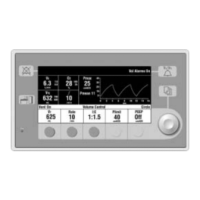
The Checkout menu shows on the display after turning on the
system. To access the Checkout menu between cases, push the
Checkout key. Step-by-step instructions show in the right window
next to the Checkout menu during the checks. Use the Checkout
menu to:
•Perform a Machine Check.
• Perform any of the individual checks.
• View the Check Log.
• Start a case.
Checkout
Machine Check
Individual Checks
System
Circuit
Circuit O2 Cell
Low P Leak
Check Log
Start Case



 To Next Page