17DayClocks
4.4 Adjusting dayparts
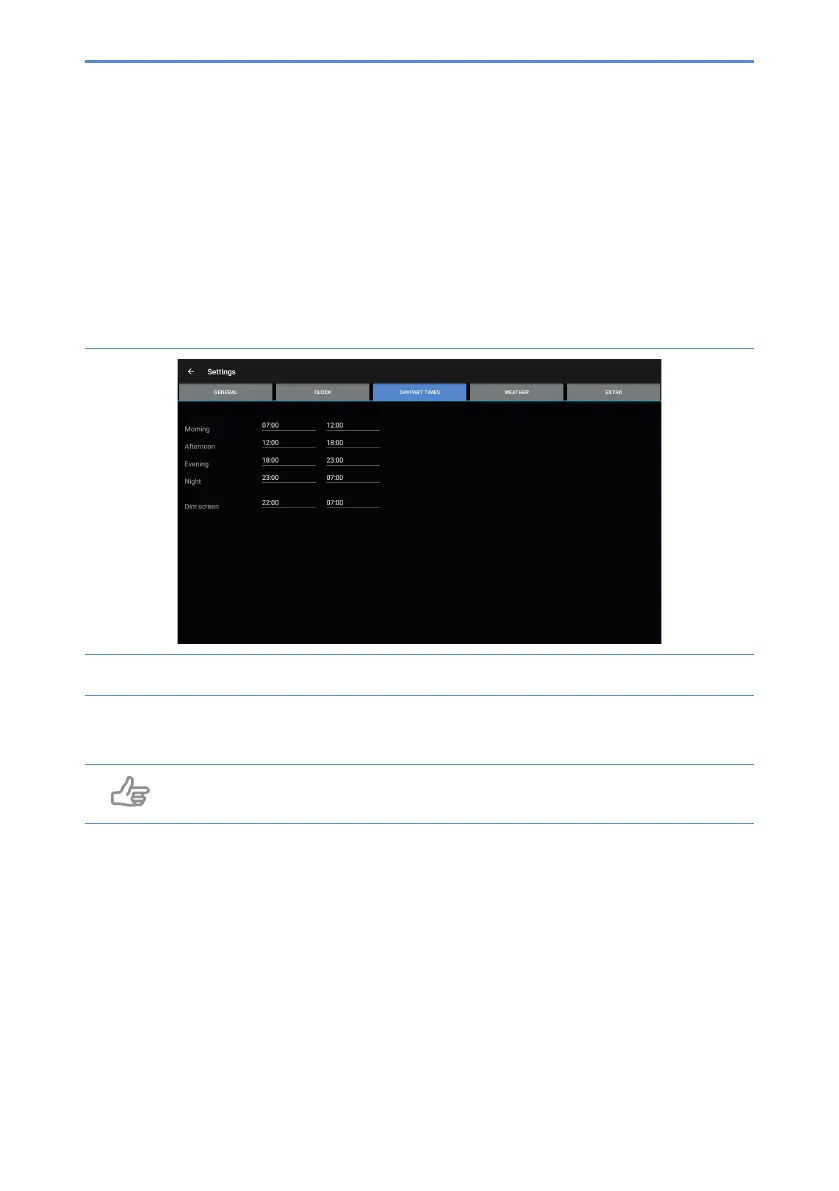
This menu allows you to adjust dayparts. You cannot add or delete any dayparts.
Take the following steps to modify the dayparts:
1. Press Daypart times (C). The settings menu for daypart times will appear
(gure9).
Figure 9: Settings menu (daypart times)
2. Press a time to adjust it.
Tip
Make sure the day’s sections are seamlessly connected.


 To Next Page