8 User manual
5. Click on Continue. Now the clock appears and you can use General Settings to
enter your user name.
Tip
The version number may vary.
3.3 Activating the DayClock
1. To start the DayClock, keep the on/off button pressed until the logo appears.
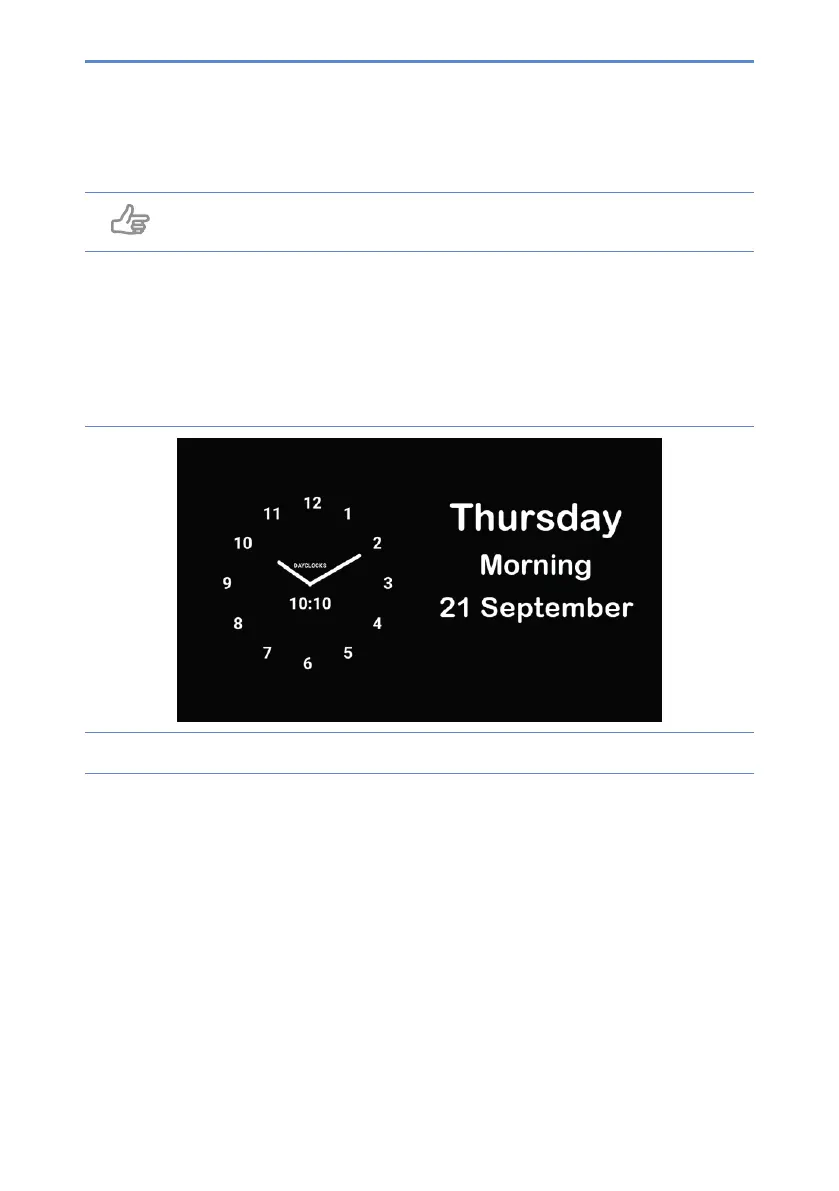
2. Thenwaitforthetime,dateanddayparttoappear(gure4)
Figure 4: The start screen of the DayClock


 To Next Page