6 User manual
3 Preparing for use
3.1 Unpacking the DayClock
1. Unpack the device carefully.
2. Check the package contents. The delivery includes:
• one DayClock tablet
• an adapter
• a micro USB cable
• a stand
• this user manual
• a photo frame (optional with the DayClock 10)
Tip
If a part is missing, send an email to info@dayclocks.nl.
3.2 Preparing the DayClock for use
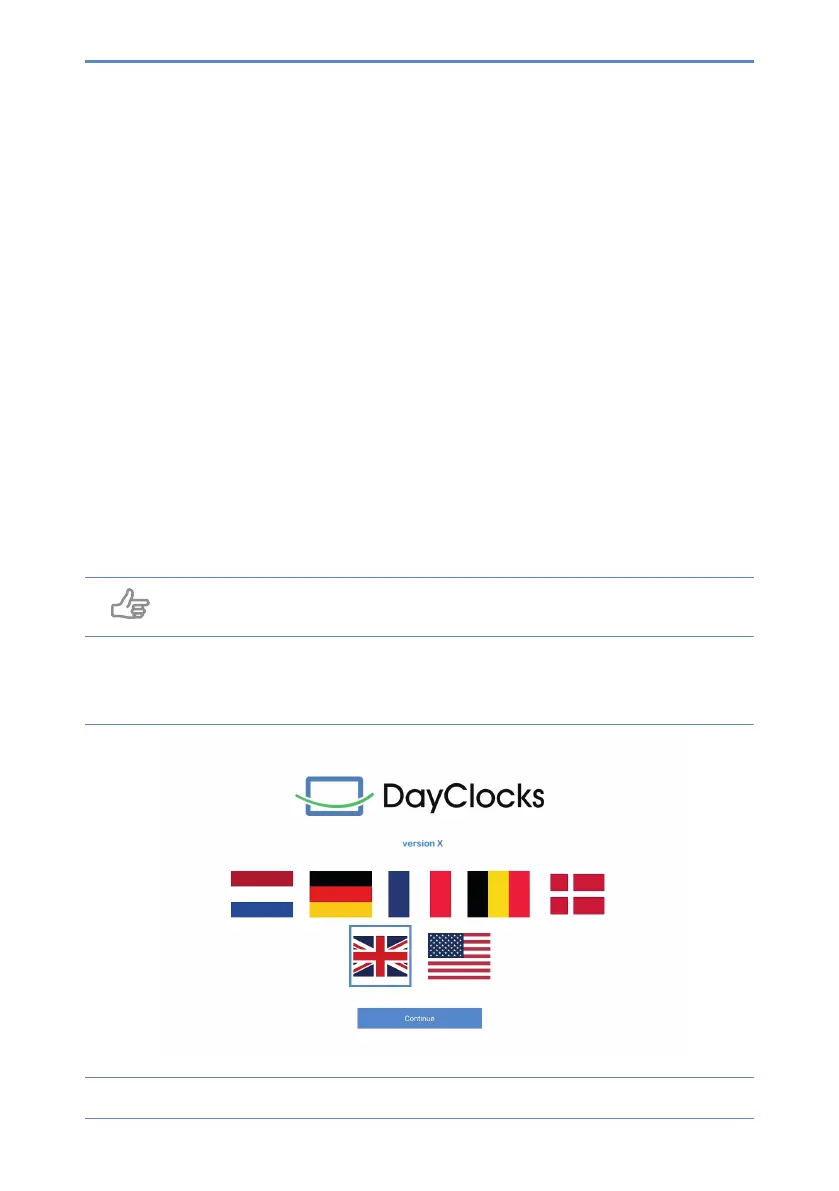
Figure 1: Preparing the startup screen for use


 To Next Page