7DayClocks
1. Selectyourlanguage(gure1).
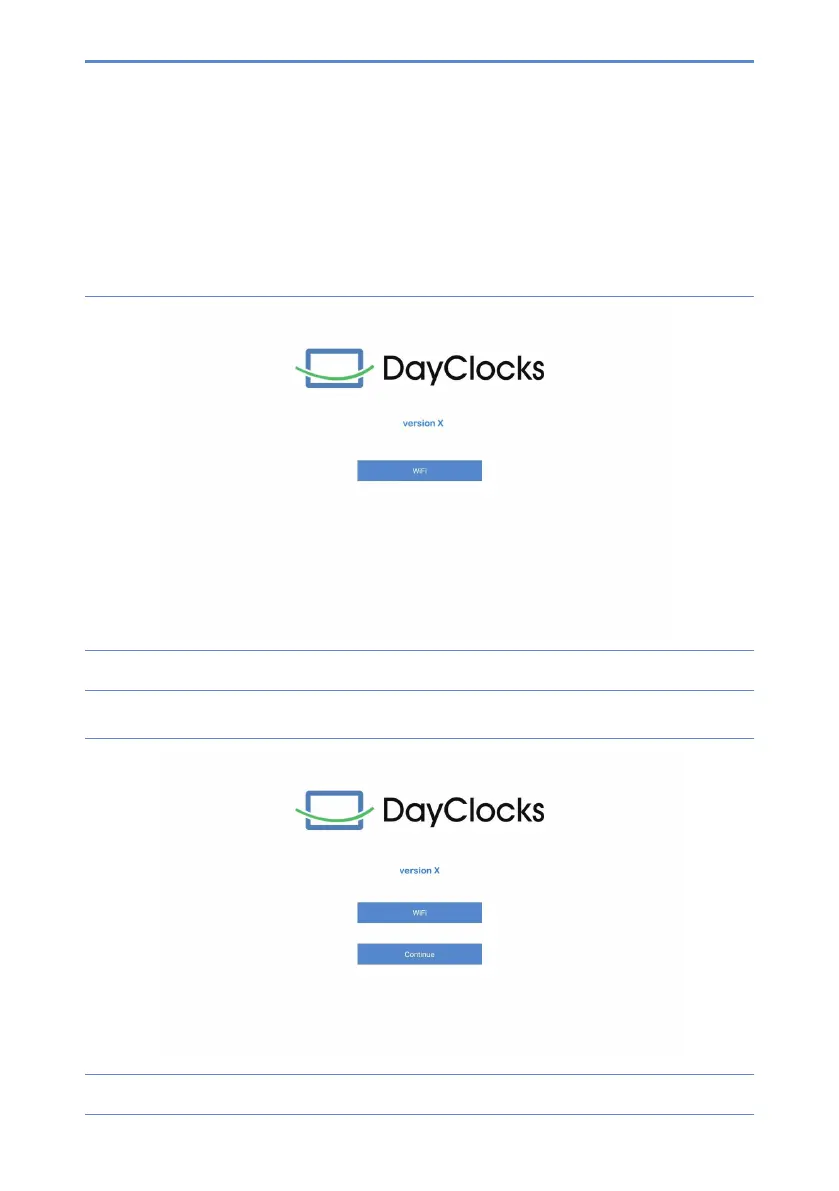
2. ClickonWiFitosetuptheWiFi(gure2).
3. After setting, swipe from the bottom up to show the navigation bar,
then click .
Figure 2:Screenafterconguration
4. WaitafewsecondsuntiltheContinuebuttonappears(gure3).
Figure 3:Displayafterfurtherconguration


 To Next Page