35
DVA K5 Code 420120232 REV.1.1
English
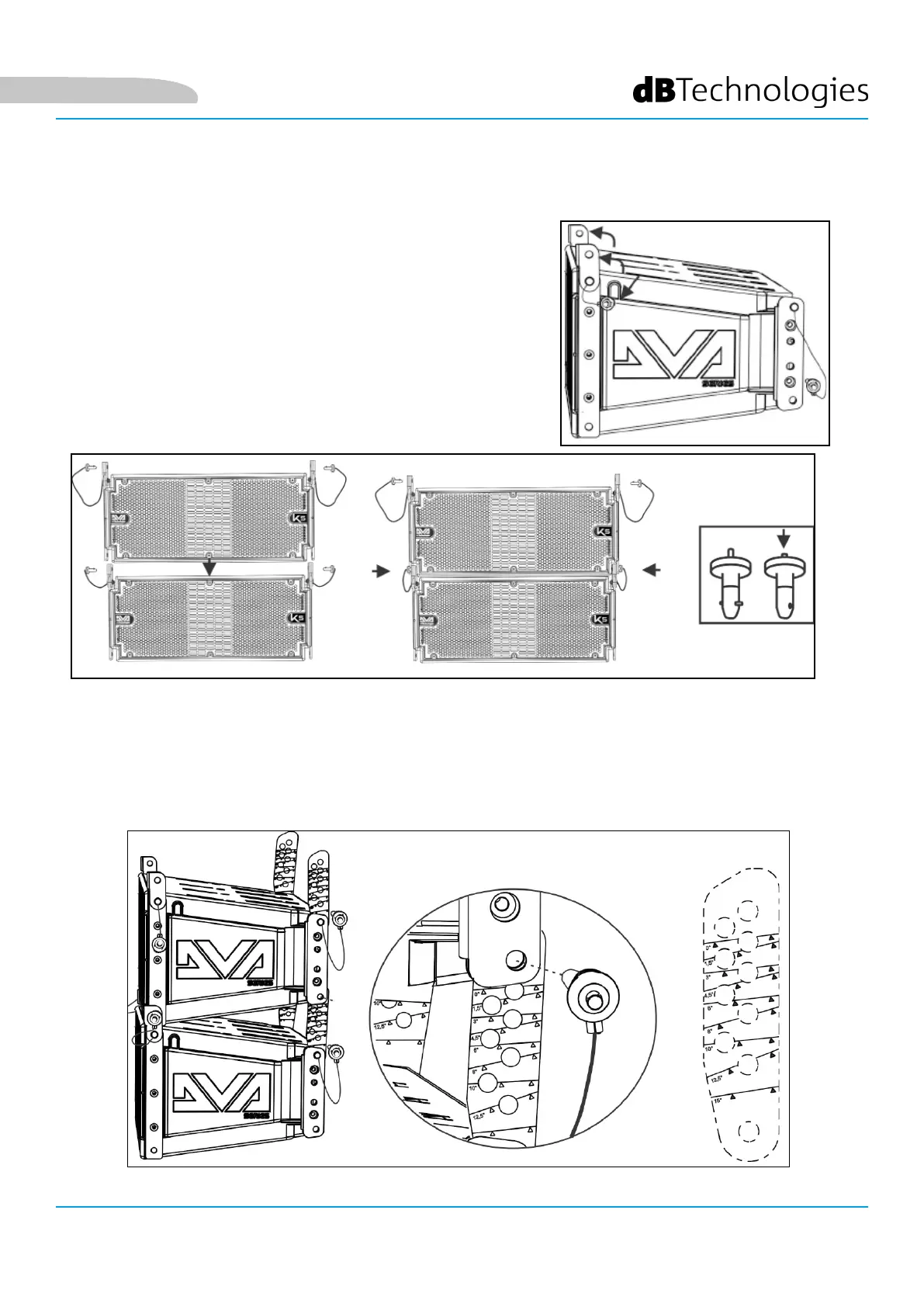
4. While holding the upper module raised, raise the brackets on the rear side of the lower cabinet.
5. Insert the graduated rear brackets into the specied seats, at the desired angle. Fix them by inserting
the relevant pins. The angle between the 2 installed modules is indicated by a line appearing just
below the conguration. In the gure below, for example, the angle is 0°. Inclination can be set in
steps of 1.5° in the 0° - 6° range, in steps of 2° in the 6° - 10° range and in steps of 2.5° in the 10° to 15°
range.
1. Raise the front brackets of the lower module after
extracting the pins from the cabinet.
2. Insert the upper module, aligning the brackets on the front
side as shown.
3. Lock the 2 modules on the front side by inserting the
relevant quick-release pins. The pin pressing/release
movement is shown in the gure below.
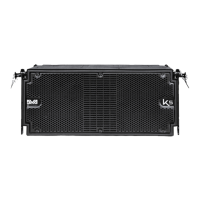
INSTALLING DVA K5 IN A LINE-ARRAY CONFIGURATION
After dening the nal line-array characteristics, and the required angle in particular, you can proceed with
the installation. Please check that Audio Input Sensitivity is set on 0 dB
(common usage).



 To Next Page