8
Section 2
ZonePro
™
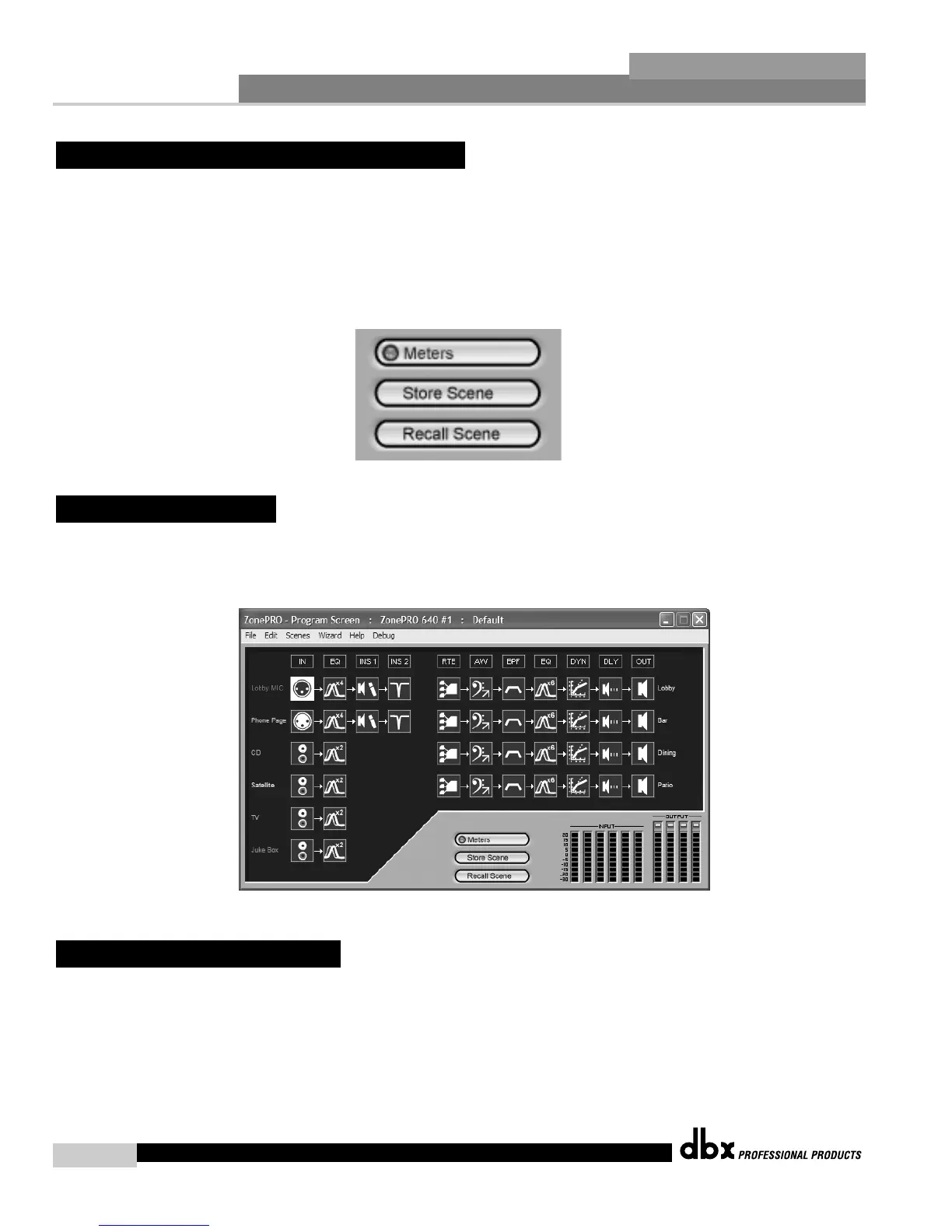
As previously stated, scenes include parameter data and zone controller assignment. Multiple
scenes can be saved and recalled by either clicking on the Scene tab of the Menu bar or by
using the Store Scene and Recall Scene buttons.
In use, multiple scenes can be recalled from either a zone controller or the Real Time Clock.
The time in the Real Time Clock is set when entering the GUI, or it can be set using the Edit
tab on the Menu bar and selecting time.
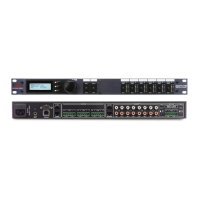
The input and output level meters can be turned off by clicking on the Meter button. Turning
the meters off will help speed the communication and processing of slower computer systems.
The ZonePro Designer GUI defaults with the meters turned on.
The device file provides a way to store off the entire ZonePro unit to a computer, which
includes the configuration, scenes, and schedule information. To save a ZonePro device file,
select File then Save from the Menu bar.
2. 9 - Saving Files
2. 8 - Meters
2. 7 - Saving and Recalling Scenes
ZonePro
™
User Manual



 To Next Page