ZonePro
™
User Manual
32
Section 4
ZonePro
™
PeakstopPlus
®
On/Off
The first stage of PeakStopPlus is the Instantaneous Transient Clamp™ which clamps the signal
with a soft logarithmic clamp function. This logarithmic function ensures that the signal will not
exceed the level set by the PeakStopPlus OVERSHOOT control by more than the overshoot
amount, and that it will not introduce harsh artifacts. The second stage is a unique program lim-
iter featuring Intelligent Predictive Limiting™. Its function is to monitor the input signal and
intelligently predict the amount of gain reduction needed to keep the output signal below the
ceiling set by the Instantaneous Transient Clamp™.
Overshoot 1-6
This parameter sets the amount of overshoot for the Instantaneous Transient Clamp™.
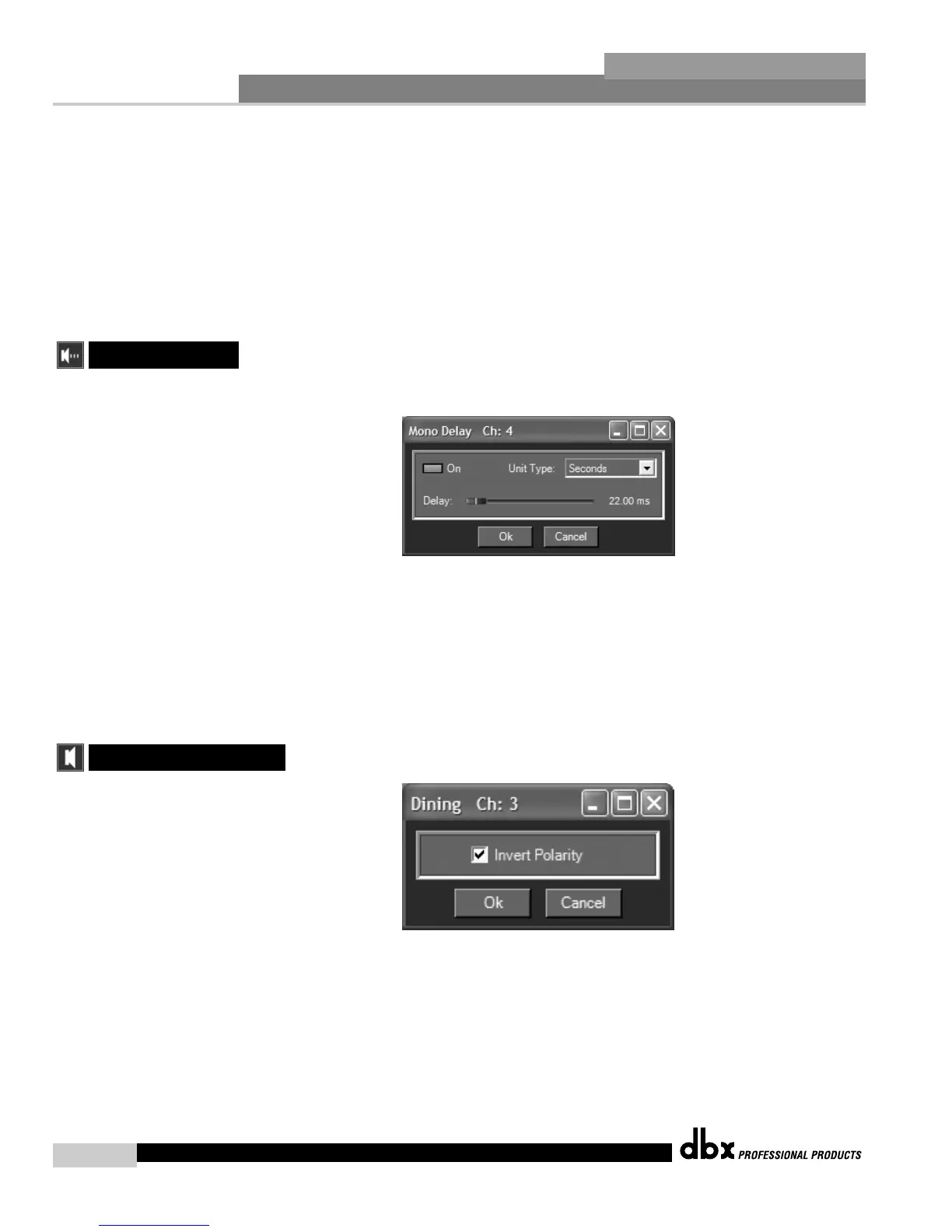
The parameters for the delay are as follows and are user adjustable:
Delay On/Off
Turns the delay module on and off.
Length
Sets the amount of delay time. Maximum delay time is 650ms.
Units Seconds, Feet or Meters
Selects the unit of measurement for the delay.
Polarity Normal or Invert
This section is used to select either the Positive or Negative polarity.
4.15 - Output
4.14 Delay



 To Next Page