®
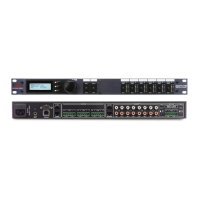
The link I/O connectors are used to pass program material from one box to another
instead of using "Y" cables to feed multiple 640's. The link connectors are RJ45's.
All 6 inputs are fed to the Link Out. The program material coming out of the Link Out has not
been processed by the DSP. The input signal is routed to the LinkOut connector. And the Link
In is routed to the input circuitry. With the Link Out connected to another
640/641 Link Input, both units are processing the same program material. Multiple
units can be daisy chained with the Link I/O for additional outputs from a single source.
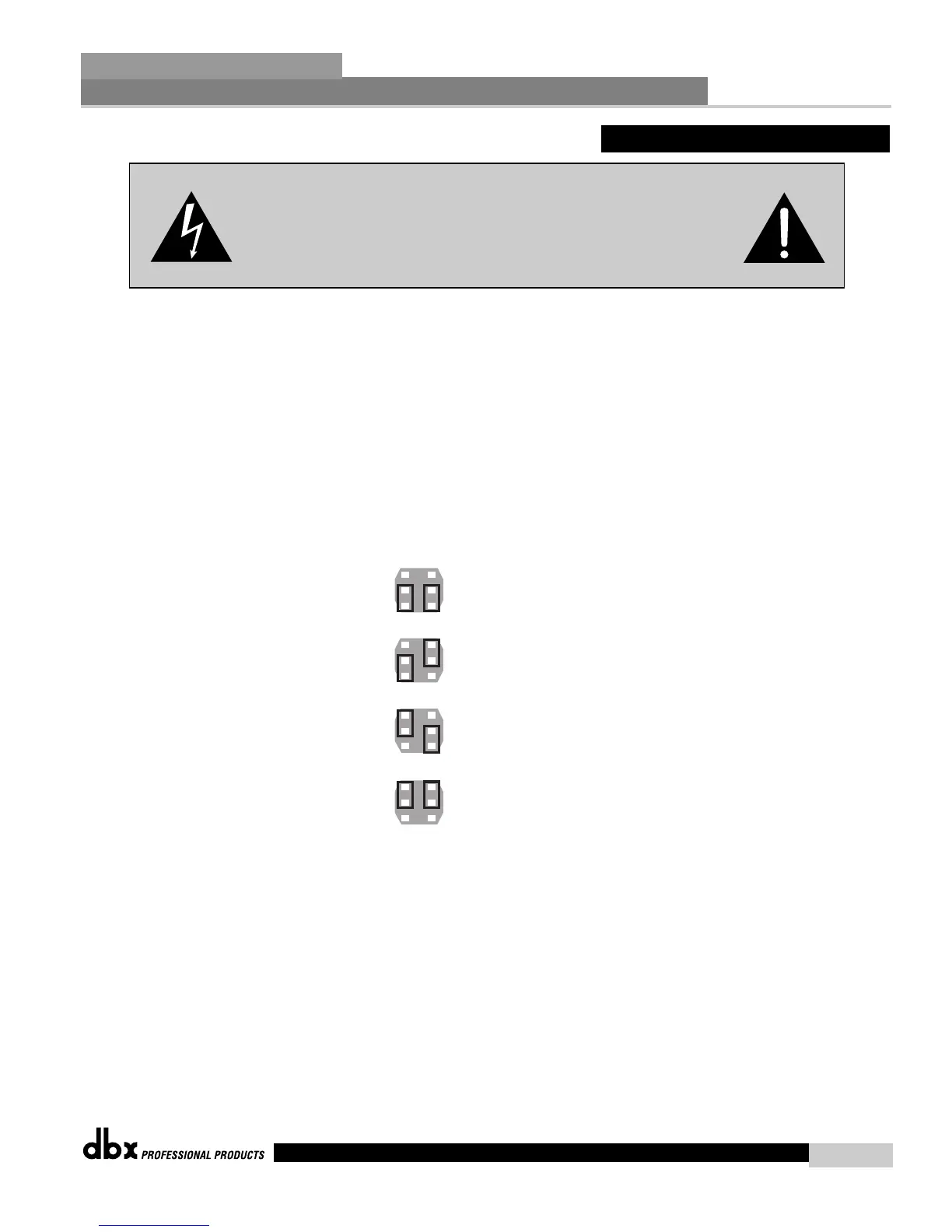
The Link I/O of the RCA inputs are always active. The mic/line inputs have selection jumpers
inside the unit. These jumpers can be set to enable or disable Link In and or Link Out.
Link Out Enabled
Link In Enabled
link Out Enabled
link In Disabled
link Out Disabled
link In Enabled
link Out Disabled
link In Disabled
CAUTION: These servicing instructions are for use by qualified service
personnel only. To reduce the risk of electric shock, do not perform any
servicing other than that contained in the operating instructions unless you
are qualified to do so. Refer all servicing to qualified service personnel.
Disconnect mains power before servicing.
A.4 - Link Input/Output
Appendix
ZonePro
™
ZonePro™ User Manual
47
P18-CH1
P16-CH2



 To Next Page