dCS Elgar Plus User Manual Manual for Software Issue 4.3x
dCS Ltd August 2005
Manual filename: Elgar Manual v4.4x.doc Page 18 email: more@dcsltd.co.uk
English version web-site: www.dcsltd.co.uk
THE SOFTWARE – THE MENU
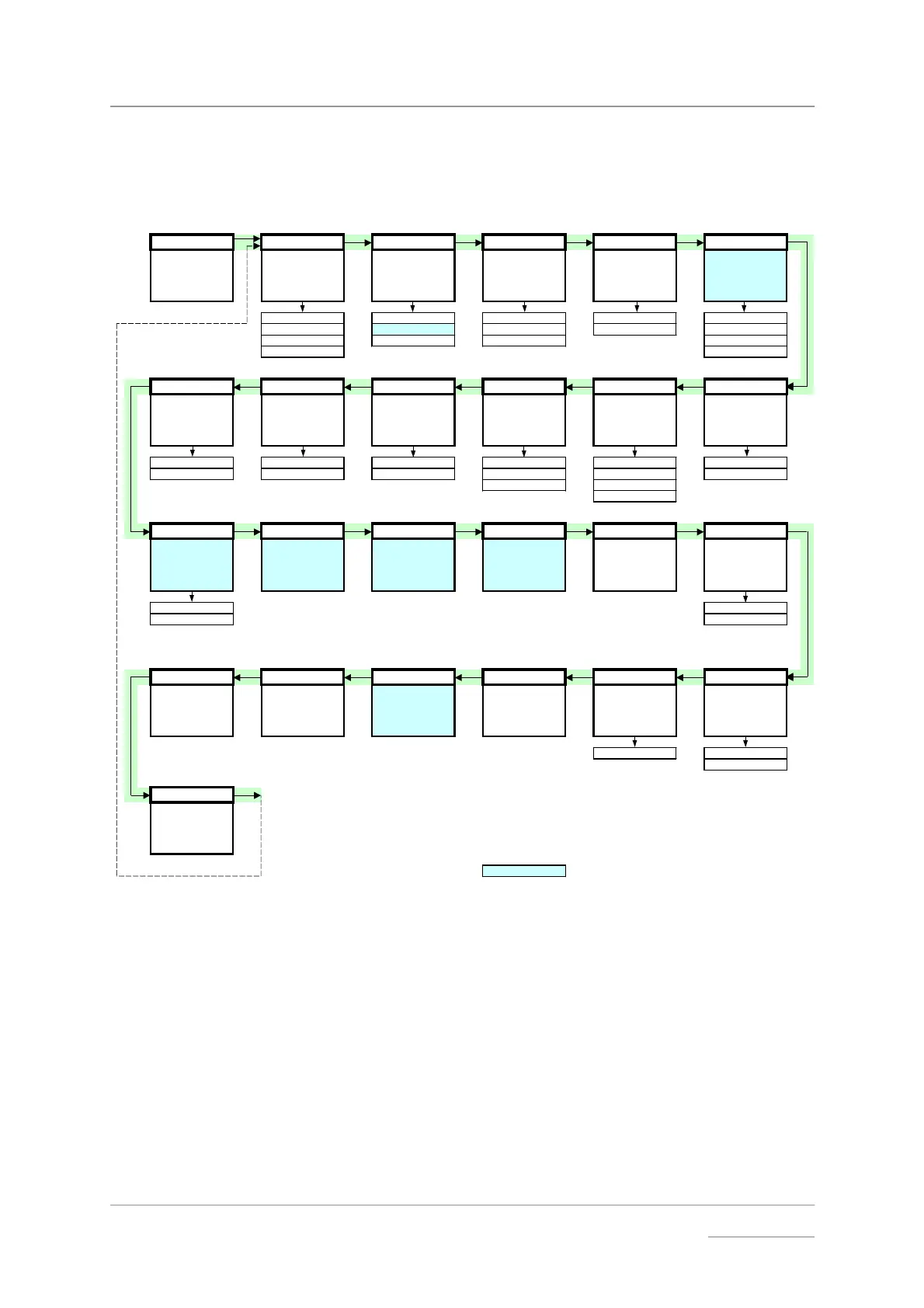
To open the Menu, hold down "Vol / Bal" and press "Display".
To page through the Menu, press "Display".
To select, display or change an option, press "Vol / Bal".
Menu Filter x Master/Slave Mute: Fade Dual AES
First page of the
Menu
Selects an optional
filter if available
Changes the
behaviour of the
selected input
Sets the Mute fade-
out rate
Audio fades up
during unmuting
after relock
Enables Dual AES
operation
Filter 1 MS:Mast Mute:Nor Fade:On Off
Filter 2 MS:Slav Mute:Fst Fade:Off On
.... MS:Sync Mute:Slw Auto
Filter n Lock
PLL TimeOut Global Bal mode Disp Swap
Sets the PLL
tracking bandwidth
Sets the Function
Menu time-out
delay
Stores global or
input-related
settings
Sets the balance
display mode
Sets the default
display
Reverse the Left
and Right outputs
PLL:Fine Normal Vol:Glob Bal:Bar Disp:Vol Swap:Off
PLL:Wide Long Vol:Inp Bal:Num Disp:Fs Swap:On
Bal:dBs Disp:Fs+
Disp:Inp
NAud Ch.Check Ph.Check Burn In Test Issue
Controls muting
when receivin
non
audio data
e.
. CD
ROM)
Outputs tone on L
channel onl
then R
channel only
Outputs noise on
both channels then
inverts R
Outputs modulated
pink noise to burn-
in your system
Runs a display test
routine
Displays the
software version
number
CAUTION! LOUD!
NAud:Mut 4.3x
NAud:Ign Db 2.06
Use with care!
Rst Sync Factory CDUpdate Contact Serial Temp
Resets all inputs to
Slave mode
Restores standard
factory settings
Starts software
update from a dCS
CD
Displa
s dCS email
address
Displays the unit
full serial number
Displays the
internal
temperature
ELG-?-?-?-?-? Celsius
Fahrenheit
End
Closes the Function
Menu
= feature is not available in DSD mode
Figure 7 – Function Menu flow chart



 To Next Page