dCS Elgar Plus User Manual Manual for Software Issue 4.3x
dCS Ltd August 2005
Manual filename: Elgar Manual v4.4x.doc Page 42 email: more@dcsltd.co.uk
English version web-site: www.dcsltd.co.uk
Remote Control
Standby Purcell
Function
AES1 AES2
RCA1 RCA2 Phase
FilterBNC Input
Vol/Bal Display
Mut e
dCS
α
β
ζ
θ
η
γ
δ
ε
ι
κ
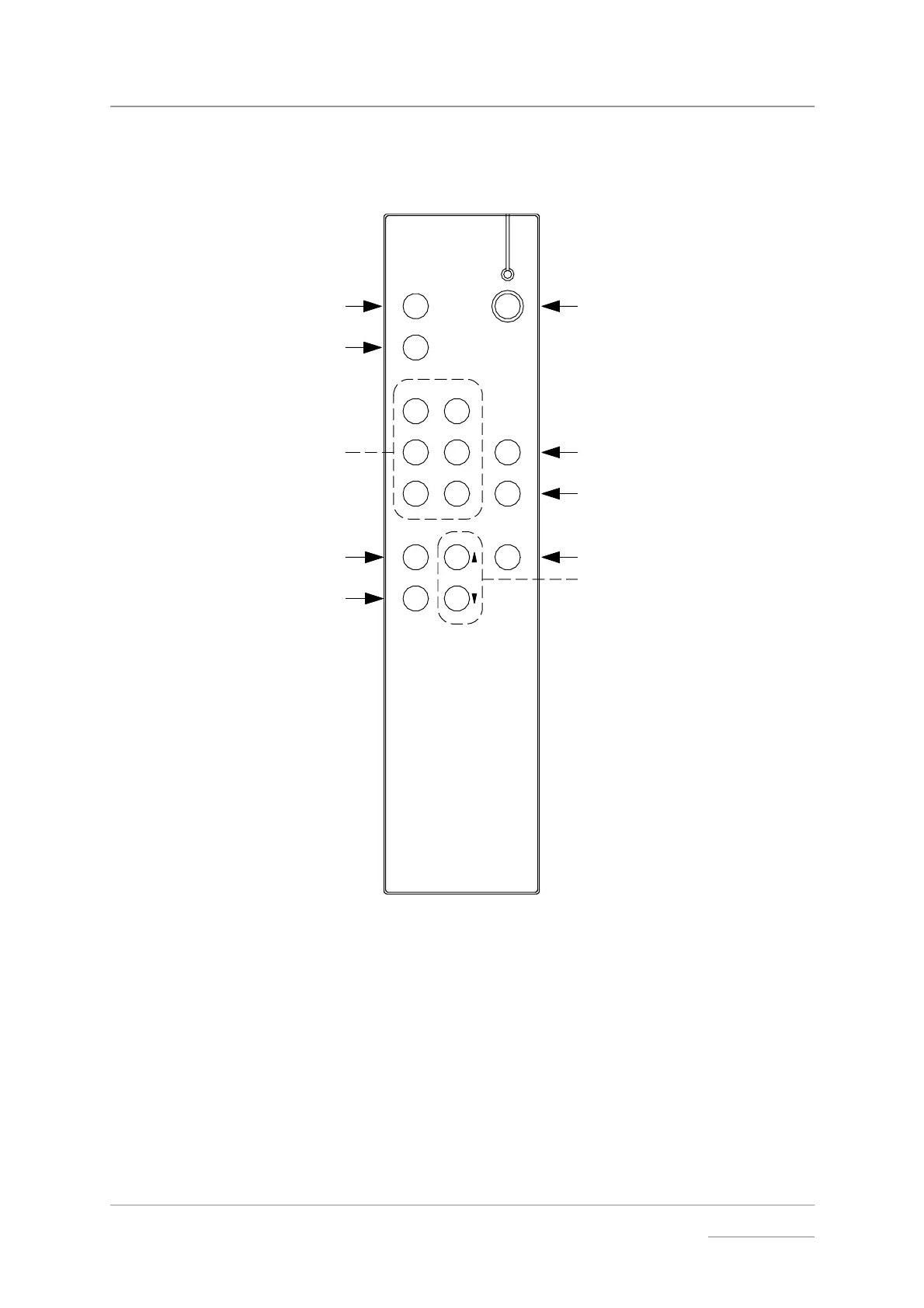
Figure 10 – The Remote Control
Standby Button
(α) Puts Elgar Plus in Standby mode – this saves energy but keeps the unit
warm and ready for use. Press again to return to normal operation.
Function Button
(β) Opens the Function Menu (see page 19). Use the ↑
↑↑
↑ and ↓
↓↓
↓ buttons (κ) to
page through the menu and press Function again to change a setting. Note
that the menu may time out if there is no activity for 5 seconds.



 To Next Page