37
ELECTRONIC OVEN CONTROL
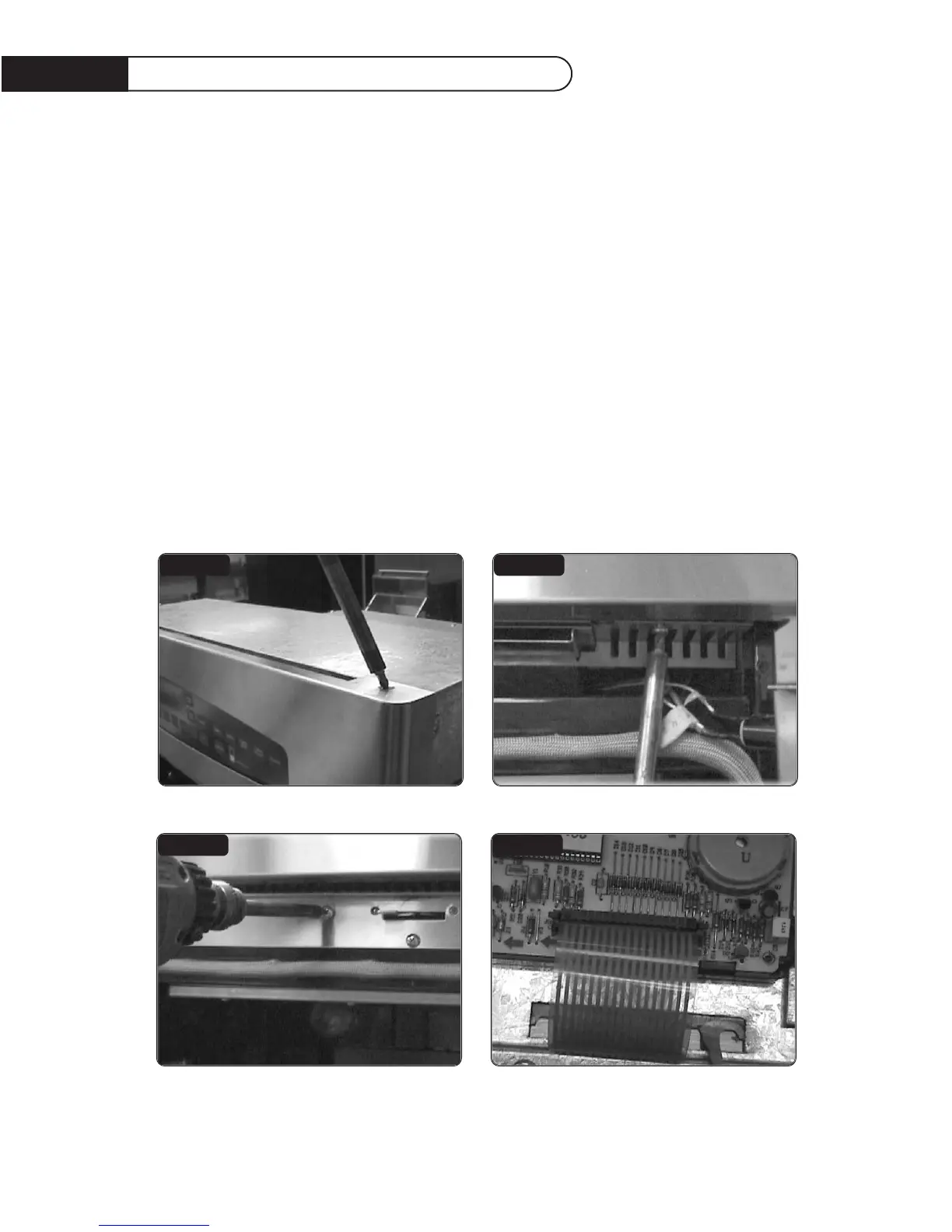
Be sure the Wall Oven is cool and no food items or trays are in the oven.
NOTE: Make sure the Wall Oven is unplugged from the electrical supply before servicing.
STEP 1
Remove upper oven door. Using a phillips screwdriver remove the two (2) screws securing the control
panel skin to the control panel mounts (figs. 17 & 18).
STEP 2
Using a phillips screwdriver remove the five (5) screws securing the latch (fig.18) to the cover bottom.
Remove the five (5) securing the latch cover top (fig.17).
FIG.16
FIG.17
FIG.18
FIG.19
Oven Control Removal


 To Next Page